
Online privacy has become one of the most pressing concerns of our digital age. Every click, search, and interaction leaves a trail of data that companies, advertisers, and malicious actors can exploit. Understanding how to protect your privacy online isn't just about avoiding spam-it's about safeguarding your identity, financial information, and personal freedom. With cyber threats evolving daily and surveillance becoming more sophisticated, taking control of your digital footprint has never been more critical.
Understanding the Privacy Landscape
The internet wasn't designed with privacy in mind. Originally built for open communication and information sharing, the web has transformed into a massive data collection engine. Every website you visit, every app you use, and every device you connect contributes to a detailed profile of your behavior, preferences, and personal information.
Why Your Privacy Matters
Privacy is fundamental to personal autonomy and freedom. When third parties monitor your online activity, they gain power over you-whether through targeted manipulation, discriminatory pricing, or outright identity theft. The privacy tradeoffs in our digital ecosystem affect not just individuals but society as a whole.
Key risks of poor online privacy:
- Identity theft and financial fraud
- Unauthorized surveillance by corporations and governments
- Data breaches exposing sensitive information
- Targeted manipulation through personalized content
- Discrimination based on behavioral profiles
- Loss of personal autonomy and freedom
Advanced persistent threats, including state-sponsored hacking operations, represent serious dangers to individual privacy. These sophisticated attacks can compromise devices, intercept communications, and extract sensitive data without detection.

Essential Privacy Protection Strategies
Learning how to protect your privacy online requires a multi-layered approach. No single tool or technique provides complete protection, but combining several strategies creates robust defense against most threats.
Secure Your Internet Connection
Your internet service provider can see every website you visit, every file you download, and every connection you make. This metadata alone reveals intimate details about your life, habits, and interests.
A Virtual Private Network (VPN) encrypts your internet traffic and routes it through secure servers, preventing ISPs, network administrators, and snooping third parties from monitoring your activity. Quality VPN services employ military-grade encryption protocols that make intercepted traffic essentially unreadable.
When selecting a VPN, prioritize providers with independently verified no-logs policies, strong encryption standards (AES-256), and servers in privacy-friendly jurisdictions. The provider's commitment to user privacy matters more than server count or advertised speeds.
| VPN Feature | Why It Matters | What to Look For |
|---|---|---|
| No-logs policy | Prevents data retention | Independent audits, transparent policies |
| Encryption strength | Protects data in transit | AES-256, WireGuard, OpenVPN |
| Server locations | Bypasses censorship | Global network, privacy-friendly jurisdictions |
| Kill switch | Prevents data leaks | Automatic connection protection |
| DNS leak protection | Stops DNS queries exposure | Integrated DNS servers |
Harden Your Browser Security
Your web browser is the primary gateway to the internet and a major source of privacy leaks. Modern browsers collect extensive telemetry, allow invasive tracking cookies, and expose your digital fingerprint.
Mozilla Firefox offers robust privacy controls that block third-party trackers by default and provide granular control over data sharing. Configure your browser to refuse third-party cookies, clear browsing data regularly, and disable telemetry features.
Browser privacy checklist:
- Enable Do Not Track headers
- Block third-party cookies and trackers
- Disable browser fingerprinting where possible
- Use private/incognito mode for sensitive browsing
- Install privacy-focused extensions (uBlock Origin, Privacy Badger)
- Clear cookies and cache regularly
- Disable autofill for sensitive information
- Review and restrict site permissions
Consider using privacy-focused search engines that don't track queries or build user profiles. These alternatives deliver quality results without the surveillance infrastructure of mainstream search engines.
Protect Your Communications
Email, messaging, and voice communications represent some of your most sensitive data exchanges. Standard communication protocols offer little to no privacy protection, transmitting messages in plain text that anyone with network access can intercept.
End-to-End Encryption
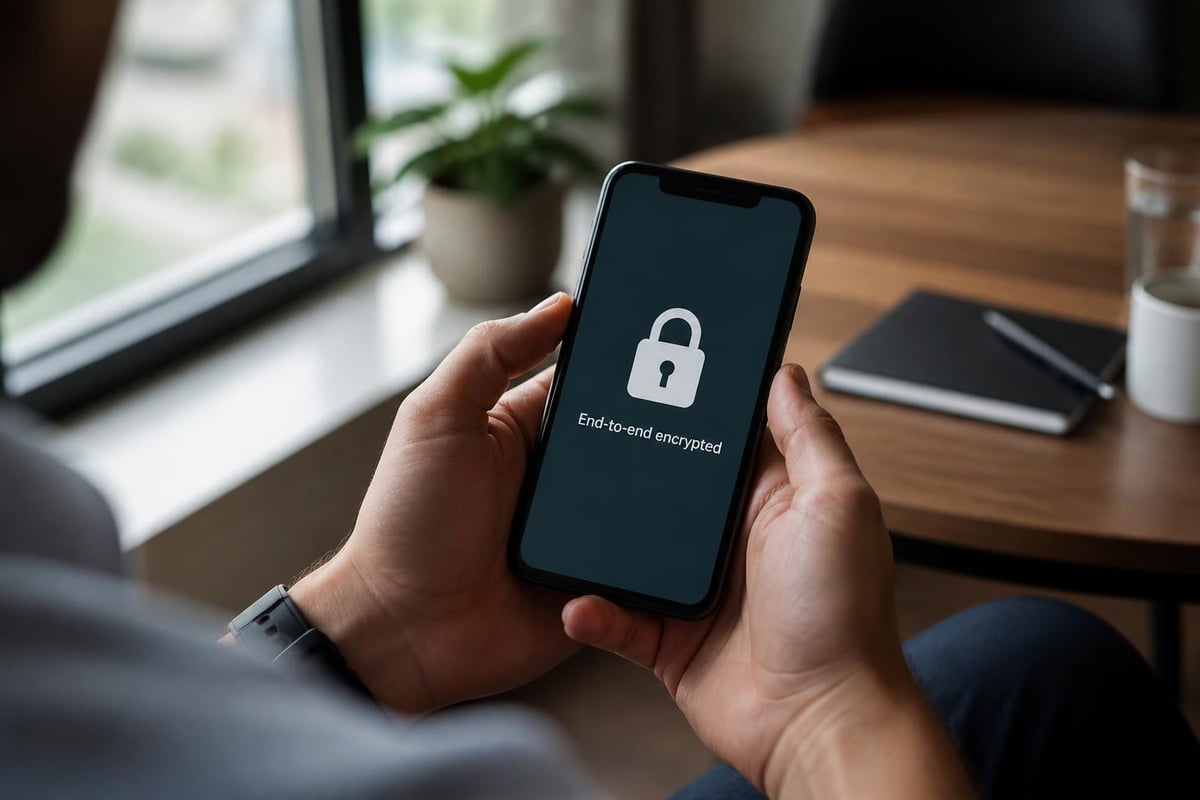
End-to-end encryption ensures only the intended recipient can read your messages. Even the service provider cannot access the content, providing protection against data breaches, government demands, and insider threats.
Secure communication tools include:
- Signal for messaging and calls
- ProtonMail for email
- Wire for team collaboration
- Session for anonymous messaging
These platforms implement cryptographic protocols that make unauthorized access computationally infeasible. The Electronic Frontier Foundation's Surveillance Self-Defense guides provide detailed instructions for setting up and using these tools effectively.
Email Privacy Best Practices
Traditional email is inherently insecure. Messages traverse multiple servers, often stored indefinitely and scanned for advertising purposes. Understanding how to protect your privacy online means recognizing email's limitations.
Use encrypted email services that can't access your messages. Enable two-factor authentication on all accounts. Never send sensitive information (passwords, financial data, personal identifiers) through unencrypted email.
Manage Your Digital Identity
Every online account, social media profile, and digital service collects and connects information about you. This data aggregation creates detailed profiles that extend far beyond what you explicitly share.
Social Media Privacy
Social platforms profit by collecting and monetizing user data. Their business models depend on surveillance, making genuine privacy nearly impossible without deliberate action.
The CISA Stop.Think.Connect resources offer practical guidance for securing social media accounts and limiting data exposure. Review privacy settings regularly, as platforms frequently change defaults to expose more information.
Social media privacy steps:
- Limit profile visibility to friends only
- Disable location tagging on posts
- Review and remove third-party app permissions
- Turn off facial recognition features
- Restrict data sharing with advertisers
- Regularly audit tagged photos and posts
- Use pseudonyms where appropriate
- Separate personal and professional accounts
Consider whether you need each social platform. Every additional account multiplies your attack surface and data exposure. Deleting unused accounts eliminates unnecessary privacy risks.
Account Security Fundamentals
Compromised accounts lead directly to privacy breaches. Attackers who gain access to your accounts can read private messages, steal personal information, and impersonate you.
| Security Measure | Implementation | Privacy Benefit |
|---|---|---|
| Unique passwords | Password manager | Prevents credential stuffing attacks |
| Two-factor authentication | Authenticator app | Blocks unauthorized access |
| Regular password rotation | Quarterly updates | Limits exposure window |
| Security key backup | Multiple devices | Prevents lockout |
| Account activity monitoring | Email alerts | Detects breaches early |
Password managers generate and store complex, unique passwords for every account, eliminating password reuse vulnerabilities. Hardware security keys provide phishing-resistant authentication that can't be intercepted or duplicated.
Device Security and Privacy
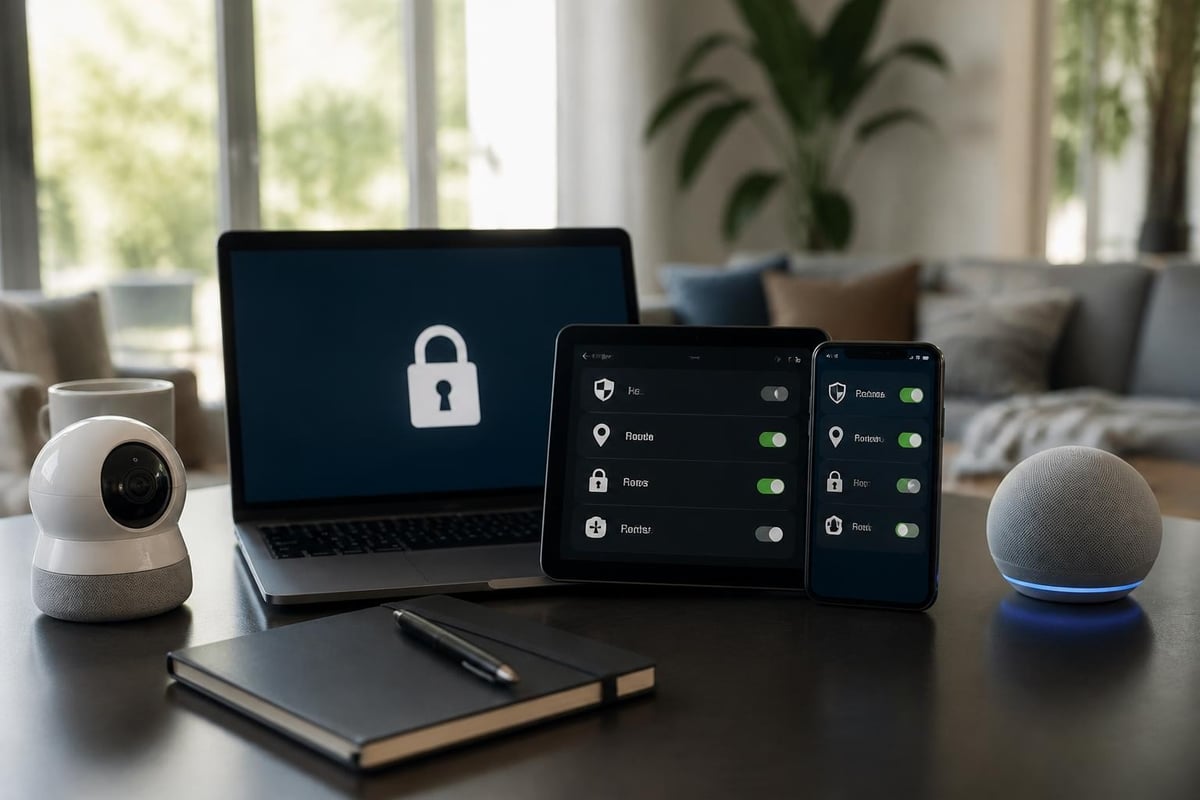
Your devices store and process vast amounts of personal information. Computers, smartphones, tablets, and IoT devices all represent potential privacy vulnerabilities.
Mobile Device Privacy
Smartphones track your location constantly, monitor app usage, record conversations, and access cameras and microphones. Mobile operating systems collect telemetry data and share information with app developers.
Mobile privacy configuration:
- Disable location services except when necessary
- Review and restrict app permissions
- Use encrypted messaging apps
- Enable full-device encryption
- Install security updates promptly
- Avoid public Wi-Fi without VPN protection
- Turn off ad personalization
- Use biometric locks with strong backup passwords
The privacy framework developed by NIST provides systematic approaches to identifying and managing privacy risks across devices and platforms. This framework helps users understand privacy threats and implement appropriate controls.
Computer Security Hardening
Desktop and laptop computers require similar privacy protections. Operating systems collect extensive telemetry, applications request unnecessary permissions, and background processes communicate constantly with remote servers.
Disable telemetry features in your operating system settings. Review startup applications and remove unnecessary programs. Use full-disk encryption to protect data if your device is lost or stolen. Keep software updated to patch security vulnerabilities.
Advanced Privacy Techniques
For users facing elevated privacy threats, additional measures provide stronger protection. These techniques require more technical knowledge but offer substantially improved privacy.
Network-Level Protection
Beyond VPNs, network-level tools provide comprehensive privacy protection. DNS filtering blocks tracking domains before connections establish. Pi-hole and similar solutions prevent telemetry, advertising, and tracking across all devices on your network.
The Tor network routes traffic through multiple encrypted layers, making tracking nearly impossible. While slower than standard browsing, Tor provides anonymity for sensitive research and communication.
Privacy-Focused Operating Systems
Specialized operating systems prioritize privacy over convenience. Tails, Qubes OS, and GrapheneOS implement security-first architectures that resist surveillance and compromise.
These systems require technical expertise to configure and use effectively. However, for journalists, activists, and others facing serious privacy threats, they provide essential protections that mainstream operating systems cannot match.
Data Minimization
The most effective privacy protection is not creating data in the first place. Consider carefully what information you share online. Oversharing creates permanent records that can resurface years later.
Data minimization strategies:
- Use temporary email addresses for one-time registrations
- Provide minimum required information on forms
- Opt out of data collection where possible
- Regularly delete old accounts and data
- Avoid loyalty programs that track purchases
- Pay cash for sensitive purchases
- Use privacy-respecting services
Understanding how to protect your privacy online means recognizing that every data point you create has potential privacy implications. The connection between privacy practices and civil liberties highlights why individual actions matter for broader societal privacy norms.
Privacy as an Ongoing Practice
Privacy protection isn't a one-time configuration but an ongoing practice. Threats evolve, services change their policies, and new vulnerabilities emerge constantly.
Stay Informed
Follow privacy news and security advisories. When services you use experience data breaches, take immediate action to secure affected accounts. Subscribe to security newsletters from trusted sources to stay current on emerging threats.
Regular privacy maintenance tasks:
- Quarterly password rotation for sensitive accounts
- Monthly review of app permissions
- Annual privacy settings audit across all platforms
- Regular software and firmware updates
- Periodic data deletion and cleanup
- Review of connected devices and services
- Assessment of new privacy tools and techniques
Threat Modeling
Different users face different privacy threats. A casual internet user needs less extensive protections than a journalist working with confidential sources. Understanding your specific risks helps prioritize privacy measures effectively.
Consider who might want your data and why. What information would cause harm if exposed? Which services have access to sensitive information? This threat modeling guides resource allocation toward your most critical privacy needs.
The privacy frictions research from Harvard's Berkman Klein Center explores how privacy considerations interact with emerging technologies, offering insights into balancing privacy with functionality.
Privacy Rights and Regulations
Legal frameworks increasingly recognize privacy as a fundamental right. Understanding your privacy rights helps you make informed decisions and hold organizations accountable.
Regional Privacy Laws
The General Data Protection Regulation (GDPR) in Europe grants users extensive rights over their personal data, including access, correction, deletion, and portability. California's Consumer Privacy Act (CCPA) provides similar protections for California residents.
These regulations require organizations to obtain explicit consent for data collection, provide transparency about data usage, and honor user privacy preferences. Exercise these rights by requesting data copies, opting out of sale, and demanding deletion of unnecessary information.
Corporate Privacy Policies
Read privacy policies for services you use regularly. While often lengthy and complex, these documents reveal exactly what data companies collect and how they use it. Services with genuinely privacy-respecting practices make their policies clear and accessible.
Look for privacy policies that specify limited data collection, no sale to third parties, strong security measures, and clear retention periods. Avoid services with vague language about data usage or broad sharing permissions.
Protecting your privacy online requires vigilance, the right tools, and consistent practices across all your digital activities. By implementing secure browsing habits, using encryption, managing your digital identity carefully, and staying informed about emerging threats, you can significantly reduce your privacy exposure. ZioFree provides the foundation for online privacy with high-speed VPN access, military-grade encryption, and a strict no-logs policy-protecting your internet activity from surveillance, tracking, and sophisticated threats. Start securing your digital life today with privacy tools designed to keep you safe.