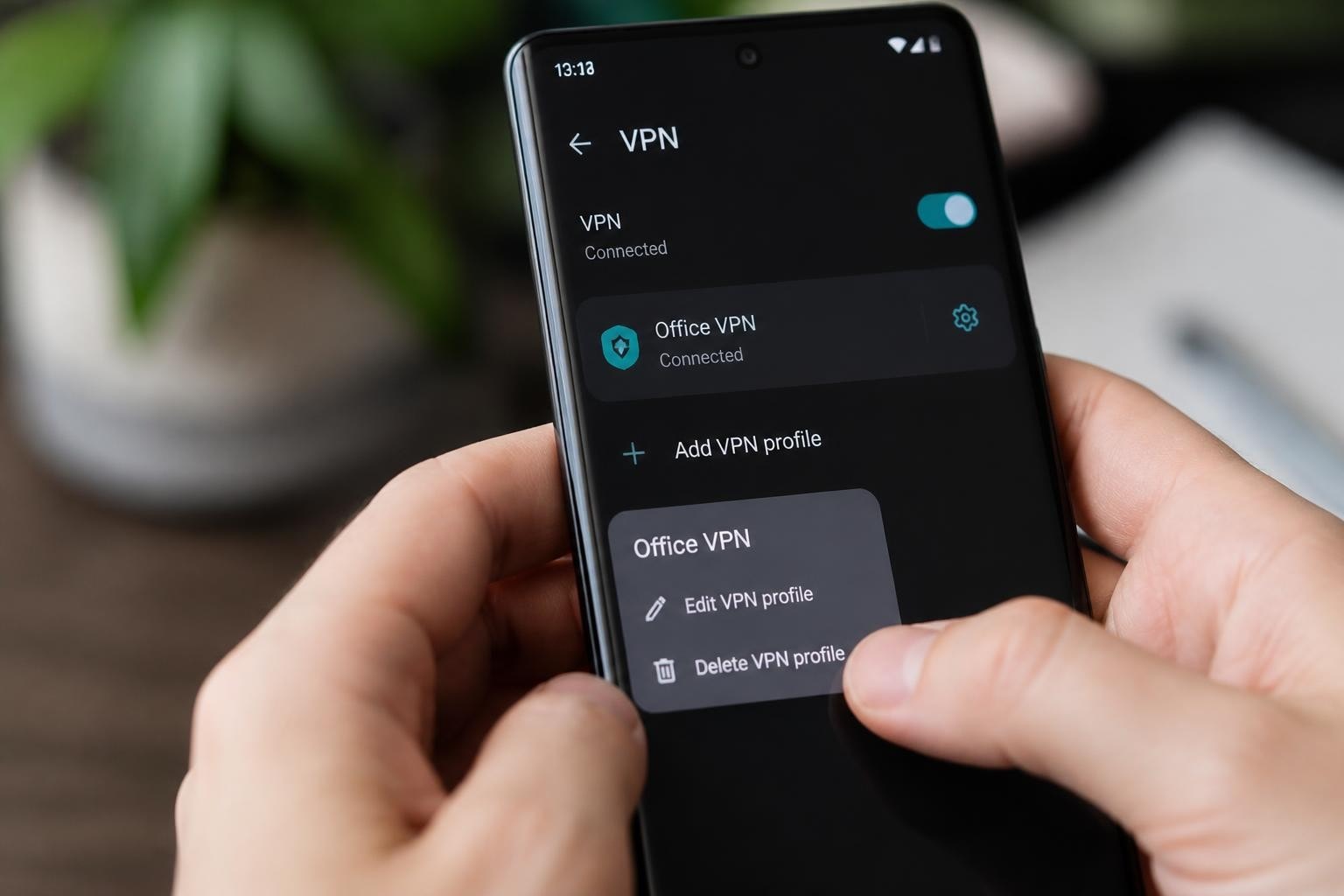
The OpenVPN protocol has long been considered the gold standard for VPN security, and many users search for ways to leverage this technology without paying subscription fees. Understanding what "openvpn free" actually means requires distinguishing between several different offerings: the open-source protocol itself, community editions, and limited commercial tiers. Each comes with its own capabilities, restrictions, and ideal use cases that can significantly impact your privacy and performance.
Understanding OpenVPN's Free Offerings
OpenVPN technology exists in multiple forms, and not all free options are created equal. The core OpenVPN software is open source and free under its licensing terms, which means anyone can download, use, and even modify the code. This fundamental distinction separates the protocol itself from commercial implementations and server networks.
OpenVPN Community Edition
The Community Edition represents the fully open-source version of OpenVPN. This option provides complete access to the VPN protocol without licensing fees or connection limits. Users gain full control over their VPN infrastructure, making it ideal for technically skilled individuals and organizations with dedicated IT resources.
Key characteristics of Community Edition:
- Complete source code access and modification rights
- No artificial connection or bandwidth limits
- Requires manual server setup and configuration
- Demands ongoing maintenance and security updates
- No official technical support from OpenVPN Inc.
Setting up Community Edition requires significant technical knowledge. Users must configure servers, manage certificates, handle routing tables, and maintain security protocols independently. For businesses or individuals without this expertise, the learning curve can be steep.
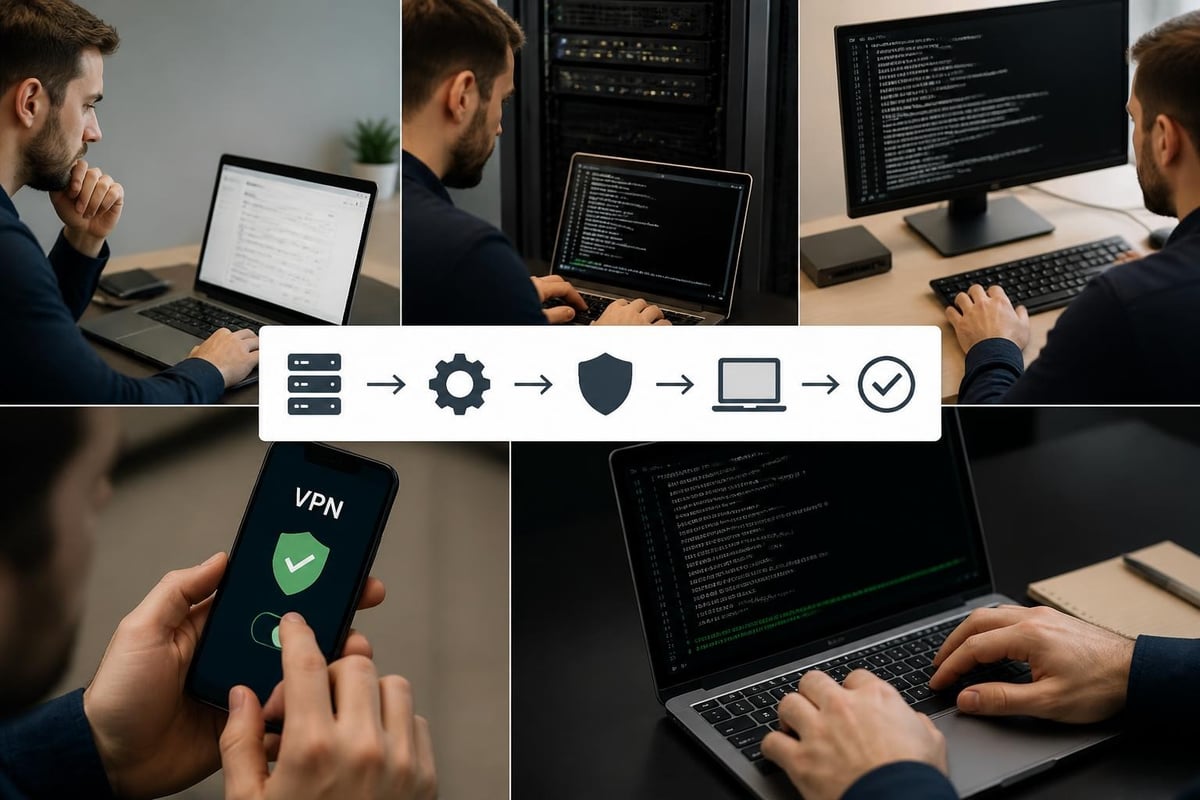
Access Server Free Tier
OpenVPN Access Server offers a different approach to free VPN access, providing a managed solution with significant limitations. According to the official Access Server documentation, this tier supports up to two simultaneous VPN connections at no cost.
| Feature | Free Tier | Paid Tiers |
|---|---|---|
| Simultaneous Connections | 2 users | 10 to unlimited |
| Web Admin Interface | Full access | Full access |
| Certificate Management | Automated | Automated |
| Technical Support | Community forums | Priority support |
| Cost | $0 (no credit card) | Starting at $15/month |
The two-connection limit makes the Access Server free tier suitable primarily for individual users or very small teams testing the platform. While the administrative interface simplifies deployment compared to Community Edition, the connection restriction prevents broader organizational use.
Performance Considerations for Free OpenVPN
Research into OpenVPN performance reveals important considerations for users relying on free implementations. Academic analysis of OpenVPN running on consumer-grade hardware demonstrates that encryption overhead and processing limitations can significantly impact speeds, particularly on older or less powerful systems.
Hardware and Speed Limitations
Free OpenVPN implementations often run on whatever hardware users have available, rather than optimized commercial infrastructure. This creates several performance challenges:
- CPU-intensive encryption drains resources on underpowered servers
- Network bandwidth depends entirely on your hosting environment
- Routing efficiency requires manual optimization
- Geographic distribution demands multiple self-managed servers
When you self-host an openvpn free server, your upload bandwidth becomes the download speed for connected clients. A home internet connection with 10 Mbps upload translates to a maximum 10 Mbps download speed for VPN users, regardless of encryption strength.
Security Update Responsibilities
Maintaining security for free OpenVPN deployments falls entirely on the administrator. Unlike commercial services that push automatic updates, Community Edition users must monitor security advisories, test patches, and deploy updates manually. This ongoing responsibility represents a hidden cost in time and expertise.
Recent research into post-quantum cryptographic vulnerabilities affecting protocols including OpenVPN highlights the evolving security landscape. Free implementations may lag behind commercial solutions in adopting next-generation cryptography, potentially exposing users to future risks as quantum computing advances.
Configuration Complexity and Technical Barriers
The openvpn free experience varies dramatically based on your chosen implementation path. Community Edition requires comfort with command-line interfaces, certificate management, and network architecture. Even seemingly simple tasks involve multiple configuration files and precise syntax.
Certificate Authority Management
OpenVPN's security model depends on a public key infrastructure that free users must establish and maintain independently:
- Generate and secure the root Certificate Authority
- Create individual certificates for each connecting device
- Implement certificate revocation procedures
- Manage certificate expiration and renewal cycles
- Protect private keys from unauthorized access
A single misconfiguration in certificate handling can compromise your entire VPN infrastructure. Commercial services handle this complexity behind the scenes, while free deployments expose every decision point to the administrator.

Firewall and Routing Configurations
Beyond certificates, free OpenVPN deployments require precise network configuration. Administrators must:
- Configure firewall rules to allow VPN traffic
- Set up Network Address Translation (NAT) correctly
- Establish routing tables for traffic forwarding
- Manage DNS resolution for connected clients
- Implement kill-switch functionality manually
Each operating system and network environment presents unique challenges. The configuration that works perfectly on Ubuntu Server may require completely different syntax on FreeBSD or Windows Server.
Comparing OpenVPN Free Options
Choosing between OpenVPN products requires understanding what each variant offers. The decision impacts not just cost, but also long-term maintenance burden, scalability, and user experience.
| Aspect | Community Edition | Access Server Free | Commercial VPN Service |
|---|---|---|---|
| Initial Setup Time | 4-8 hours | 1-2 hours | 5-10 minutes |
| Monthly Maintenance | 2-4 hours | 1-2 hours | 0 hours |
| Technical Skills Required | Advanced | Intermediate | None |
| Connection Limit | Unlimited | 2 simultaneous | Varies by plan |
| Server Locations | Self-managed | Self-managed | Global network |
| Support Resources | Community forums | Community forums | Direct support |
The time investment for openvpn free implementations extends beyond initial setup. Security patches, certificate renewals, server updates, and troubleshooting all demand ongoing attention that commercial services handle automatically.
Hidden Costs of Free OpenVPN
While openvpn free options eliminate licensing fees, they introduce costs that aren't immediately obvious. Understanding these hidden expenses helps make informed decisions about the true total cost of ownership.
Infrastructure and Hosting
Running your own OpenVPN server requires infrastructure, whether self-hosted or cloud-based:
- Virtual Private Server (VPS) rental: $5-$20 per month for basic instances
- Bandwidth costs: Can escalate quickly with multiple users
- Electricity: For self-hosted solutions running 24/7
- Domain registration: If using DNS names instead of IP addresses
- Static IP addresses: Often incur additional ISP charges
A single VPS instance in one geographic location limits you to that region's connectivity characteristics. Building a multi-region network comparable to commercial providers multiplies these costs significantly.
Time Investment Value
Technical expertise isn't free, even when you provide it yourself. Consider the opportunity cost:
- Initial setup and configuration: 4-8 hours
- Monthly maintenance and updates: 2-4 hours
- Troubleshooting connectivity issues: Variable
- Learning and skill development: 10-20 hours initially
For professionals billing at $50-$150 per hour, the time investment in managing free OpenVPN infrastructure often exceeds the cost of commercial alternatives within the first few months.
Security Implications of Free Deployments
Self-managed openvpn free implementations place complete security responsibility on the administrator. This control offers benefits for security-conscious users but creates risks for those without comprehensive expertise.
Logging and Privacy Control
Commercial VPN providers make specific privacy commitments, such as ZioFree's strict no-logs policy. With free OpenVPN, you control logging completely, which means:
Privacy advantages:
- You control what data is collected
- No third party has access to connection logs
- Complete visibility into server operations
Privacy risks:
- Misconfigured logging can accidentally record sensitive data
- Server hosting providers may maintain infrastructure logs
- Legal obligations may compel data retention
- Lack of privacy audits means no independent verification
Understanding what a VPN actually protects helps contextualize these trade-offs. Even properly configured OpenVPN doesn't protect against all threats if the underlying infrastructure or administration practices have weaknesses.

Vulnerability Management
Staying current with security patches represents a critical ongoing responsibility. OpenVPN vulnerabilities occasionally emerge, requiring prompt updates across all deployed servers. Commercial services typically deploy patches within hours; free implementations depend on individual administrators noticing security advisories and taking action.
The difference between professional and amateur security management becomes most apparent during crisis situations. When a critical vulnerability emerges, commercial providers mobilize teams to assess, patch, and communicate with users. Free deployment administrators must handle everything independently while potentially lacking the expertise to evaluate severity accurately.
When OpenVPN Free Makes Sense
Despite limitations, specific use cases justify choosing openvpn free options over commercial alternatives. Understanding these scenarios helps match solutions to actual needs.
Learning and Experimentation
Students, security researchers, and IT professionals building skills benefit enormously from hands-on OpenVPN configuration experience. The technical depth required to deploy free OpenVPN teaches valuable networking and security concepts that remain relevant across many technologies.
Specialized Network Architectures
Organizations with unique requirements that commercial VPNs cannot accommodate may need custom OpenVPN deployments. Examples include:
- Integration with existing authentication systems
- Custom routing rules for complex network topologies
- Specialized encryption requirements beyond standard offerings
- Regulatory compliance demanding specific infrastructure locations
Single-User Remote Access
An individual connecting one or two devices to their home network while traveling can effectively use Access Server's free tier or a self-hosted Community Edition instance. The limited connection count doesn't constrain single-user scenarios, and the value of learning to manage the system may justify the time investment.
Alternatives to Consider
Before committing to openvpn free deployment, evaluate whether alternatives better serve your actual requirements. The right solution balances cost, convenience, security, and performance based on specific use cases.
Commercial VPN Services
Professional VPN providers offer significant advantages over self-managed free options:
- Zero maintenance burden: No server management, updates, or troubleshooting
- Global server networks: Hundreds of locations for optimal performance
- Professional security audits: Independent verification of privacy claims
- Dedicated support teams: Expert help when issues arise
- Optimized infrastructure: Purpose-built servers for VPN performance
Services like ZioFree provide high-speed connections across global server networks with strong encryption and verified no-logs policies. For most users, the modest monthly cost delivers far better value than the hidden costs and limitations of free alternatives.
WireGuard Protocol
While OpenVPN dominates free VPN discussions, the WireGuard protocol offers a compelling alternative with simpler configuration and potentially better performance. The leaner codebase makes auditing easier and reduces attack surface compared to OpenVPN's more complex implementation.
WireGuard's modern cryptography and streamlined design deliver faster speeds on equivalent hardware. For technically capable users building custom VPN infrastructure, WireGuard may provide a better foundation than Community Edition OpenVPN.
Privacy Protection Beyond Free Options
The limitations of openvpn free solutions become particularly apparent when considering advanced privacy threats. Understanding the difference between VPNs and incognito mode illustrates that comprehensive privacy requires robust, professionally managed infrastructure.
Advanced Threat Protection
Free OpenVPN deployments typically lack advanced security features that commercial providers implement:
- Multi-hop connection routing through cascading servers
- Automatic kill switches with verified leak protection
- DNS filtering for malware and tracking prevention
- Advanced DPI (Deep Packet Inspection) circumvention
- Threat intelligence integration and blocking
Professional services dedicate entire teams to staying ahead of censorship and surveillance technologies. Individual administrators running free OpenVPN rarely possess resources to match this capability.
Infrastructure Resilience
Commercial VPN networks build redundancy and resilience that free deployments cannot match. When your single self-hosted server experiences problems, connectivity fails completely until you troubleshoot and repair the issue. Professional networks automatically route around failures across hundreds of servers.
Consider signs that public Wi-Fi isn't safe and how VPN protection matters most precisely when you need it urgently. Self-managed free solutions that fail at critical moments provide false security worse than no protection at all.
Making the Right Choice for Your Needs
Evaluating openvpn free options requires honest assessment of your technical capabilities, time availability, and actual security requirements. The appeal of zero licensing costs must be weighed against total ownership costs and real-world effectiveness.
Choose free OpenVPN when you:
- Possess advanced networking and security expertise
- Have time for ongoing maintenance and updates
- Need highly customized configurations
- Use VPN for learning and skill development
- Require only 1-2 simultaneous connections
Choose commercial VPN services when you:
- Value your time more than monthly subscription costs
- Need reliable, zero-maintenance connectivity
- Require global server network access
- Want professional security audits and guarantees
- Connect multiple devices regularly
Most users significantly overestimate their willingness to maintain technical infrastructure and underestimate the value of professional management. The initial enthusiasm for learning OpenVPN configuration often fades when facing the third consecutive weekend troubleshooting certificate expiration issues.
While openvpn free options provide valuable learning opportunities and serve specific technical use cases, most users benefit more from professional VPN services that eliminate maintenance burden while delivering superior performance and security. If you need reliable privacy protection without technical complexity, ZioFree offers high-speed global access with strong encryption, verified no-logs policies, and protection from advanced threats including sophisticated state-sponsored attacks. Get started today with a service designed to protect your privacy without requiring you to become a networking expert.