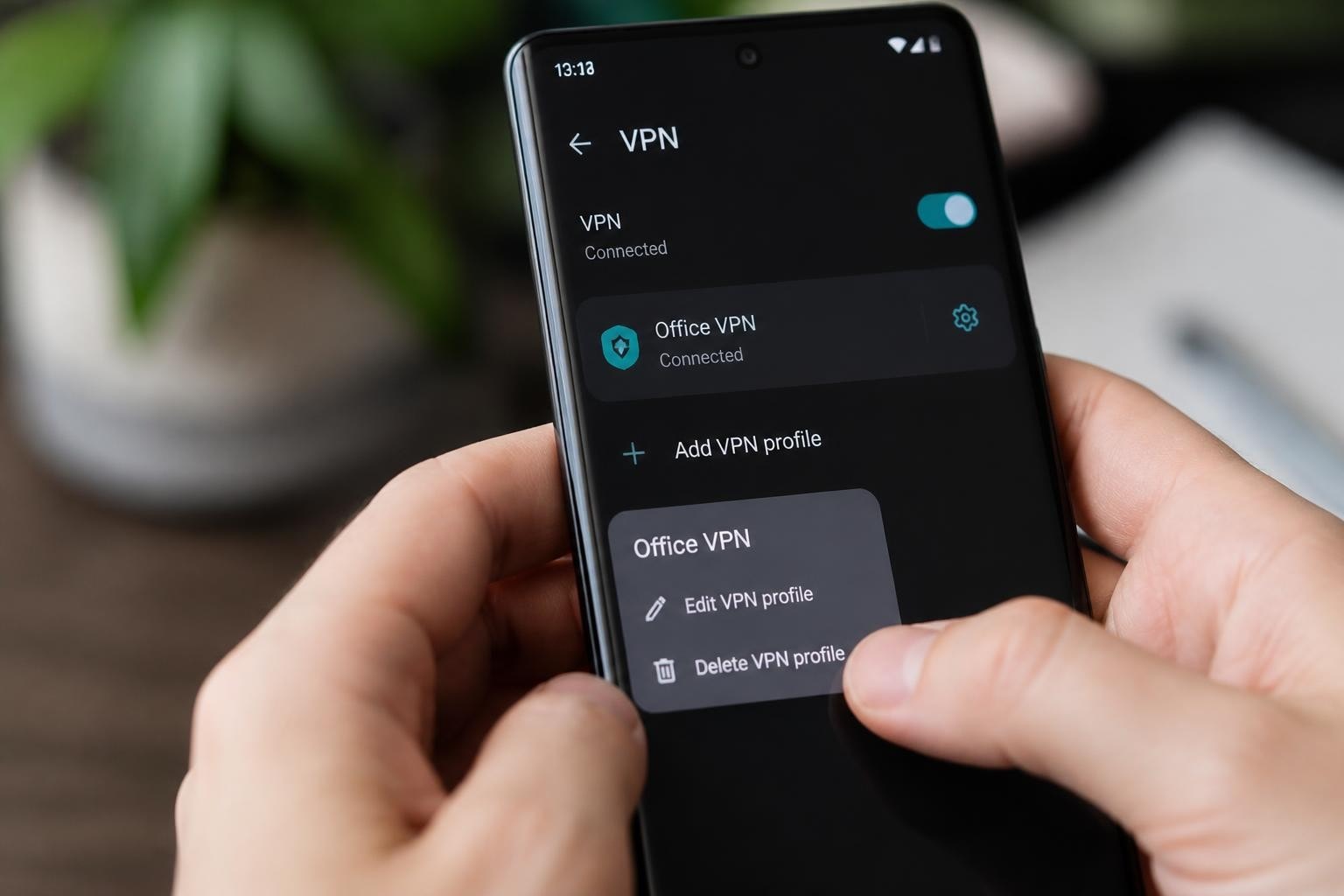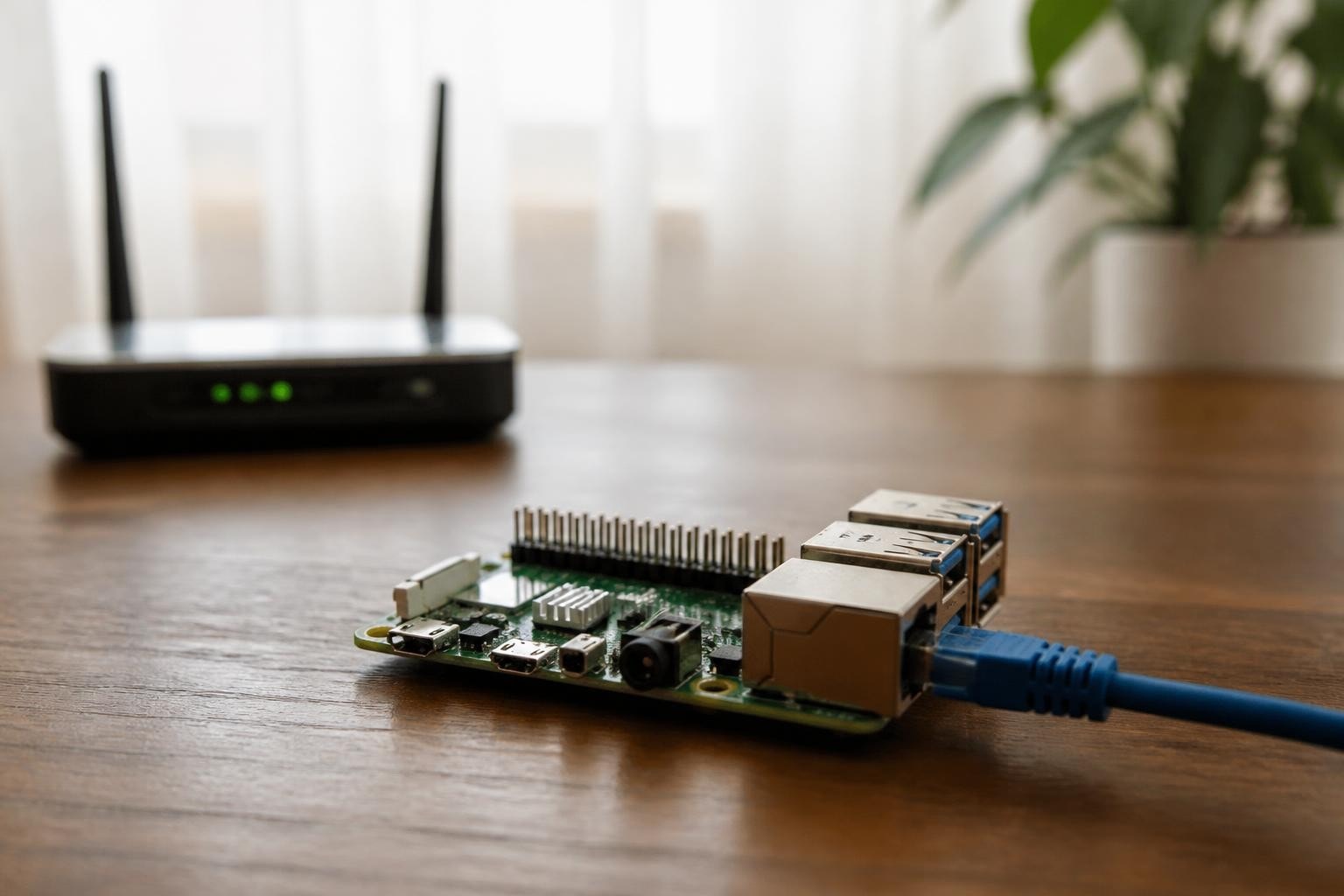
Building your own vpn raspberry pi server represents one of the most cost-effective methods to establish private network access in 2026. This approach combines affordable hardware with powerful open-source software, creating a personal VPN infrastructure that gives you complete control over your data and privacy. Whether you need secure remote access to your home network, want to protect your browsing activity while traveling, or simply prefer managing your own security protocols rather than trusting third-party providers, a Raspberry Pi-based solution offers flexibility and transparency.
Understanding VPN Raspberry Pi Server Architecture
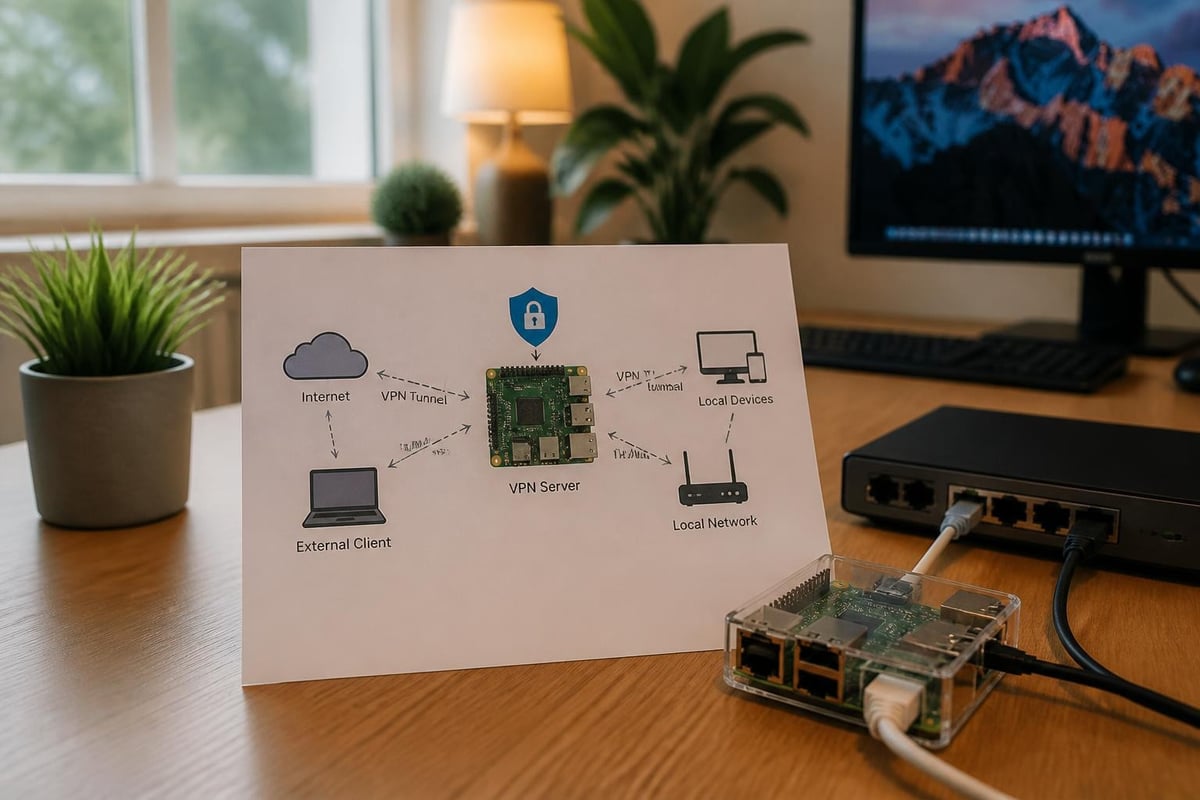
A vpn raspberry pi server functions as a dedicated gateway that encrypts network traffic between your devices and your home network. The Raspberry Pi acts as the VPN endpoint, authenticating connections and routing encrypted traffic through secure tunnels.
Hardware Requirements and Specifications
The choice of Raspberry Pi model significantly impacts performance and capability. Here's a breakdown of recommended hardware:
| Model | CPU | RAM | Network | Best For |
|---|---|---|---|---|
| Pi 4 Model B | 1.5GHz Quad-Core | 4GB-8GB | Gigabit + WiFi 5 | High-speed VPN, multiple clients |
| Pi 5 | 2.4GHz Quad-Core | 4GB-8GB | Gigabit + WiFi 6 | Maximum throughput, future-proofing |
| Pi 3 Model B+ | 1.4GHz Quad-Core | 1GB | Gigabit + WiFi 4 | Light usage, budget builds |
| Pi Zero 2 W | 1GHz Quad-Core | 512MB | WiFi only | Single user, low bandwidth |
Additional components you'll need:
- MicroSD card (32GB minimum, Class 10 or better)
- Reliable power supply (official Raspberry Pi adapter recommended)
- Ethernet cable for stable connectivity
- Protective case with adequate ventilation
The Raspberry Pi 4 or 5 with at least 4GB RAM delivers the best balance of performance and cost for a vpn raspberry pi server handling multiple simultaneous connections.
Choosing Your VPN Protocol
Protocol selection directly impacts security, speed, and ease of configuration for your vpn raspberry pi server. Two protocols dominate the landscape in 2026.
WireGuard vs OpenVPN Comparison
WireGuard has emerged as the modern standard for Raspberry Pi implementations. According to recent performance analysis, WireGuard significantly outperforms OpenVPN on ARM processors, delivering higher throughput with lower CPU overhead.
Key WireGuard advantages:
- Minimal code base (approximately 4,000 lines vs OpenVPN's 100,000+)
- Superior encryption speed on ARM architecture
- Simpler configuration with public/private key pairs
- Lower battery consumption on mobile clients
- Built-in roaming support
OpenVPN remains valuable for specific scenarios:
- Enterprise environments requiring established protocols
- Networks with strict TCP-only firewall rules
- Legacy system compatibility
- Granular access controls and scripting
| Feature | WireGuard | OpenVPN |
|---|---|---|
| Setup Complexity | Simple | Moderate to Complex |
| Performance on Pi | Excellent | Good |
| Battery Impact | Low | Moderate |
| Enterprise Support | Growing | Extensive |
| Configuration Files | Minimal | Detailed |
For most home vpn raspberry pi server deployments in 2026, WireGuard offers the optimal combination of security and performance. The official WireGuard documentation provides comprehensive technical details about the protocol's cryptographic foundation.
Installation and Configuration Steps
Setting up a vpn raspberry pi server requires systematic preparation and attention to security best practices.
Initial System Setup
Begin with a fresh Raspberry Pi OS installation. Raspberry Pi OS Lite (64-bit) provides the leanest foundation, eliminating unnecessary desktop components that consume resources.
Pre-installation checklist:
- Flash Raspberry Pi OS to your microSD card
- Enable SSH before first boot
- Configure static IP address on your local network
- Update system packages completely
- Secure SSH access with key-based authentication
- Configure timezone and locale settings
Installing PiVPN for Streamlined Deployment
PiVPN automates much of the vpn raspberry pi server configuration process. The PiVPN installation guide walks through the automated installer that handles both WireGuard and OpenVPN setups.
Installation command:
curl -L https://install.pivpn.io | bash
The interactive installer prompts for critical decisions:
- VPN protocol selection (WireGuard recommended)
- Port configuration (default 51820 for WireGuard)
- DNS provider selection
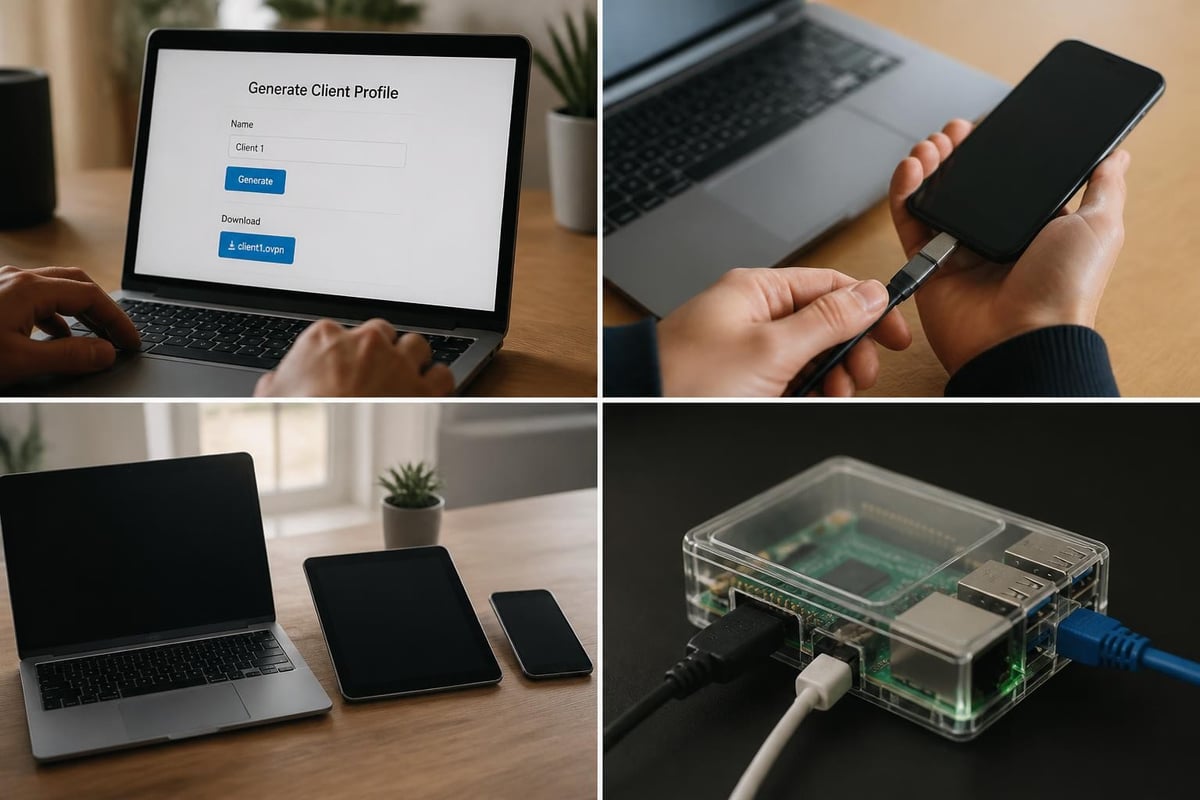
- Client profile creation
For WireGuard-specific configuration details, consult the PiVPN WireGuard guide, which covers profile management and troubleshooting.
Network Configuration and Port Forwarding
Your vpn raspberry pi server requires accessible external connectivity. This involves router configuration to forward VPN traffic to your Raspberry Pi.
Required port forwarding steps:
- Access your router's administration interface
- Locate port forwarding or virtual server settings
- Create forwarding rule for UDP port 51820 (WireGuard) or TCP/UDP 1194 (OpenVPN)
- Point forwarding to your Pi's static local IP address
- Save configuration and restart router if necessary
Dynamic DNS services like DuckDNS solve the challenge of residential IP addresses that change periodically, providing a consistent hostname for your vpn raspberry pi server that updates automatically.
Security Hardening and Best Practices
Raw installation represents only the foundation. Proper security measures protect your vpn raspberry pi server from unauthorized access and exploitation.
Firewall Configuration
Implementing a properly configured firewall creates the first line of defense. The Ubuntu firewall guide provides excellent instruction for UFW (Uncomplicated Firewall), which works equally well on Raspberry Pi OS.
Essential firewall rules:
- Allow SSH (port 22) only from trusted IP ranges
- Allow VPN protocol port (51820 UDP for WireGuard)
- Block all other incoming traffic by default
- Enable connection state tracking
- Log denied connection attempts
Authentication and Access Control
Strong authentication prevents unauthorized vpn raspberry pi server access. Understanding network security best practices helps establish robust protection.
Recommended authentication measures:
- Generate unique client configurations for each device
- Use strong, random pre-shared keys
- Implement key rotation schedule (quarterly recommended)
- Revoke compromised client profiles immediately
- Monitor connection logs for suspicious patterns
Following OWASP security principles ensures your configuration addresses common vulnerability patterns including authentication failures, cryptographic issues, and security misconfigurations.
Regular Maintenance Procedures
A vpn raspberry pi server requires ongoing maintenance to maintain security and performance.
| Task | Frequency | Purpose |
|---|---|---|
| System updates | Weekly | Security patches, bug fixes |
| Log review | Weekly | Detect anomalies, failed connections |
| Backup configuration | Monthly | Disaster recovery preparation |
| Key rotation | Quarterly | Limit compromise exposure |
| Performance monitoring | Ongoing | Identify bottlenecks early |
Performance Optimization Techniques
Maximizing throughput from your vpn raspberry pi server involves several optimization strategies.
CPU and Memory Tuning
WireGuard's efficient design minimizes CPU load, but configuration choices impact performance. Disable unnecessary services to free system resources for VPN operations.
Performance improvements:
- Disable Bluetooth if unused
- Remove GUI components from headless installations
- Configure swap file appropriately (2GB recommended for 4GB RAM models)
- Monitor CPU temperature and ensure adequate cooling
- Use quality power supply to prevent voltage throttling
Network Stack Optimization
Advanced users can tune kernel network parameters for enhanced throughput. These settings balance buffer sizes and connection handling for VPN workloads.
Key optimizations:
- Increase network buffer sizes
- Enable TCP window scaling
- Adjust MTU settings to prevent fragmentation
- Configure offloading features appropriately
Testing your vpn raspberry pi server performance helps identify bottlenecks. Methods described in VPN bandwidth testing apply equally to self-hosted and commercial services.
Use Cases and Practical Applications
A vpn raspberry pi server serves numerous practical purposes beyond basic privacy protection.
Remote Network Access
Access home network resources securely from anywhere. This includes:
- Network-attached storage (NAS) systems
- Home automation interfaces
- Security camera feeds
- Print servers and shared devices
- Local development environments
The principles of remote VPN access apply whether connecting to enterprise infrastructure or a personal vpn raspberry pi server.
Geographic Content Access
Route traffic through your home internet connection while traveling, maintaining access to region-restricted content and services that recognize your home IP address. Users seeking VPN services for Netflix sometimes overlook self-hosted solutions that naturally provide home region access.
IoT Device Protection
Route smart home devices through your vpn raspberry pi server to shield them from direct internet exposure. This additional security layer protects vulnerable IoT equipment from attacks while maintaining functionality.

Advanced Configuration Options
Experienced administrators can implement sophisticated features on their vpn raspberry pi server.
Split Tunneling Configuration
Route only specific traffic through the VPN while allowing direct internet access for other services. This reduces bandwidth load and improves performance for latency-sensitive applications. Implementation details for WireGuard split tunneling demonstrate the flexibility this approach provides.
Multi-Protocol Support
Running both WireGuard and OpenVPN simultaneously accommodates diverse client requirements. This configuration demands careful port management and increased system resources but maximizes compatibility.
Integration with Existing Network Infrastructure
Advanced deployments integrate the vpn raspberry pi server with existing router configurations. For comprehensive VPN routing strategies, router VPN configuration covers integration approaches applicable to Raspberry Pi deployments.
Limitations and Considerations
Understanding vpn raspberry pi server limitations helps set realistic expectations and identify scenarios better suited to commercial services.
Bandwidth Constraints
Residential internet upload speeds limit remote connection performance. Most home connections provide asymmetric bandwidth with significantly lower upload than download speeds.
Typical home upload speeds:
- Cable internet: 10-35 Mbps
- Fiber: 100-1000 Mbps
- DSL: 1-10 Mbps
- 5G home internet: 20-100 Mbps
Your remote vpn raspberry pi server connection cannot exceed your home upload capacity regardless of Pi hardware capabilities.
Availability and Reliability
Home internet service interruptions affect VPN accessibility. Power outages, ISP maintenance, and network equipment failures create downtime absent from commercial VPN providers with redundant infrastructure.
Reliability factors:
- ISP uptime guarantees (typically 99.5% for residential)
- Power stability (UPS recommended for critical access)
- Hardware failure risk (no hot standby in single-Pi configurations)
- Limited geographic distribution (single server location only)
Support and Troubleshooting Resources
Self-hosting requires technical competence for troubleshooting. While community resources exist, you won't receive dedicated customer support like commercial VPN services provide. Organizations like ZioFree offer professional support, global server networks, and guaranteed uptime that complement or replace personal vpn raspberry pi server deployments.
Comparing Self-Hosted vs Commercial Solutions
Deciding between a vpn raspberry pi server and commercial services involves evaluating multiple factors.
| Aspect | Raspberry Pi VPN | Commercial VPN |
|---|---|---|
| Initial cost | $50-150 hardware | $0-50/year subscription |
| Ongoing cost | Electricity only | Annual renewal fees |
| Setup complexity | Moderate to high | Minimal (app install) |
| Privacy control | Complete | Trust provider policy |
| Server locations | One (your home) | Global network |
| Bandwidth | Limited by home upload | Dedicated infrastructure |
| Uptime | Dependent on home network | Professional SLA |
| Support | Self-service | Customer service team |
For users prioritizing absolute privacy control and home network access, a vpn raspberry pi server excels. Those requiring global server locations, guaranteed uptime, or minimal technical involvement benefit from professional services.
Many security-conscious users maintain both solutions. Use your vpn raspberry pi server for home network access and commercial services like ZioFree's secure VPN for general browsing, geographic flexibility, and professional-grade infrastructure.
Protocol Port Management
Understanding VPN protocol ports becomes critical when configuring firewall rules and troubleshooting connectivity issues with your vpn raspberry pi server.
Standard Port Assignments
WireGuard defaults to UDP port 51820, while OpenVPN typically uses UDP 1194 or TCP 443. Changing default ports provides minimal security benefit but can bypass restrictive networks that block known VPN ports.
Port selection considerations:
- Higher ports (above 1024) don't require root privileges
- Common ports like 443 may bypass corporate firewalls
- Unique ports reduce automated scanning hits
- Consistency across configurations simplifies troubleshooting
Backup and Disaster Recovery
Protecting your vpn raspberry pi server configuration ensures quick recovery from hardware failure or corruption.
Essential Backup Items
Preserve these critical components:
- Complete SD card image (full system backup)
- VPN server configuration files
- Client profile archives
- Firewall rule sets
- Port forwarding documentation
- DNS configuration details
Automated backup scripts can push configuration files to cloud storage or network drives on a scheduled basis, maintaining current recovery points without manual intervention.
Building a vpn raspberry pi server provides valuable hands-on experience with network security while creating a functional privacy tool you control completely. Whether you choose to self-host, use commercial services, or combine both approaches, understanding VPN infrastructure strengthens your overall security posture. For those times when you need professional-grade performance, global server access, and guaranteed uptime without the maintenance burden, ZioFree delivers enterprise-level protection with strong encryption, a strict no-logs policy, and a worldwide network designed to keep your data safe from sophisticated threats.