Your digital footprint expands with every click, search, and app you use. In 2026, understanding how to protect your online privacy has become essential for anyone who values their personal information and security. From targeted advertising to sophisticated hacking attempts, threats to your privacy come from multiple directions. This comprehensive guide will walk you through practical steps to safeguard your data, secure your connections, and maintain control over your digital identity.
Understanding the Current Privacy Landscape
The privacy ecosystem has evolved dramatically over the past few years. Websites track your behavior across platforms, data brokers compile detailed profiles about your habits, and cybercriminals develop increasingly sophisticated methods to intercept your communications.
The Major Privacy Threats You Face
Tracking and profiling remains the most pervasive threat. Advertisers, social media platforms, and data analytics companies monitor your online activities to build comprehensive profiles. These profiles include your browsing history, purchase patterns, location data, and even the content you create.
Government surveillance programs and malicious actors represent another critical concern. State-sponsored hacking groups, including those operating from various nations, actively target individuals and organizations to steal sensitive information. Understanding how to protect your online privacy means recognizing these threats and implementing appropriate countermeasures.
Consider these common privacy vulnerabilities:
- Unsecured public Wi-Fi networks that expose your data
- Browser fingerprinting that tracks you without cookies
- Mobile apps requesting excessive permissions
- Email tracking pixels that monitor when and where you read messages
- Internet Service Providers logging your browsing history
The EFF Surveillance Self-Defense guide provides detailed tutorials on recognizing and defending against these threats.

Essential Privacy Tools and Technologies
Building a robust privacy defense requires the right combination of tools and practices. Each component addresses specific vulnerabilities in your digital life.
Virtual Private Networks (VPNs)
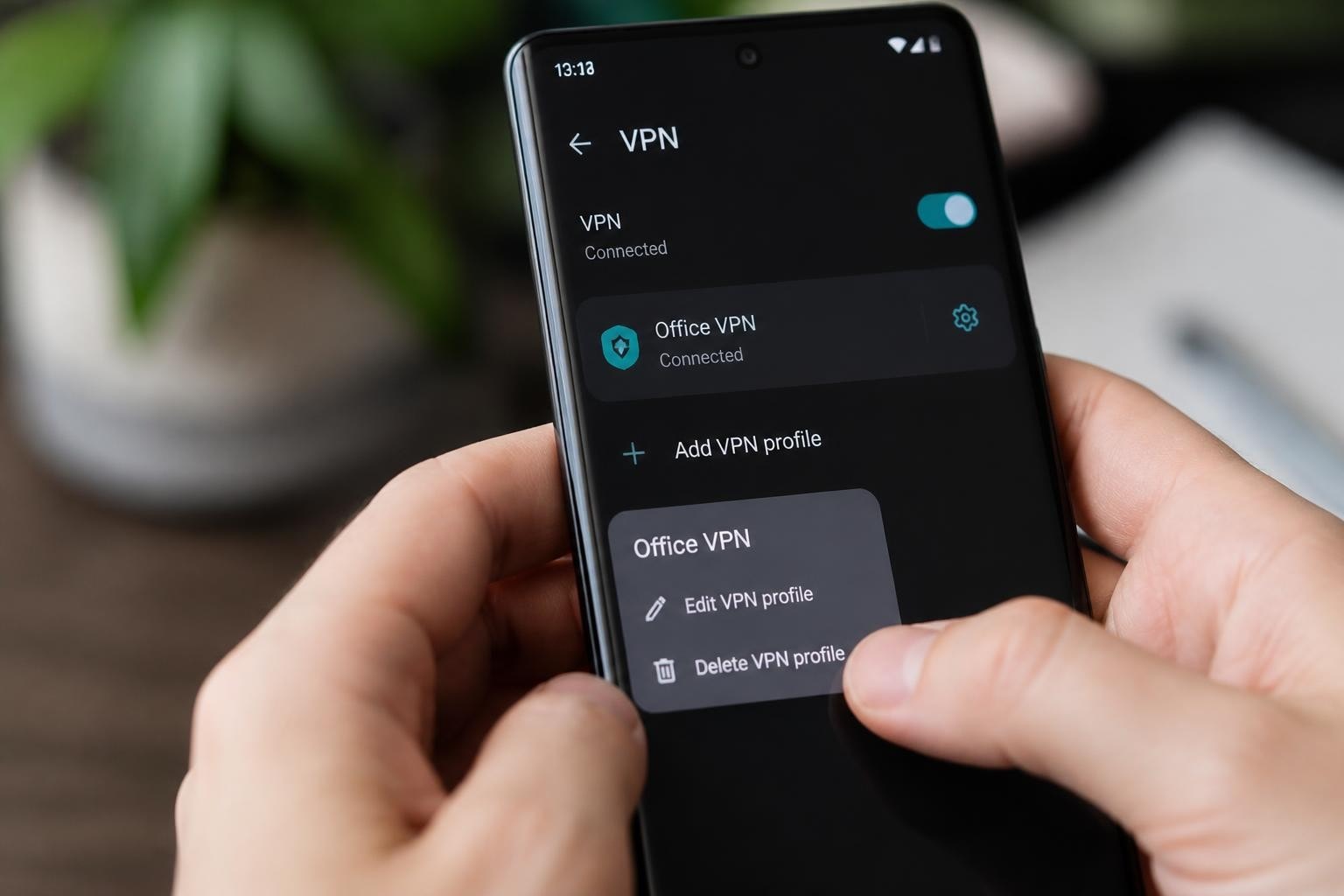
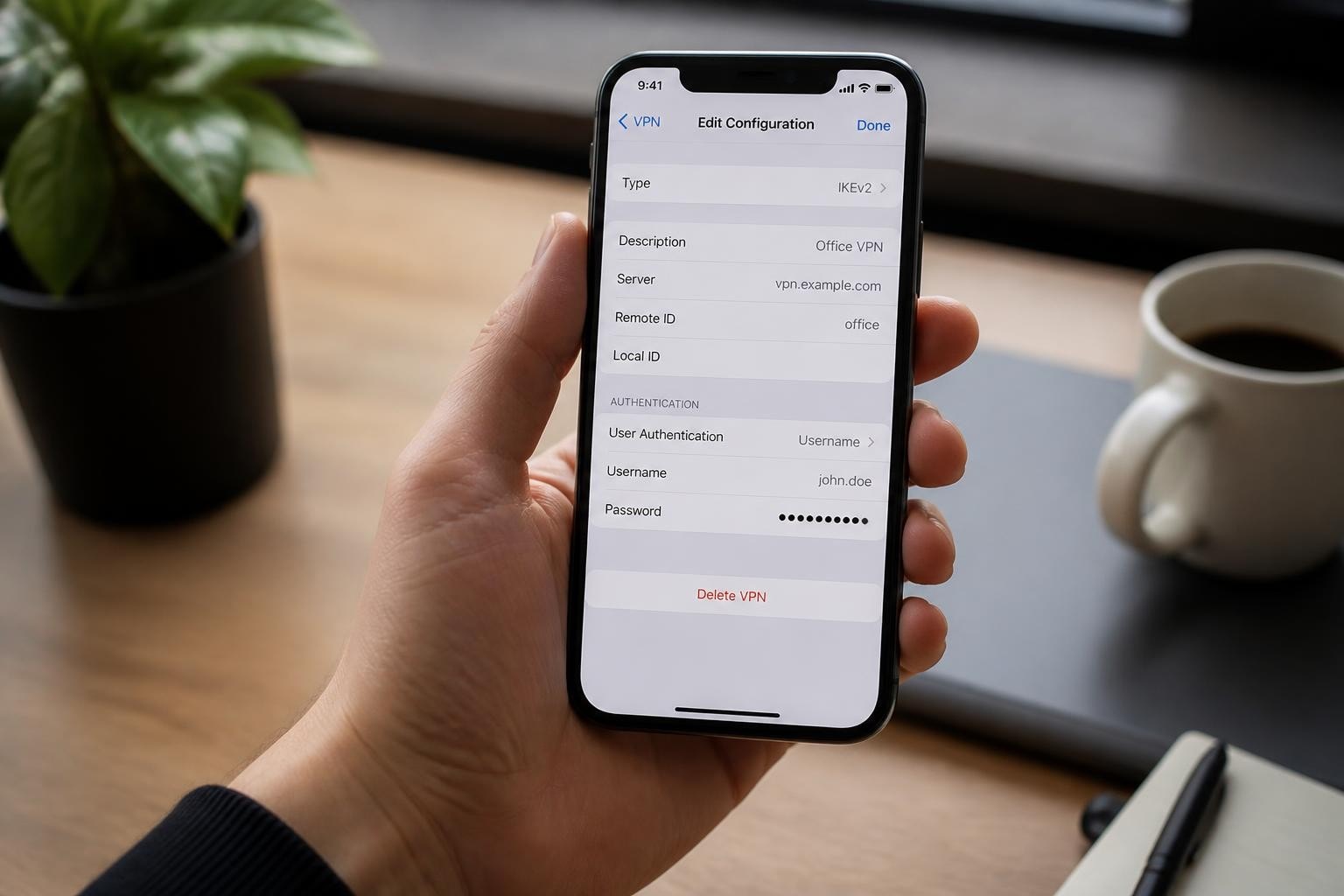
A VPN encrypts your internet connection and routes your traffic through secure servers, making it one of the most effective tools for protecting your online privacy. When you connect to a no-logs VPN, your Internet Service Provider cannot see which websites you visit or what data you transmit.
Key VPN features to prioritize:
- Military-grade encryption (AES-256)
- Strict no-logs policy verified by independent audits
- Kill switch to prevent data leaks if connection drops
- DNS leak protection
- Multiple protocol options (OpenVPN, WireGuard)
A secure VPN protects against various threats including man-in-the-middle attacks on public networks and ISP surveillance. Organizations implementing privacy frameworks, as outlined by the NIST Privacy Framework, recognize VPNs as essential infrastructure for data protection.
Browser Privacy Configuration
Your web browser serves as the primary gateway to the internet, making its configuration critical for privacy. Modern browsers offer extensive privacy controls that most users never activate.
| Privacy Feature | Purpose | Recommended Setting |
|---|---|---|
| Tracking Protection | Blocks third-party cookies and trackers | Strict |
| HTTPS-Only Mode | Forces encrypted connections | Enabled |
| Do Not Track | Signals privacy preference to websites | Enabled |
| Telemetry | Shares usage data with browser developer | Disabled |
| Fingerprint Resistance | Prevents tracking via browser characteristics | Enabled |
The Mozilla Support documentation offers comprehensive guidance on configuring these settings. Additionally, browser extensions like uBlock Origin, Privacy Badger, and HTTPS Everywhere add extra protection layers.
Password Management and Authentication
Weak or reused passwords represent one of the easiest ways for attackers to compromise your privacy. A password manager generates and stores unique, complex passwords for every account.
Password manager benefits:
- Create cryptographically secure passwords (20+ characters)
- Store credentials in encrypted vaults
- Autofill credentials only on legitimate websites
- Alert you to compromised passwords
- Enable two-factor authentication where supported
Two-factor authentication (2FA) adds a second verification step beyond your password. Hardware security keys provide the strongest 2FA protection, followed by authenticator apps, with SMS codes being the least secure option.
Securing Your Communications
How to protect your online privacy extends beyond preventing tracking to securing the actual content of your communications. Email, messaging, and file sharing all require specific privacy considerations.
Encrypted Messaging Applications
Standard SMS messages and many popular messaging apps offer little to no privacy protection. End-to-end encrypted messaging ensures that only you and your intended recipient can read your messages.
Recommended encrypted messaging platforms:
- Signal: Open-source with strong encryption defaults
- Wire: Business-focused with collaboration features
- Threema: Swiss-based with no phone number requirement
- Element: Decentralized Matrix protocol
These platforms encrypt messages on your device before transmission, meaning even the service provider cannot access the content. This approach aligns with the civil liberties perspective outlined by the ACLU on protecting consumer privacy.
Email Privacy and Security
Email remains inherently insecure, with most providers scanning message content for advertising and compliance purposes. Improving email privacy requires multiple strategies:
Create separate email addresses for different purposes. Use one address for financial services, another for social media, and a disposable address for one-time registrations. This compartmentalization limits the damage if one address becomes compromised.
Encrypt sensitive emails using PGP (Pretty Good Privacy) or S/MIME. While these technologies require recipients to also use encryption, they provide strong protection for confidential communications.
Avoid tracking pixels by disabling automatic image loading in your email client. Many marketing emails include invisible tracking images that report when and where you opened the message.

Privacy-Focused Operating System Configuration
Your device's operating system collects substantial data about your activities. Configuring privacy settings properly significantly reduces this data collection.
Mobile Device Privacy
Smartphones present unique privacy challenges due to their always-on connectivity and location tracking capabilities. Both iOS and Android systems offer privacy controls, though they require manual configuration.
- Review app permissions regularly and revoke unnecessary access to location, camera, microphone, and contacts
- Disable advertising identifiers to prevent cross-app tracking
- Use app-specific passwords rather than your main account password
- Enable automatic updates to receive security patches promptly
- Configure location services to "While Using" rather than "Always" for most apps
The Office of the Privacy Commissioner of Canada provides detailed guidance on mobile privacy settings and tracking mechanisms.
Desktop Operating System Hardening
Desktop systems require similar attention to privacy configuration. Windows, macOS, and Linux each offer different privacy trade-offs.
| Operating System | Privacy Advantages | Privacy Considerations |
|---|---|---|
| Windows | Familiar interface, widespread support | Extensive telemetry collection |
| macOS | Strong app sandboxing, encryption | Tight Apple ecosystem integration |
| Linux | Maximum control, transparency | Steeper learning curve |
Regardless of your operating system choice, disable telemetry, review default app permissions, and use disk encryption to protect data at rest.
Advanced Privacy Techniques
For those requiring stronger privacy protections, advanced techniques provide additional security layers beyond standard tools.
Using Tor for Anonymity
The Tor Project offers tools for anonymous browsing by routing your traffic through multiple encrypted relays. Tor Browser provides resistance to fingerprinting and enables access to .onion services designed for maximum privacy.
When to use Tor:
- Accessing information in countries with internet censorship
- Researching sensitive topics without leaving traces
- Whistleblowing or anonymous reporting
- Bypassing geographic restrictions
Tor provides stronger anonymity than standard VPNs, though it operates more slowly due to multiple routing hops. For everyday browsing, a fast VPN service offers better performance while still protecting your privacy.
Privacy-Preserving Search Engines
Search engines collect extensive data about your interests, concerns, and intentions. Privacy-focused alternatives prevent this surveillance:
- DuckDuckGo: No tracking, unfiltered results
- Startpage: Google results without tracking
- Searx: Open-source metasearch engine
- Brave Search: Independent index with privacy defaults
These services generate revenue through non-tracking advertising or operate as nonprofit ventures, removing the financial incentive to collect your data.
Data Minimization Practices
The most effective privacy protection involves generating less data in the first place. Data minimization means providing only necessary information and avoiding voluntary disclosure.
Practical minimization strategies:
- Use privacy-focused alternatives to data-hungry services
- Opt out of loyalty programs that track purchases
- Pay with cash or privacy-focused payment methods when possible
- Decline unnecessary account creation
- Regularly delete old accounts and data
This approach aligns with privacy frameworks that emphasize collecting only data essential for specific purposes.
Network Security and Privacy
How to protect your online privacy includes securing the networks you use and the connections you establish. Network-level protection prevents threats before they reach your device.
Public Wi-Fi Security
Public Wi-Fi networks at coffee shops, airports, and hotels present significant security risks. Without encryption, other users on the same network can potentially intercept your traffic.
Essential public Wi-Fi precautions:
- Always connect through a VPN before accessing any services
- Verify network names with staff to avoid rogue access points
- Disable automatic Wi-Fi connection on your devices
- Forget networks after use to prevent automatic reconnection
- Use cellular data for sensitive transactions when possible
The risks of public Wi-Fi without proper protection have increased as attack tools become more accessible to criminals.
Home Network Configuration
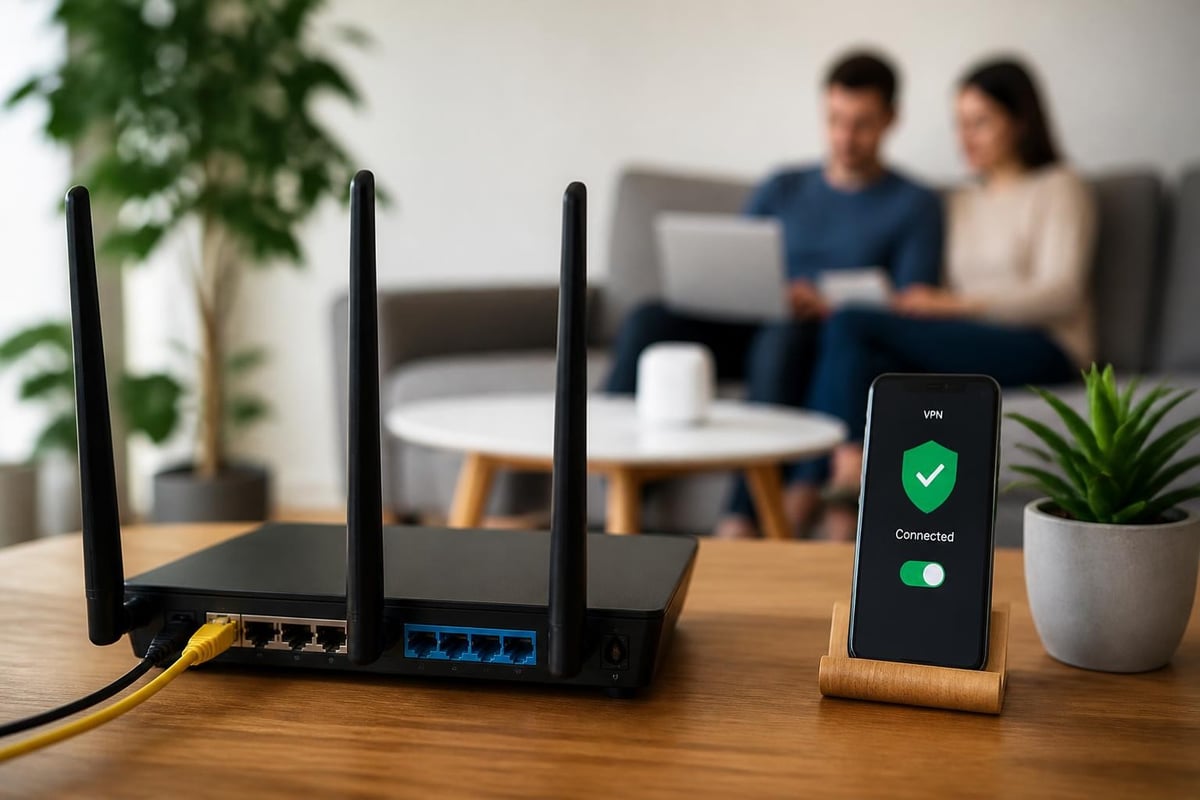
Your home router serves as the gateway for all household devices. Proper configuration establishes a secure foundation for your privacy.
Router security checklist:
- Change default administrator credentials immediately
- Update firmware regularly for security patches
- Enable WPA3 encryption (or WPA2 if WPA3 unavailable)
- Disable WPS (Wi-Fi Protected Setup)
- Create a guest network for visitors and IoT devices
- Configure DNS to use privacy-respecting servers
Many ISPs provide routers with default settings that prioritize convenience over security. Taking time to properly configure your router significantly improves your household's privacy posture.
Managing Social Media Privacy
Social media platforms generate revenue by collecting and monetizing your personal information. While complete privacy on these platforms remains impossible, you can limit exposure through careful configuration.
Privacy Settings Optimization
Each social media platform offers privacy controls, though they're often buried in complex settings menus. Regular audits ensure your settings remain configured properly as platforms frequently change their interfaces and default options.
Critical privacy settings to review:
- Profile visibility (public, friends-only, private)
- Post defaults (who can see new content)
- Tagging permissions (who can tag you in photos/posts)
- Location sharing (disable automatic location in posts)
- App permissions (third-party apps accessing your data)
- Advertising preferences (opt out of data sharing with partners)
Review these settings quarterly, as platforms often reset preferences after updates or introduce new features with privacy-invasive defaults.
Content Sharing Awareness
Everything you post online potentially becomes permanent, even after deletion. Before sharing content, consider its long-term implications and potential audiences beyond your intended recipients.
Think about metadata attached to photos and videos. Images from smartphones often include GPS coordinates, device information, and timestamps. Strip this metadata before sharing to prevent unintended information disclosure.
Privacy for Specific Activities
Different online activities require tailored privacy approaches. Understanding context-specific risks helps you apply appropriate protections.
Online Shopping and Financial Transactions
E-commerce and financial services collect extensive data about your purchasing patterns, browsing behavior, and financial status. This information creates detailed profiles that can be breached or sold.
Shopping privacy best practices:
- Use virtual credit card numbers for online purchases
- Create dedicated email addresses for shopping accounts
- Clear shopping site cookies between sessions
- Use privacy-focused payment services when available
- Review and decline optional data collection requests
For particularly sensitive transactions, consider using the Tor Browser or a VPN to prevent merchants from collecting your real IP address and location data.
Remote Work and Video Conferencing
The shift to remote work has introduced new privacy challenges. Video conferencing platforms, collaboration tools, and remote desktop software all collect data about your work patterns and communications.
| Video Platform | Encryption | Data Collection | Privacy Rating |
|---|---|---|---|
| Zoom | End-to-end (opt-in) | Moderate | Medium |
| Microsoft Teams | In-transit | Extensive | Low |
| Google Meet | In-transit | Extensive | Low |
| Jitsi Meet | End-to-end | Minimal | High |
When possible, choose platforms with end-to-end encryption and minimal data retention. The Harvard Berkman Klein Center provides research on privacy implications of remote work technologies.
Streaming and Entertainment
Streaming services track viewing habits to provide recommendations and measure content performance. While this tracking seems benign, it contributes to the overall data profile companies build about you.
Using a VPN when streaming prevents your ISP from seeing which services you access and what content you consume. This protection becomes particularly important as ISPs increasingly sell browsing data to third parties.
Building a Personal Privacy Strategy
Understanding how to protect your online privacy requires developing a comprehensive, sustainable strategy tailored to your specific needs and threat model. Not everyone requires maximum privacy for all activities.
Assessing Your Privacy Needs
Start by evaluating which aspects of your digital life require the strongest protection. Consider your profession, geographic location, political activities, and personal circumstances.
Questions to guide your privacy assessment:
- What information would cause the most harm if exposed?
- Which entities pose the greatest threat to your privacy?
- What level of inconvenience can you tolerate for privacy?
- Which communications require the strongest protection?
- What regulatory or legal considerations apply to your situation?
This assessment helps you prioritize efforts and allocate resources effectively rather than trying to achieve perfect privacy across all activities.
Creating Privacy Habits
Privacy protection works best when integrated into daily routines rather than treated as occasional tasks. Develop habits that maintain your privacy without requiring constant conscious effort.
Daily privacy habits:
- Connect to your VPN before browsing
- Use private browsing windows for sensitive searches
- Review new app permissions before installation
- Clear browser cookies and cache weekly
- Update passwords quarterly using your password manager
These habits become automatic over time, providing consistent protection without significant mental overhead.
Staying Informed About Privacy Threats
The privacy landscape evolves constantly as new technologies emerge and threats develop. Staying informed helps you adapt your strategy to address emerging risks.
Subscribe to privacy-focused news sources, follow security researchers on social media, and participate in privacy communities. Understanding current threats enables proactive protection rather than reactive damage control.
Privacy Education for Family and Colleagues
Your privacy depends partly on the security practices of people you communicate with. Compromised contacts can expose your information even when your own security remains strong.
Teaching Privacy Basics
Help family members and colleagues understand fundamental privacy concepts without overwhelming them with technical details. Focus on practical actions they can implement immediately.
Beginner-friendly privacy improvements:
- Installing a VPN on their devices
- Using a password manager
- Enabling two-factor authentication
- Reviewing social media privacy settings
- Recognizing phishing attempts
Start with one or two changes, allow time for adoption, then introduce additional practices. Gradual implementation succeeds more often than attempting comprehensive overhauls.
Creating Household Privacy Policies
For families, establish clear expectations about privacy practices and information sharing. Discuss what family members can post about each other online and how to handle privacy conflicts.
These conversations become particularly important for households with children, who may not fully understand privacy implications of their online activities.
Protecting your online privacy in 2026 requires vigilance, appropriate tools, and consistent practices across all your digital activities. By implementing VPN protection, configuring privacy settings properly, using encrypted communications, and developing strong privacy habits, you take control of your digital footprint and reduce exposure to surveillance and data harvesting. ZioFree provides the foundation for online privacy with high-speed VPN access, military-grade encryption, and a verified no-logs policy that ensures your internet activity remains private. Start protecting your digital life today with a service committed to your security and independence from surveillance networks.