



The dangers of public WiFi come down to one problem: you share the network with strangers, and you cannot verify who runs it or who is watching the traffic. On an open hotspot, attackers can intercept your data, impersonate the network, or push malware to your device, often without any visible sign. Most of these risks are manageable once you understand how they work and apply a few consistent habits.
Why Is Public WiFi Risky?
Public WiFi is risky because it usually lacks the controls that protect a private network: strong encryption, authenticated users, and a trustworthy operator. Anyone within range can join, and the network owner rarely monitors for hostile activity.
Three conditions make cafés, airports, hotels, and libraries attractive hunting grounds:
- Shared access: Every device on the network can potentially see or probe other devices.
- Weak or absent encryption: Open networks do not scramble the traffic between your device and the router.
- Unverified identity: Nothing proves that "Airport_Free_WiFi" belongs to the airport.
The FDIC advises avoiding sensitive transactions, including purchases, on public Wi-Fi when possible because these networks may lack strong encryption or other security features. A hotspot is a convenience service, not a security product.
The Main Threats on Open Networks
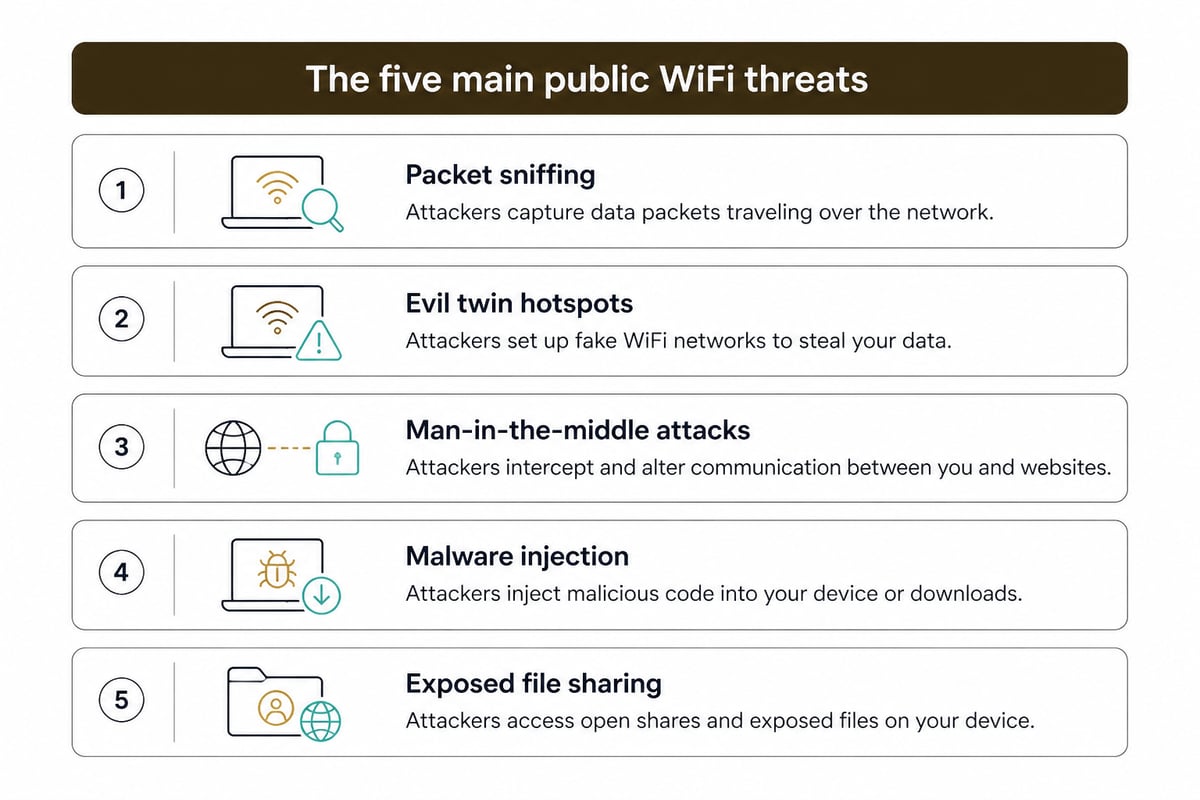
The main threats on open networks are traffic interception, fake hotspots, man-in-the-middle attacks, malware delivery, and device-level snooping. Each exploits the same weakness: your traffic travels through equipment you do not control.
Packet Sniffing and Unencrypted Traffic
Packet sniffing is the passive capture of data moving across a network. On an unencrypted hotspot, software freely available to anyone can record the traffic of nearby devices. If a site or app transmits data without encryption, that data can be read directly, including login details, form entries, and messages.
Modern websites mostly use HTTPS, which limits what a sniffer can see. Even so, metadata such as which domains you contact can remain visible, and older apps or poorly configured sites still send sensitive information in the clear.
Evil Twin and Malicious Hotspots
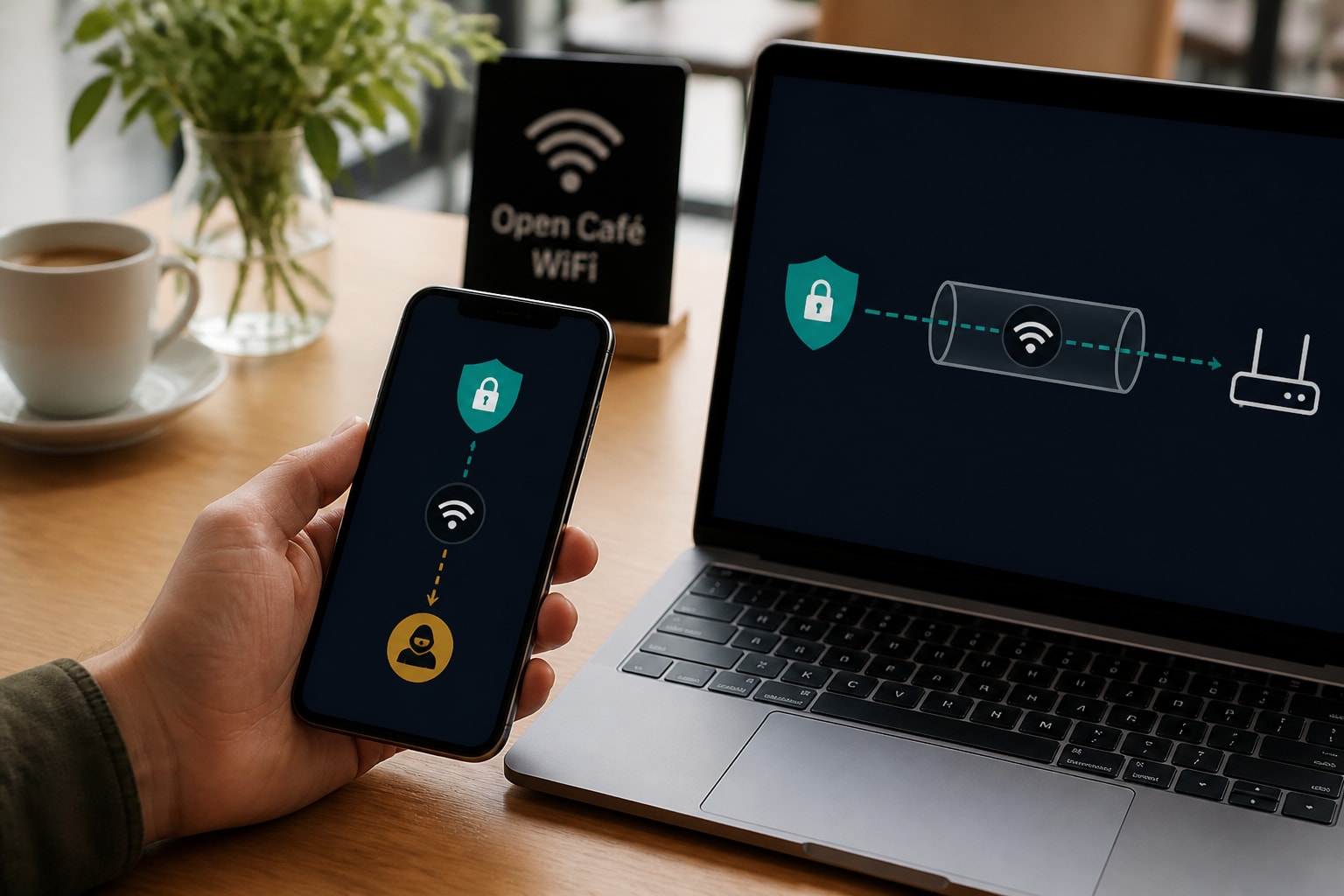
An evil twin is a rogue access point that copies the name of a legitimate network. An attacker sets up a hotspot called "Hotel_Guest" or "Coffee_Free_WiFi" with a strong signal, and your phone may join it automatically if you connected to a similarly named network before.
Once you are connected, the attacker controls the gateway for all your traffic. They can log what passes through, redirect you to counterfeit login pages, or inject unwanted content into pages you load. A password on the hotspot does not solve this: a password posted on a café wall tells you nothing about whether the router belongs to the café.
Man-in-the-Middle Attacks
In a man-in-the-middle (MITM) attack, the attacker positions themselves between your device and the destination, reading or altering the exchange. Techniques such as ARP spoofing let someone on the same network trick your device into sending traffic through their machine.
HTTPS reduces the damage but does not eliminate the threat. Attackers can try to downgrade connections, present fraudulent certificates, or lure you into approving a warning you should have heeded. Encryption differs between websites and apps, and safer options matter for sensitive transactions on wireless networks.
Malware Distribution
Hostile networks and compromised hotspots can deliver malware through fake software update prompts, malicious captive portals, and injected downloads. A pop-up asking you to install a "required security certificate" or "connection helper" before using the WiFi is a common lure.
Devices with outdated operating systems and browsers are the easiest targets, because known vulnerabilities can be exploited the moment the device connects.
Can Public WiFi See Your History?
Public WiFi can reveal parts of your browsing activity, though what it sees depends on the connection and the site. The network operator, or anyone controlling the router, can generally see which domains your device requests, the times of those requests, and how much data you transfer.
Here is what is typically visible and what is not:
| Item | Visible to the network operator? |
|---|---|
| Domain names you visit (via DNS requests) | Usually yes |
| Full page URLs on HTTPS sites | No, only the domain |
| Page content on HTTPS sites | No |
| Content on plain HTTP sites | Yes |
| Your device name and MAC address | Yes |
| Connection times and data volume | Yes |
A hotspot owner or attacker who compiles this metadata over time can build a profile of your habits. The same applies to your ISP and to advertisers who buy or collect tracking data, which is why privacy-conscious users treat every untrusted network as a visibility problem, not only a hacking problem. Encrypting your traffic end to end with a VPN means the network sees an encrypted connection to a VPN server instead of a list of the sites you visit. For a deeper look at how this works, see this explanation of whether VPNs protect you on public WiFi.
What Attackers Can Actually Steal
Attackers on a compromised public network can target credentials, session data, financial details, and personal files. The exact haul depends on your habits and device settings.
- Login credentials: Captured through fake login pages or unencrypted forms.
- Session cookies: Stolen cookies can let an attacker access an account without a password, a technique called session hijacking.
- Payment details: Entered on spoofed or downgraded checkout pages.
- Email and messages: Readable when apps use weak or no encryption.
- Shared files: Exposed if file sharing is enabled on your laptop.
The CISA recommends confirming a public hotspot's network name and login procedure with staff, and avoiding sensitive activities such as banking, shopping, or sensitive work on public Wi-Fi. Confirming the network name with staff is a quick step that removes much of the evil twin risk.
How to Check if WiFi Is Safe
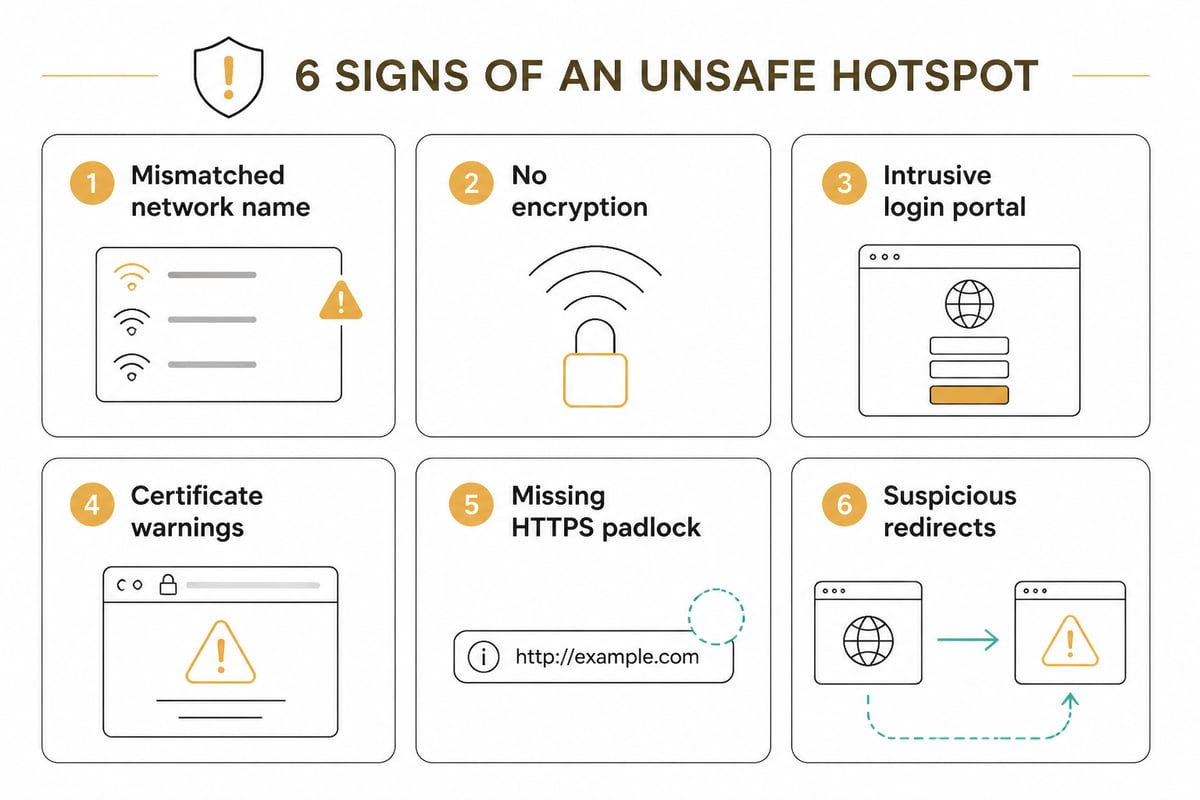
No visual check can prove a hotspot is safe, but several signs reveal a network that is clearly unsafe. Treat any one of them as a reason to disconnect.
- The network name is slightly off. Look for extra characters, duplicate networks with the same name, or a name that differs from what staff gave you.
- No password, or a shared password everyone knows. A password does not guarantee safety, but a fully open network offers no encryption at all.
- A captive portal asks for more than it should. Requests for your email password, payment card, or software installation are red flags.
- Browser certificate warnings appear. An unexpected warning on a well-known site can indicate interception. Do not click through.
- Sites that normally use HTTPS load without the padlock. This may signal a downgrade attack.
- Unusual redirects or pop-ups. Pages that redirect you to unfamiliar domains deserve suspicion.
For a longer rundown, these five signs your public WiFi is not as safe as you think cover additional warning signals.
Is Your Phone's Own Connection Safer?
Using your phone's cellular connection is generally safer than joining a public hotspot, because mobile traffic is encrypted between your device and the carrier's network and no stranger shares your connection. CISA says using a mobile network connection is generally more secure than using public wireless Wi-Fi.
This gives you a practical fallback. When you need to log in to a bank, send a sensitive document, or reset a password away from home, switching off WiFi and using mobile data (or a personal hotspot you control) removes the shared-network risk entirely. Be aware that cellular data does not hide your activity from your carrier, which still sees the domains you visit, so it solves the interception problem but not the tracking problem.
How to Protect Yourself on Public WiFi
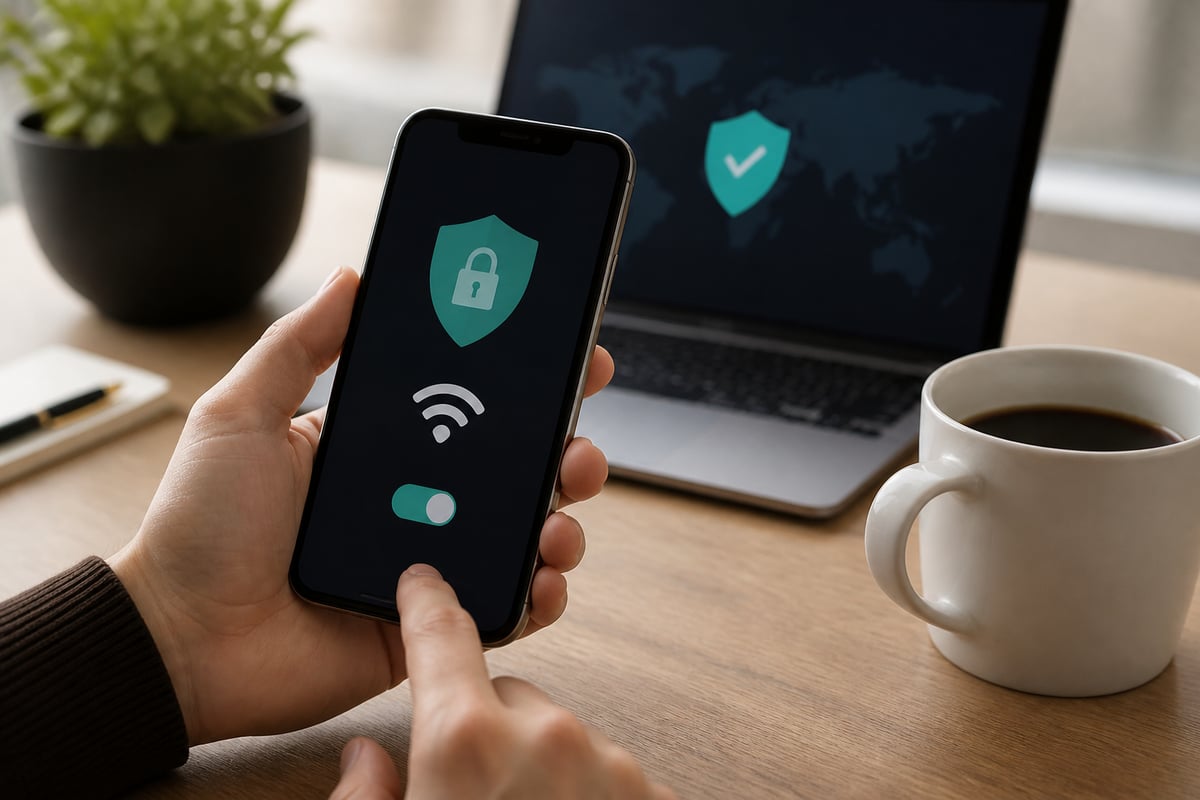
You protect yourself on public WiFi by encrypting your traffic, limiting what your device exposes, and reducing what you do on untrusted networks. A layered approach works best, because no single measure covers every threat.
Encrypt Everything With a VPN
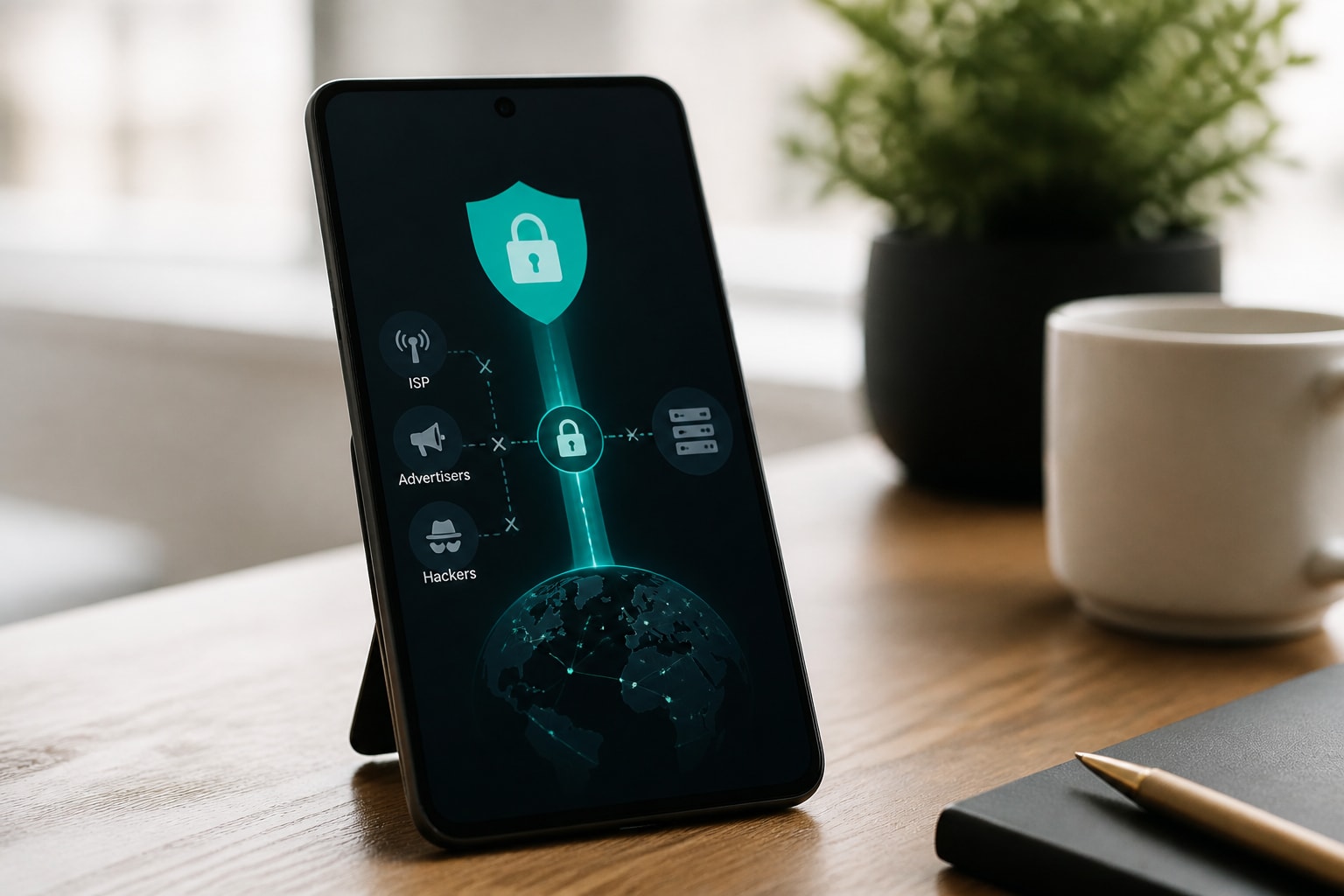
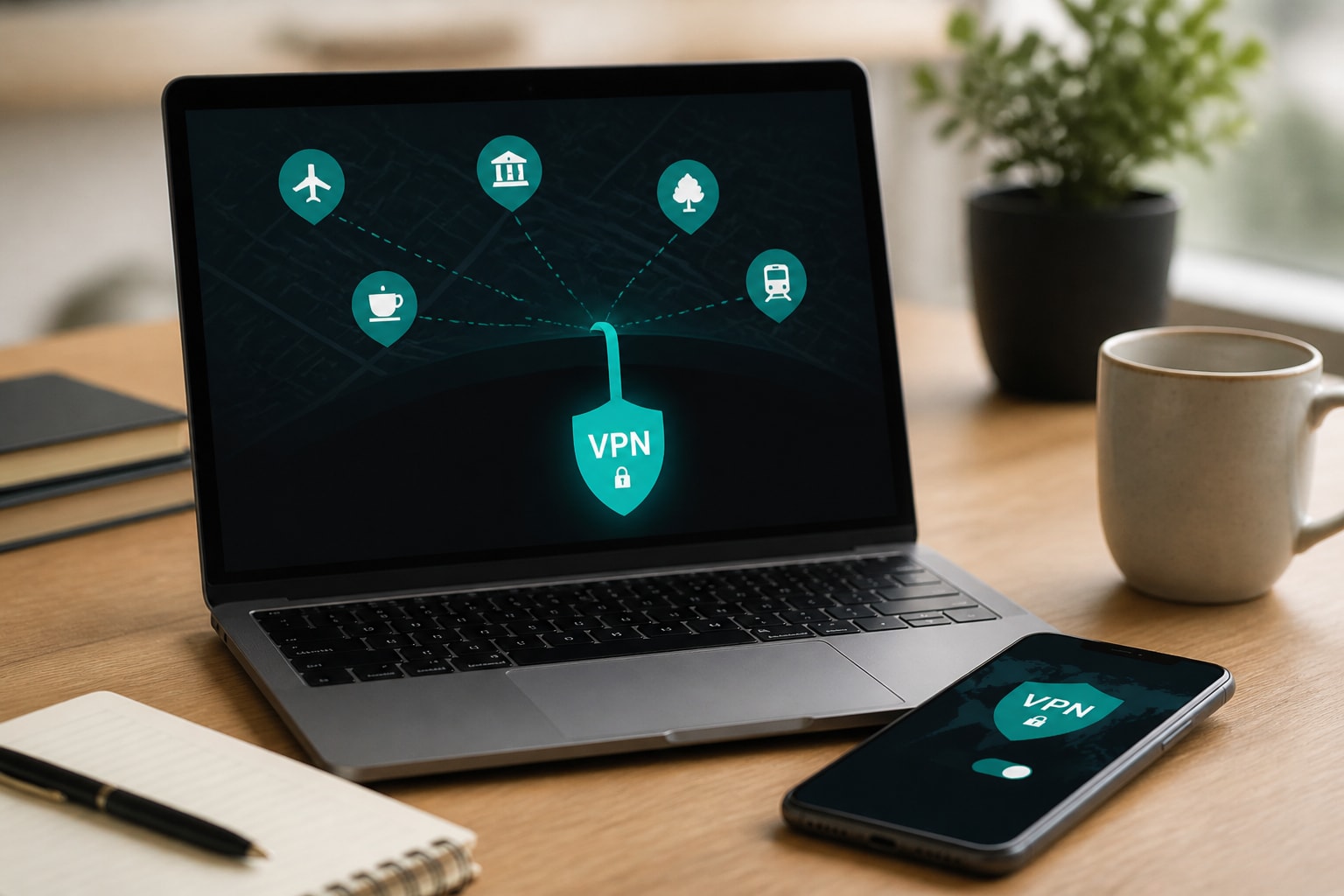
A VPN wraps your traffic in an encrypted tunnel before it leaves your device, so the hotspot operator, a man-in-the-middle attacker, or a packet sniffer sees only scrambled data. This addresses interception and the visibility of your browsing history at once.
Look for these features in a VPN you rely on at hotspots:
- Strong encryption: AES-256 is the standard for protecting VPN traffic.
- An automatic kill switch: If the tunnel drops, the kill switch blocks traffic so nothing leaks over the open network.
- A verified no-logs policy: The provider should not record activity, DNS queries, timestamps, or IP addresses.
- RAM-only servers: Data is never written to disk and is wiped on reboot.
- Split tunnelling: You can route only selected apps through the VPN when needed.
ZioFree VPN Monthly includes AES-256 encryption, an automatic kill switch, split tunnelling, RAM-only servers, and a no-logs policy, with unlimited bandwidth and access to all servers. It is a paid service, so readers looking for a free tool should look elsewhere. To understand the mechanics, read how a VPN works on public WiFi.
Harden Your Device Settings
Device settings determine how much a hostile network can learn about you before you open a single page. Adjust these before you travel:
- Turn off file and folder sharing. CISA advises disabling file and folder sharing on public networks and enabling it only on recognized home networks when needed.
- Disable auto-join. Stop your phone from connecting automatically to remembered or open networks, which blocks evil twin attacks that rely on name matching.
- Turn off WiFi and Bluetooth when idle. An inactive radio cannot be probed.
- Forget networks after use. Remove hotel and café networks from your saved list.
- Keep your system and browser updated. Patches close the vulnerabilities that malware injection depends on.
Adopt Safer Habits
Behavior matters as much as software. Stick to HTTPS sites and check for the padlock, but do not treat it as a guarantee. Use two-factor authentication on important accounts so a stolen password alone is not enough. Log out of accounts when finished, and avoid banking, shopping, and sensitive work on shared networks, as both CISA and the FDIC recommend.
Protecting Privacy Beyond Hackers
Public WiFi is only one of several places where your browsing can be observed, so privacy-conscious users benefit from thinking about the whole chain. Your ISP can log the domains you request at home. Advertisers build profiles from cookies, device fingerprints, and IP addresses. Hotspot operators may sell or retain usage data without telling you.
A VPN used consistently, not only at hotspots, shifts that picture. Your ISP sees an encrypted connection to the VPN server instead of your destinations, and the sites you visit see the VPN server's IP address instead of yours. The provider's logging policy then becomes the key question, which is why a strict no-logs approach and RAM-only infrastructure matter. For related steps, see this guide to protecting your privacy online.
FAQ
Is it harmful to sleep near a Wi-Fi router?
Concerns about health effects from router radio signals are separate from network security. If you prefer distance from the device, placing the router outside the bedroom costs nothing.
Is a password-protected public hotspot safe?
A password adds some protection, but it does not make the network safe. Everyone who knows the password shares the network, and an attacker can clone the name and password to run an evil twin. Treat every public hotspot as untrusted regardless of password.
Is HTTPS enough on its own at a hotspot?
HTTPS encrypts the content of your connection to a website, which blocks most casual snooping. It does not hide which domains you visit, and it cannot protect you if you approve a certificate warning or land on a spoofed page. Pairing HTTPS with a VPN covers both gaps.
Before your next trip or café session, turn off auto-join on your phone and laptop and confirm the network name with staff, then switch on a VPN before you open any account. If you want a tool built for this, ZioFree VPN Monthly gives you AES-256 encryption, a kill switch, and a no-logs policy with unlimited bandwidth across all servers. Choose your plan and Get Started Now with ZioFree to keep your browsing private on every network you join.