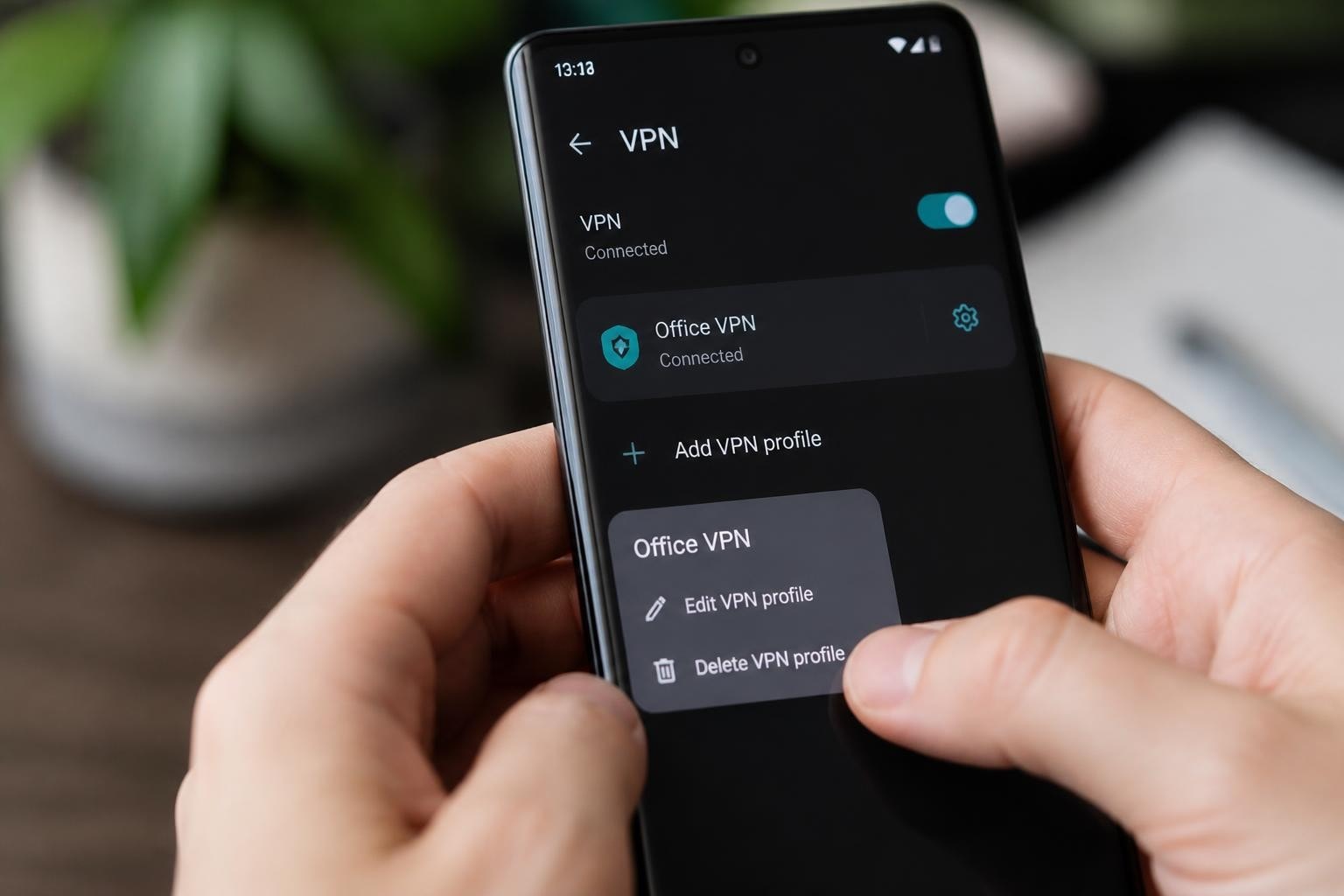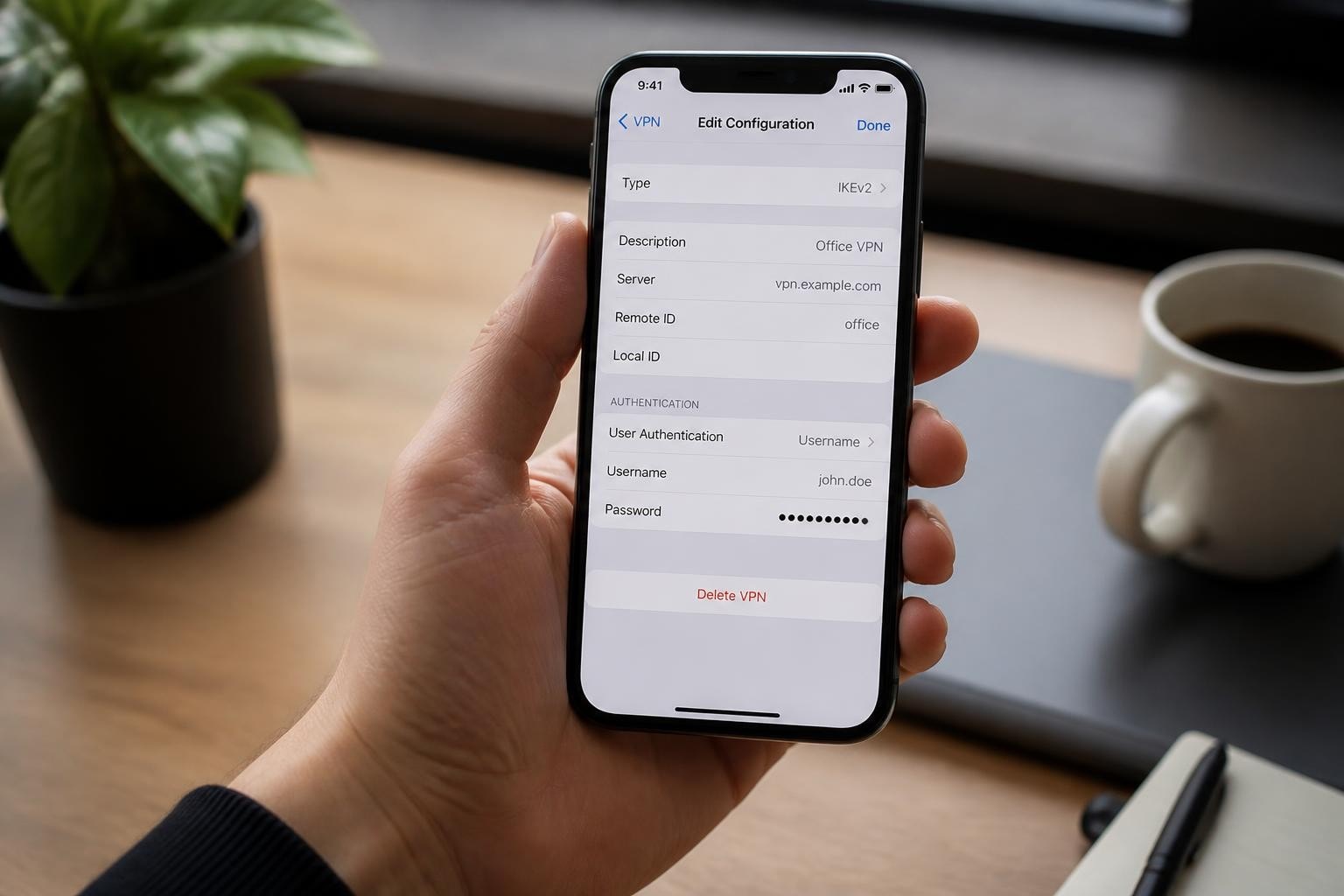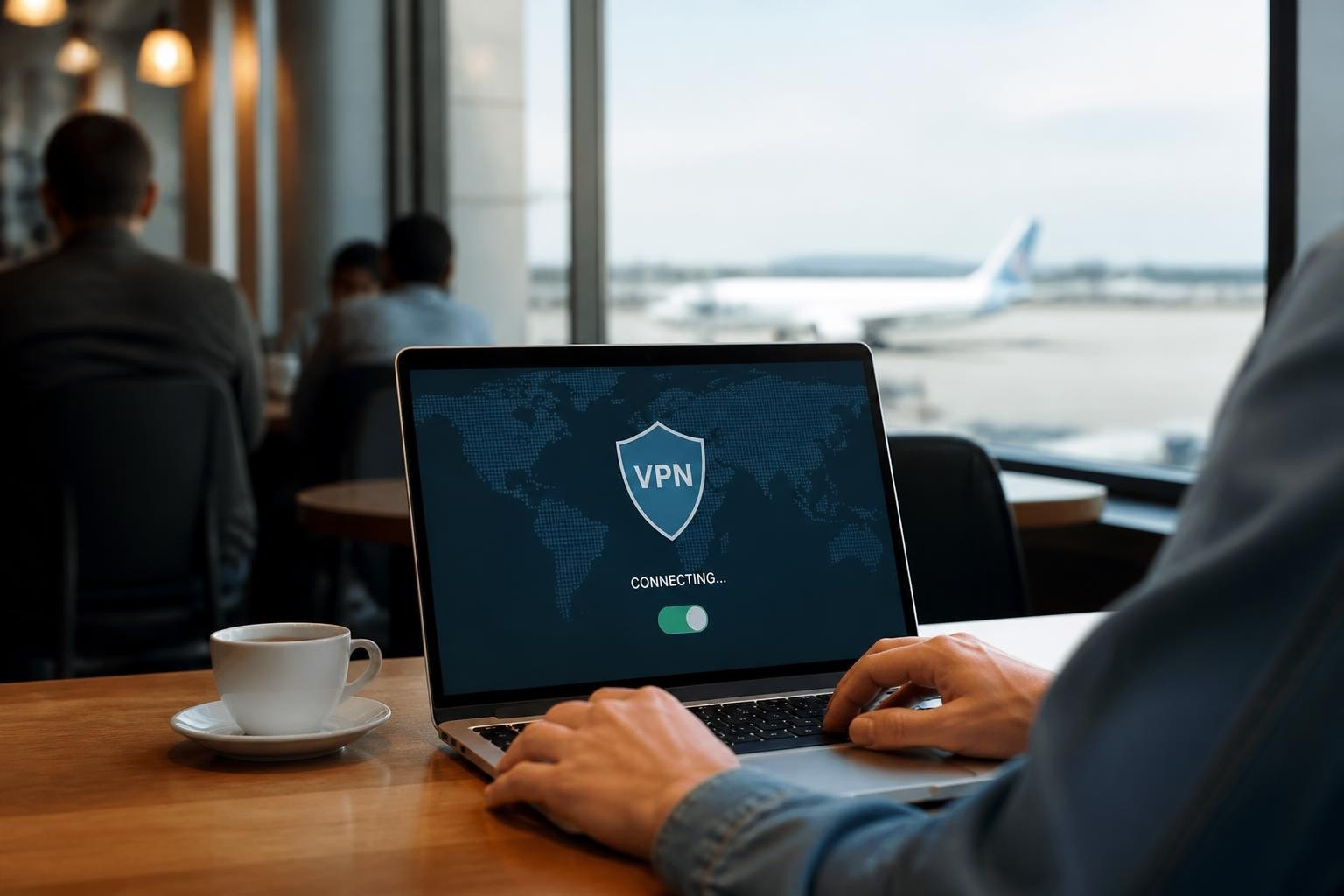
Public WiFi networks have become essential infrastructure in modern life, available in coffee shops, airports, hotels, and libraries across the globe. Yet these convenient networks present significant security risks that many users underestimate. The question "do VPNs protect you on public WiFi" has become increasingly relevant as cyber threats continue to evolve and sophisticated attackers target vulnerable connections. Understanding how VPNs function as a security layer can help you make informed decisions about protecting your sensitive data when connecting to untrusted networks.
Understanding Public WiFi Security Risks
Public WiFi networks operate fundamentally different from your home network. When you connect to a coffee shop's free internet, you're sharing network space with dozens of strangers, any of whom could be monitoring traffic.
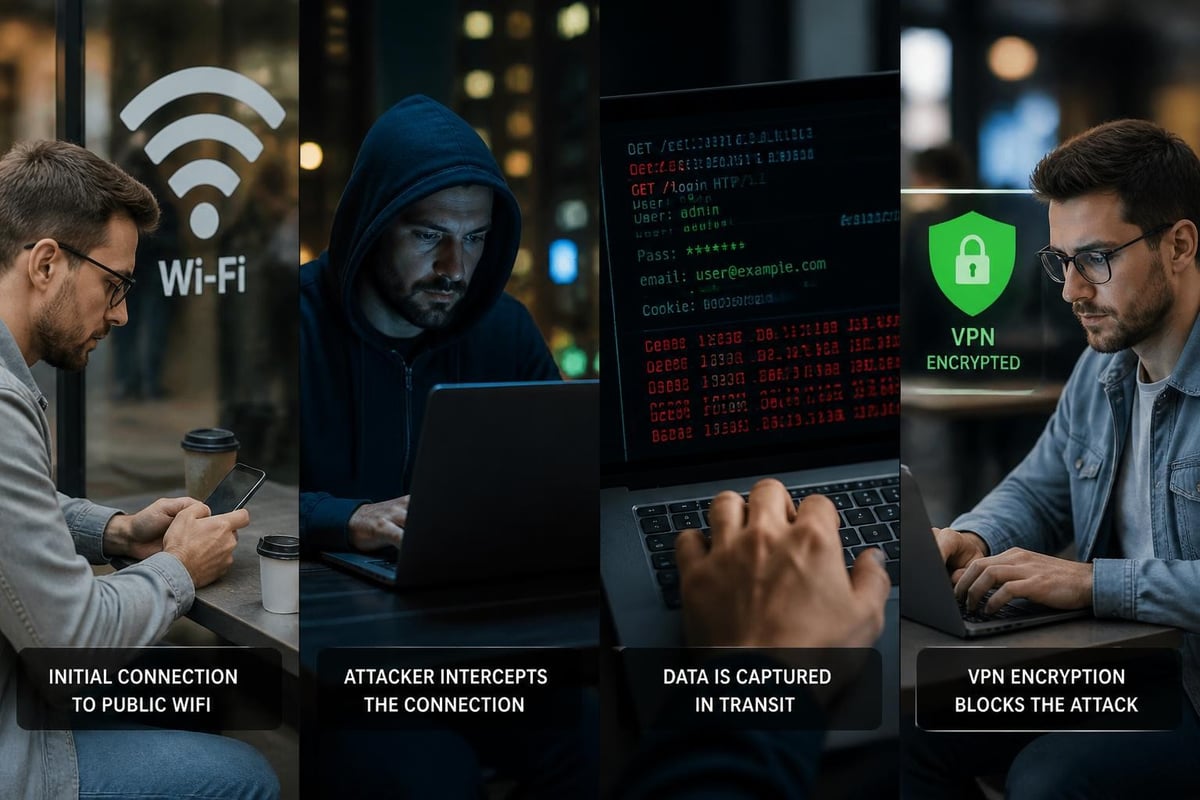
Man-in-the-middle attacks represent one of the most common threats on public networks. Attackers position themselves between your device and the internet connection, intercepting data as it travels. They can capture login credentials, banking information, and personal communications without your knowledge.
Common Attack Vectors on Open Networks
Public hotspots expose users to several distinct threat categories:
- Evil twin attacks: Fraudulent networks mimicking legitimate ones
- Packet sniffing: Capturing unencrypted data transmitted over the network
- Session hijacking: Stealing active login sessions to access accounts
- Malware distribution: Injecting malicious code through network vulnerabilities
- DNS spoofing: Redirecting users to fraudulent websites
The Electronic Frontier Foundation's guide to VPN usage provides detailed analysis of these threats and how encryption mitigates specific attack vectors. Many users don't realize that even HTTPS-protected websites can leak metadata about your browsing habits and connection patterns.
How VPNs Create Protective Encryption Tunnels
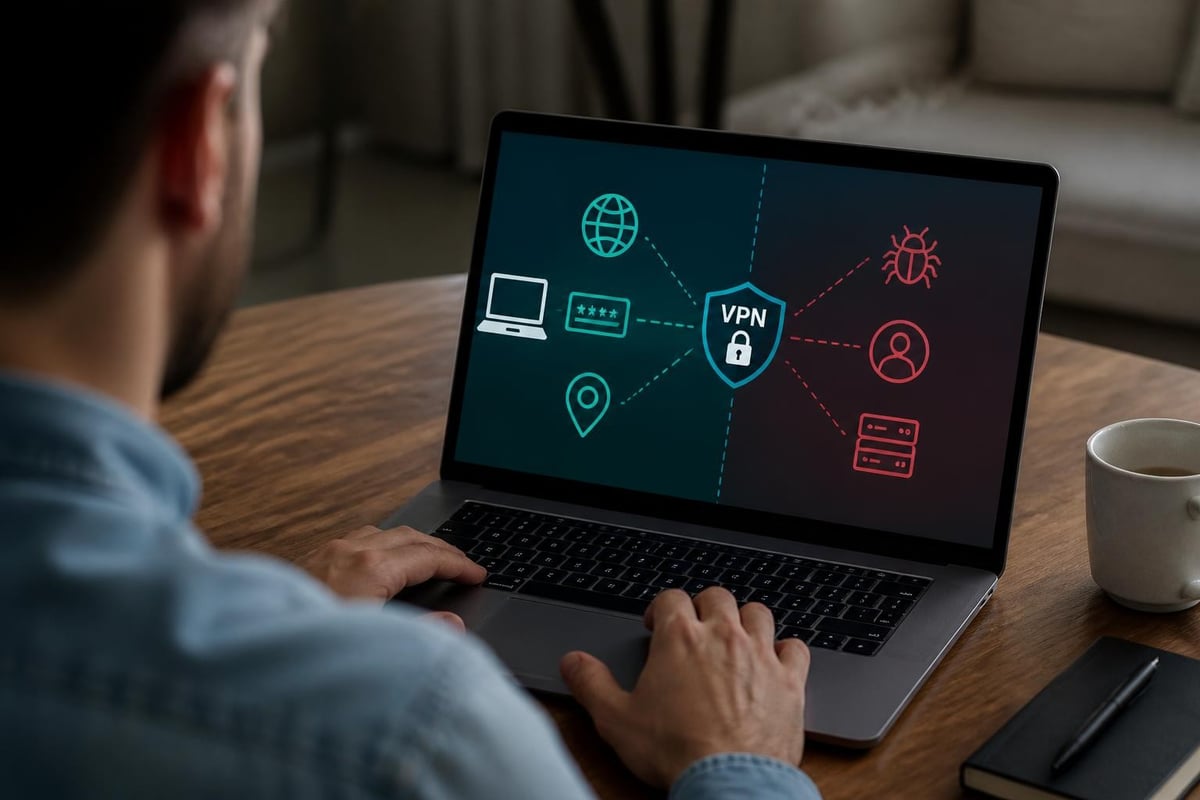
When evaluating whether VPNs protect you on public WiFi, understanding the encryption mechanism is essential. A VPN establishes an encrypted tunnel between your device and a remote server operated by the VPN provider.
The Encryption Process Explained
Your data undergoes encryption before leaving your device. This transforms readable information into scrambled code that appears meaningless to anyone intercepting it. The encrypted data travels through the public WiFi network, past potential attackers, and reaches the VPN server where it's decrypted and forwarded to its final destination.
Modern VPN protocols utilize military-grade encryption standards. AES-256 encryption, the current industry standard, would require billions of years to crack using current computing power. This encryption level ensures that even if attackers capture your data packets, they cannot decipher the contents.
| Encryption Standard | Key Length | Security Level | Performance Impact |
|---|---|---|---|
| AES-128 | 128-bit | Strong | Minimal |
| AES-256 | 256-bit | Military-grade | Very Low |
| ChaCha20 | 256-bit | Excellent | Optimized for mobile |
The question of do VPNs protect you on public WiFi becomes clear when you consider this encryption layer. Without a VPN, your internet service provider, network administrator, and potential attackers can observe your online activities. With proper VPN protection, your traffic becomes invisible to local network threats.
Protection Scope: What VPNs Shield and What They Don't
VPNs provide substantial protection on public WiFi, but understanding their limitations prevents false security assumptions. A VPN encrypts your internet traffic and masks your IP address, but it doesn't make you completely anonymous or protect against all cyber threats.
Data Protected by VPN Encryption
When connected to a secure VPN service, the following information receives protection:
- Websites you visit and web pages you access
- Content of communications (emails, messages, file transfers)
- Login credentials transmitted to websites
- Your real IP address and approximate geographic location
- DNS queries revealing your browsing interests
Limitations Users Should Understand
VPNs cannot protect against malware already installed on your device or phishing attacks that trick you into revealing credentials directly to attackers. If you voluntarily enter your password on a fraudulent website, the VPN cannot prevent that compromise.
Research from arXiv on VPN fingerprinting demonstrates that sophisticated adversaries can sometimes identify VPN usage patterns, though they still cannot decrypt the content. This matters primarily for users facing nation-state level threats rather than typical coffee shop attackers.
Additionally, VPNs don't protect data after it leaves the VPN server. If you're accessing an unencrypted HTTP website, that final connection remains vulnerable. Always verify you're using HTTPS connections for sensitive transactions, even with VPN protection active.
Choosing a Trustworthy VPN Provider
Not all VPN services offer equivalent protection on public WiFi. The market contains hundreds of providers with vastly different security practices, privacy policies, and technical capabilities. Understanding how to evaluate VPN services prevents choosing solutions that create new vulnerabilities.
Critical Evaluation Criteria
No-logs policies represent the foundation of privacy-focused VPN services. A genuine no-logs VPN doesn't record your browsing history, connection timestamps, IP addresses, or DNS queries. However, Consumer Reports' VPN investigation revealed that many providers claiming no-logs policies maintain extensive records.
Verify the jurisdiction where the VPN company operates. Some countries mandate data retention that contradicts no-logs promises. Providers based in privacy-friendly jurisdictions can better protect user information from government surveillance requests.
Encryption protocols determine your actual security level. Modern providers should offer WireGuard, OpenVPN, or IKEv2/IPSec protocols. Outdated protocols like PPTP provide minimal security and should be avoided entirely.
Red Flags Indicating Unreliable Services
- Free VPN services with unclear business models
- Absence of independent security audits
- Vague or contradictory privacy policies
- Logging policies buried in terms of service
- Servers located in surveillance-heavy jurisdictions
- No transparency about company ownership
When questioning do VPNs protect you on public WiFi, remember that protection quality depends entirely on the provider's implementation. ZioFree maintains a strict no-logs policy verified through transparent operational practices and strategic server placement.
Technical Standards for Public WiFi Protection
Understanding WiFi security standards helps contextualize how VPNs add protection layers. The US-CERT guide to securing WiFi networks details the evolution from WEP to WPA3 encryption.
WiFi Encryption vs VPN Encryption
Modern WiFi networks use WPA2 or WPA3 encryption, which protects data transmitted between your device and the wireless router. This prevents casual eavesdropping by nearby devices on the same network.
However, WiFi encryption doesn't protect your data beyond the router. The coffee shop owner, their ISP, and anyone with router access can still monitor your internet activity. Public hotspots often use no encryption at all, leaving all traffic completely exposed.
| Security Layer | Protection Scope | Vulnerable To |
|---|---|---|
| No Encryption | None | All network users, administrators, ISP |
| WPA2/WPA3 | Device to router only | Network administrators, ISP, router compromise |
| VPN | Device to VPN server | Only VPN provider (if trustworthy) |
| VPN + HTTPS | End-to-end | Minimal (device malware, user error) |
VPN encryption functions independently from WiFi security. Whether the hotspot uses WPA3 or no encryption, your VPN tunnel provides consistent protection. This answers the question of whether do VPNs protect you on public WiFi with a clear affirmative for network-level threats.
Practical Implementation for Maximum Security
Knowing that VPNs protect against public WiFi threats differs from properly implementing that protection. Many users make configuration mistakes that compromise their security despite having VPN software installed.
Essential Configuration Steps
Always connect before accessing any websites or services. Configure your VPN client to auto-connect when joining untrusted networks. Many devices allow network-specific automation rules that engage VPN protection immediately upon detecting public WiFi.
Enable the kill switch feature available in quality VPN applications. This critical setting blocks all internet traffic if your VPN connection drops unexpectedly, preventing data leaks during reconnection attempts.
Verify your VPN connection using online leak tests before conducting sensitive activities. DNS leaks occur when your device bypasses the VPN tunnel for DNS queries, revealing your browsing destinations to network observers despite active VPN connection.
Multi-Layered Security Approach
Effective protection combines multiple defensive strategies:
- Pre-connection: Verify you're connecting to legitimate networks
- VPN activation: Establish encrypted tunnel before any internet use
- HTTPS verification: Confirm encrypted website connections
- Two-factor authentication: Protect accounts even if credentials leak
- Regular updates: Maintain current security patches on all devices
The OWASP WiFi security workshop materials provide hands-on demonstrations of attack techniques and corresponding countermeasures. These resources help security professionals understand how attackers exploit public networks and why VPN protection proves essential.

Real-World Scenarios and Protection Outcomes
Theoretical protection means little without understanding practical outcomes. Examining real-world scenarios illustrates exactly how VPNs protect you on public WiFi across different threat levels.
Coffee Shop Banking Example
Consider accessing your bank account from a coffee shop network. Without VPN protection, an attacker using freely available packet-sniffing tools can capture your session cookies even on HTTPS connections through SSL stripping attacks. They gain access to your authenticated banking session.
With an active VPN connection to a high-speed VPN service, your banking traffic travels through an encrypted tunnel. The attacker sees only encrypted gibberish flowing between your device and the VPN server. They cannot determine you're accessing banking services, cannot capture credentials, and cannot hijack your session.
Airport Network Business Communications
Business travelers frequently discuss whether do VPNs protect you on public WiFi when handling confidential company information. Airport networks present particularly high-risk environments due to concentrated populations of high-value targets and sophisticated threat actors.
Email communications containing business strategy, client information, or proprietary data become completely visible on unprotected airport WiFi. Competitors or industrial spies can intercept these communications effortlessly.
VPN encryption renders these emails unreadable to network-level attackers. However, remember that the VPN only protects the transmission. If your email provider doesn't use encryption at rest, that data remains vulnerable to server-side breaches.
Hotel WiFi for Remote Work
Remote workers often question VPN necessity when hotels provide password-protected WiFi. The password only authenticates your right to use the network; it doesn't prevent other guests from monitoring your traffic once connected.
Using a VPN transforms the hotel's untrusted network into a secure workspace. Your video conferences, cloud document access, and team communications all receive encryption protection. This prevents corporate espionage and protects client confidentiality regardless of hotel network security.
Performance Considerations on Public Networks
VPN protection involves minimal performance trade-offs, though users should understand the relationship between security and speed on public WiFi connections.
Speed Impact Factors
Encryption and decryption processes consume computational resources, potentially reducing connection speeds by 10-30% depending on your device capabilities and the VPN protocol used. Modern protocols like WireGuard minimize this impact through efficient algorithms.
Server distance affects latency more than encryption overhead. Connecting to a VPN server across the continent adds significant round-trip time. Quality providers like ZioFree operate global server networks allowing selection of nearby servers that minimize latency while maintaining security.
Public WiFi networks often feature limited bandwidth shared among dozens of users. The VPN's speed impact becomes negligible when the underlying network already operates slowly. You sacrifice minimal performance for substantial security gains.
Optimizing VPN Performance
- Select nearest geographic server locations
- Use modern protocols (WireGuard, IKEv2) over legacy options
- Close unnecessary applications consuming bandwidth
- Consider wired connections when available at public venues
- Upgrade to high-speed VPN providers with adequate infrastructure
The performance question rarely changes whether do VPNs protect you on public WiFi, but it influences user experience and adoption rates.
Business and Enterprise Considerations
Organizations face heightened responsibilities protecting employee data and client information when teams work remotely. Enterprise security policies increasingly mandate VPN usage on all public networks.
Corporate Risk Management
Data breaches originating from compromised public WiFi connections can result in regulatory penalties, client lawsuits, and reputation damage. The cost of providing secure VPN access to employees proves minimal compared to breach consequences.
Compliance requirements in industries like healthcare (HIPAA), finance (PCI DSS), and legal services often explicitly require encrypted connections when handling protected data. VPN usage on public WiFi helps organizations meet these obligations and demonstrate due diligence.
Policy Implementation Recommendations
Organizations should establish clear policies requiring VPN connections before accessing company resources from untrusted networks. Technical enforcement through mobile device management systems prevents policy violations.
Employee training should cover why VPNs protect on public WiFi and how to verify proper connection. Many breaches result from employees believing they're protected when their VPN has disconnected or wasn't activated.
Regular audits verify compliance and identify gaps in protection. Monitor VPN usage patterns, investigate unencrypted connections to corporate resources, and update policies as threats evolve.
Advanced Threats and Specialized Protection
While standard VPN protection handles most public WiFi threats effectively, understanding advanced attack vectors helps high-risk users implement appropriate countermeasures.
State-Sponsored Surveillance
Sophisticated adversaries possess capabilities beyond typical coffee shop attackers. Nation-state actors can compromise VPN providers, operate malicious exit nodes, and conduct traffic analysis despite encryption.
Users facing these threats require additional layers beyond asking do VPNs protect you on public WiFi. Consider using Tor over VPN, multiple VPN chains, and air-gapped devices for truly sensitive communications.
Protocol-Specific Vulnerabilities
The research on VPN fingerprinting demonstrates that attackers can sometimes identify VPN usage and potentially determine which provider you're using based on traffic patterns. This doesn't compromise encryption but can reveal that you're using privacy tools.
Obfuscation features available in advanced VPN services disguise VPN traffic as regular HTTPS, preventing detection even in restrictive network environments. This matters less for coffee shop security than for users in censorship-heavy regions.
Understanding whether VPNs protect you on public WiFi requires examining encryption mechanics, threat landscapes, and implementation details that determine real-world security outcomes. VPNs provide essential protection against the most common and dangerous public WiFi threats, from credential theft to session hijacking, by creating encrypted tunnels that render your data unreadable to network-level attackers. ZioFree delivers this critical protection through military-grade encryption, a verified no-logs policy, and a global server network designed for both security and performance. Whether you're checking email at a coffee shop or conducting business from an airport, protecting your data with a trusted VPN service has become essential rather than optional in 2026's threat landscape.