



A VPN can help with gaming in specific situations, such as hiding your home IP address from DDoS attacks, protecting you on shared networks and reaching servers in other regions, but it is not a general speed booster. Most of the time a VPN adds a little latency, so the value of gaming and VPN use depends on the problem you are trying to solve. This guide covers the eleven practical ways a VPN helps your game, the honest effect on ping, and four VPNs worth considering, followed by how ZioFree's plans fit.
1. Protecting Your Home IP Address From DDoS Attacks
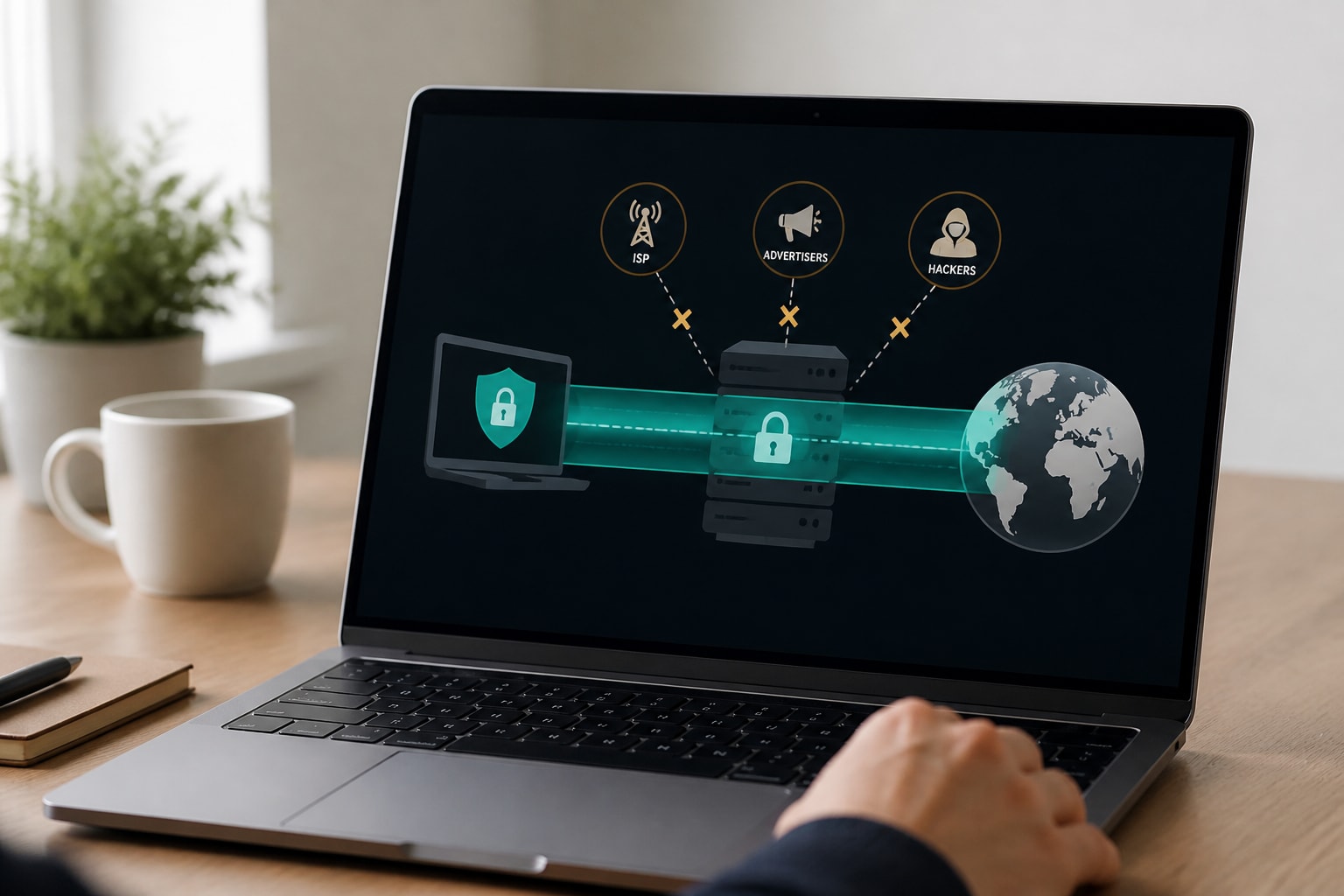
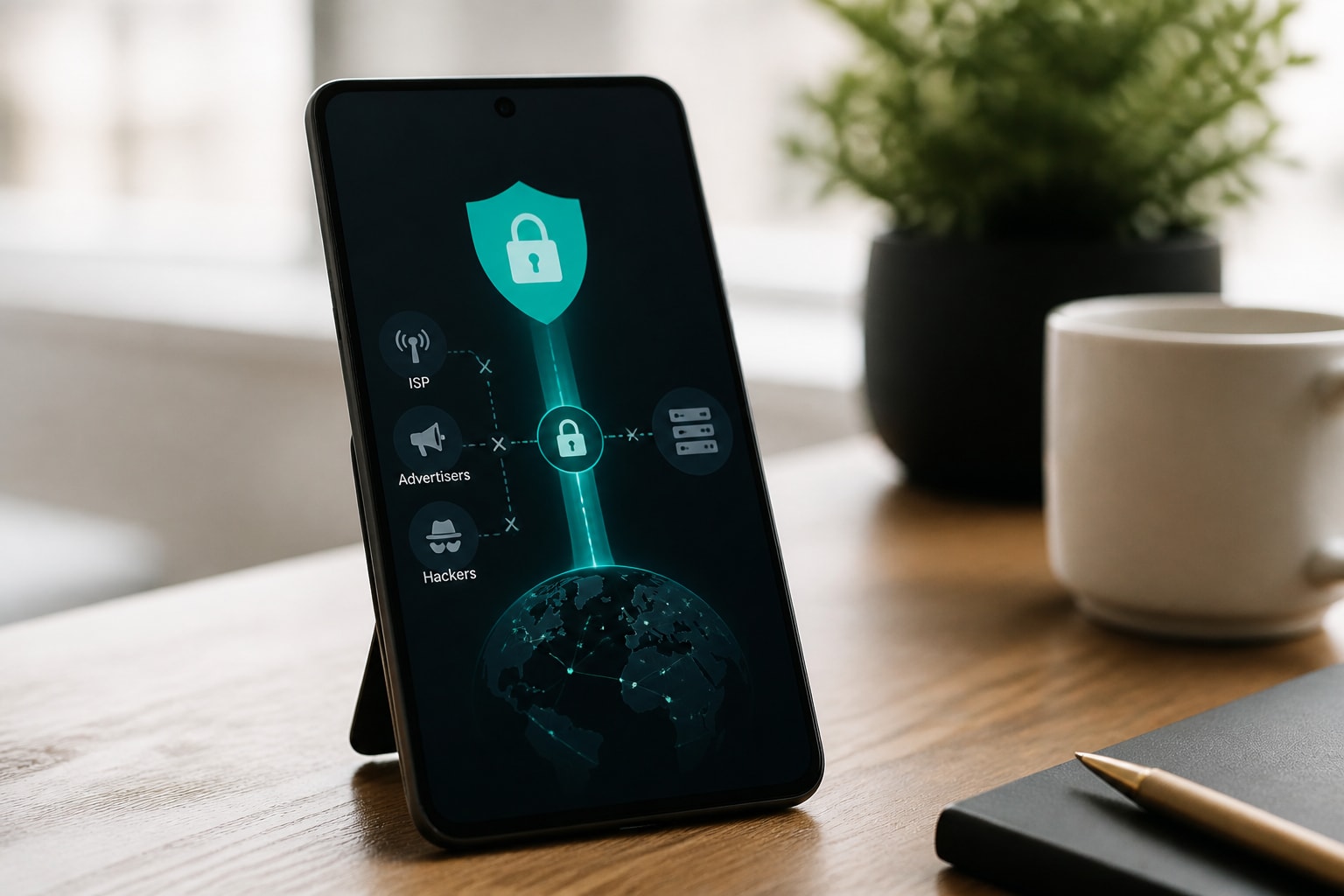
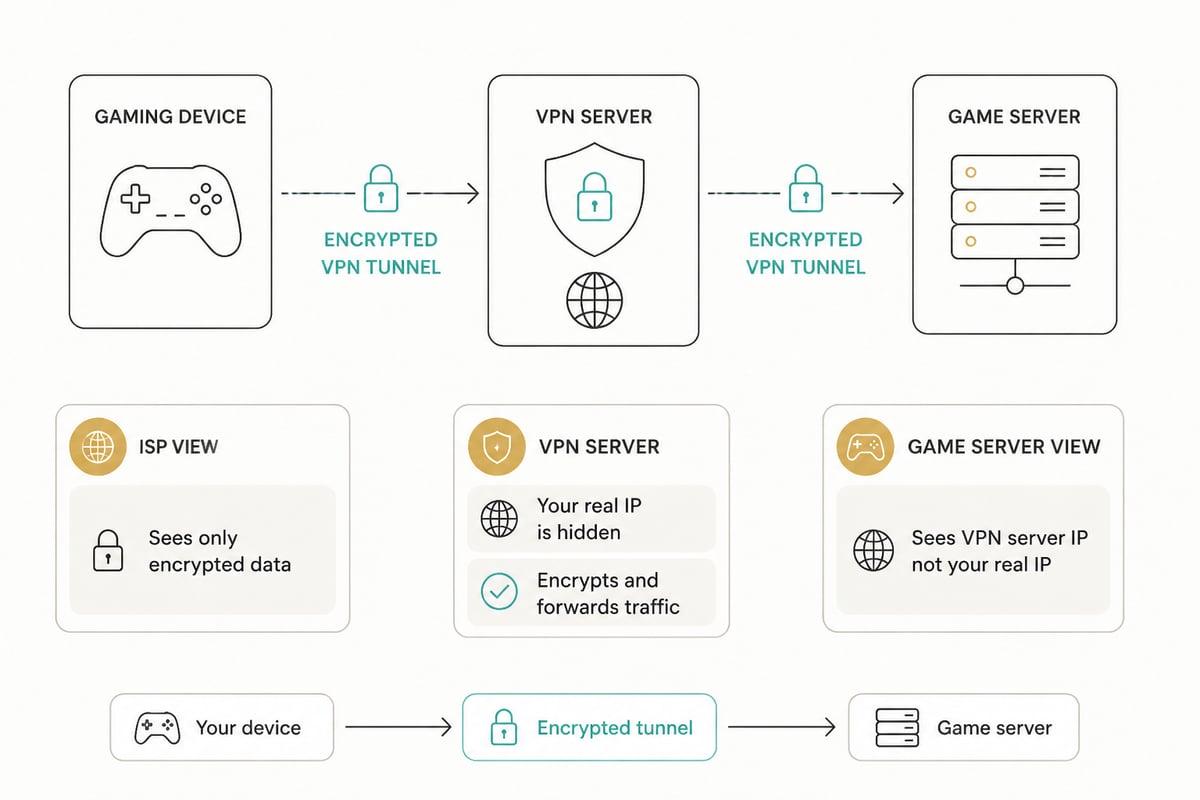
A VPN masks your residential IP address, which makes it harder for opponents to aim a DDoS attack at your home connection. As hide.me explains, an attack on the VPN server itself can still disrupt play, but your own router and household traffic are no longer the direct target.
In multiplayer titles, a player's IP can be exposed through peer-to-peer connections, voice chat and third-party tools. Once an IP is known, it can be flooded with traffic until the connection drops, or traced to a general location. Routing traffic through a VPN replaces that address with the server's address, and a flood aimed at it never reaches your home network or the other devices sharing it.
2. Securing Your Connection on Shared Networks
A VPN encrypts the traffic between your device and the VPN server, which protects your gaming account on dormitory, hotel, café or workplace Wi-Fi. On shared networks, other users and the network operator may be able to observe unencrypted traffic, and login sessions for game launchers are a worthwhile target.
Encryption also limits what your internet provider can see. Providers can log which services you connect to, and some throttle traffic they identify as gaming or large downloads. With the tunnel active, they see encrypted data going to a VPN server rather than the details of what you do. For background on how this works, see this explainer on how a VPN network works. Turning the VPN on before you open your launcher, rather than after, keeps the login itself inside the tunnel.
3. Reaching Game Servers and Content in Other Regions
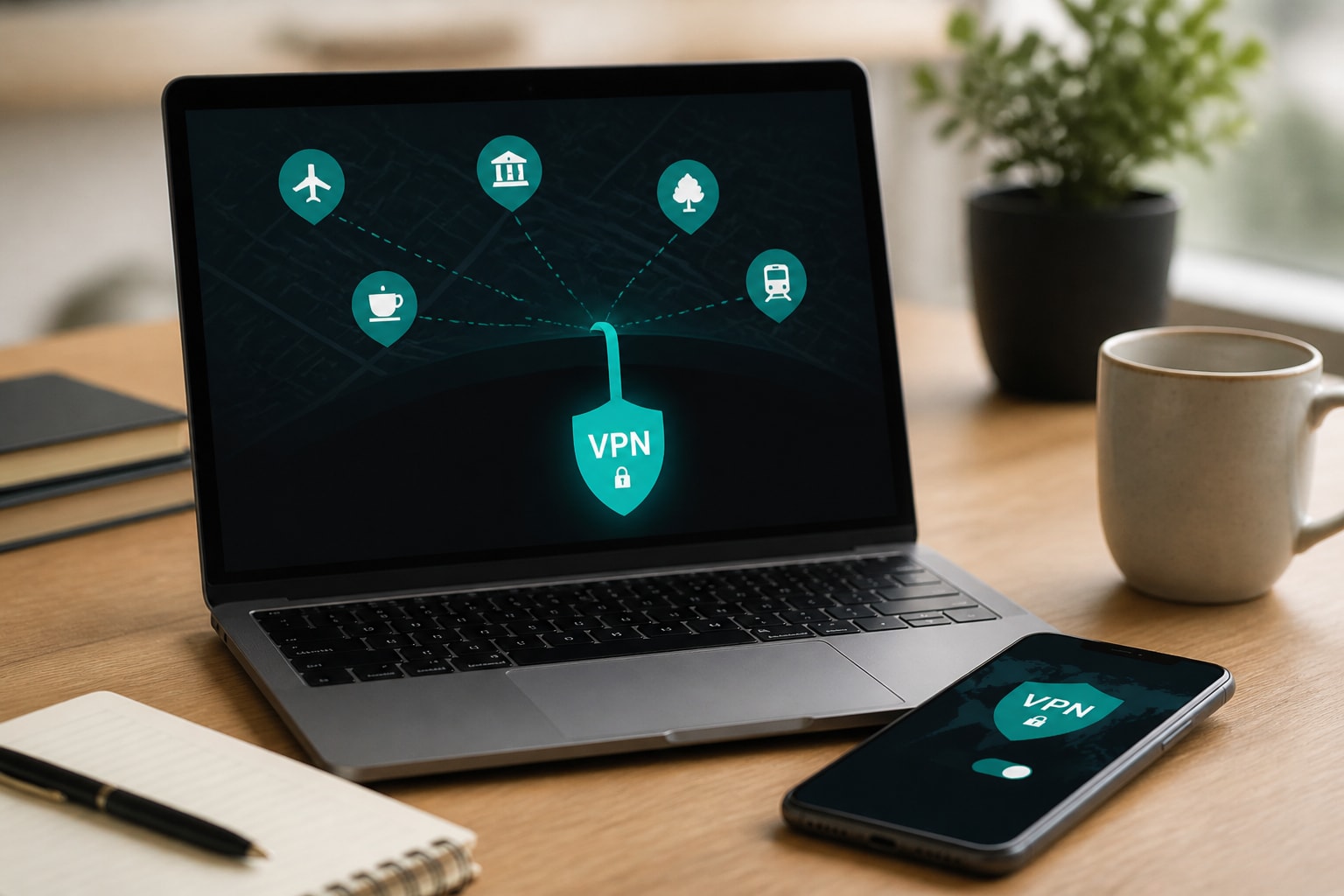
A VPN can give you access to game servers and storefronts in other regions, but doing so may violate a game's terms and risk a ban. PCMag notes both the access benefit and the rules risk.
Before connecting to a foreign region, read the publisher's terms of service. Some games permit region switching for friends who play across continents, while others tie accounts and purchases to a country. Treat regional access as a convenience to verify, not a guarantee. A practical check is to look for an official statement in the game's support pages before you switch, since a ban on a long-held account costs far more than any early access to a regional release.
4. Can a VPN Improve Ping in Games?
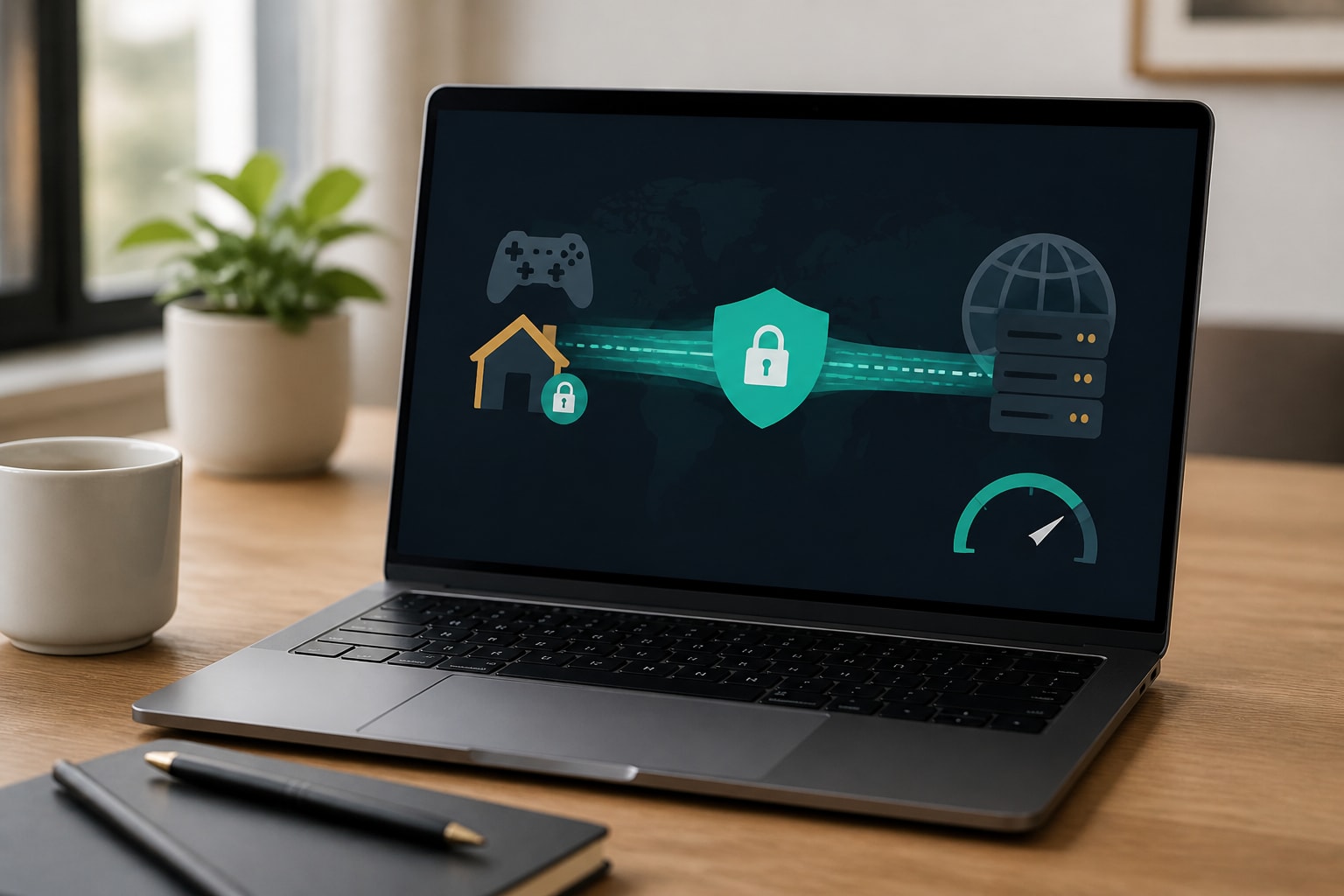
A VPN can improve ping only in a narrow case, when your internet provider routes poorly to a game server and the VPN's path is more direct. In ordinary conditions it is more likely to add latency, according to PCMag.
The reason is an extra network hop plus encryption overhead. BufferSpeed reports that a nearby WireGuard endpoint may add about 5 to 15 ms, while a distant server or OpenVPN can add 30 to 80 ms. That same source frames a VPN as most useful when you have a specific need, such as DDoS risk, CGNAT-related hosting issues or regional access, rather than as a general performance tool. For fast-paced shooters, even the low end of that range can be noticeable, whereas slower genres tolerate it easily.
To keep the cost low:
- Choose the server closest to the game server, not simply closest to you.
- Prefer a modern lightweight protocol over older, heavier ones.
- Use split tunnelling so only the game or launcher travels through the VPN.
- Test ping with and without the VPN, then keep whichever result is better.
5. Avoiding IP Bans and Throttling, and Keeping Privacy
A VPN gives you a different IP address, which can help if your home address has been banned from a game or a community, and it prevents other players from learning your approximate location. Use this carefully: evading a ban placed on your account may break the game's rules, so it is appropriate mainly when an address-based block affects you through no fault of your own, such as an address previously held by someone else.
For privacy-conscious players, the larger benefit is reduced tracking. Advertisers and analytics services link activity to your IP address, and a VPN breaks that link for the connection. A strict no-logs policy matters here, because the VPN provider then holds nothing to hand over. Our guide on VPN privacy and anonymity goes deeper on what a VPN can and cannot hide. A VPN also helps when a provider throttles gaming or download traffic, since the shaping rules can no longer identify what is inside the tunnel.
Gaming and VPN: What to Check Before You Choose
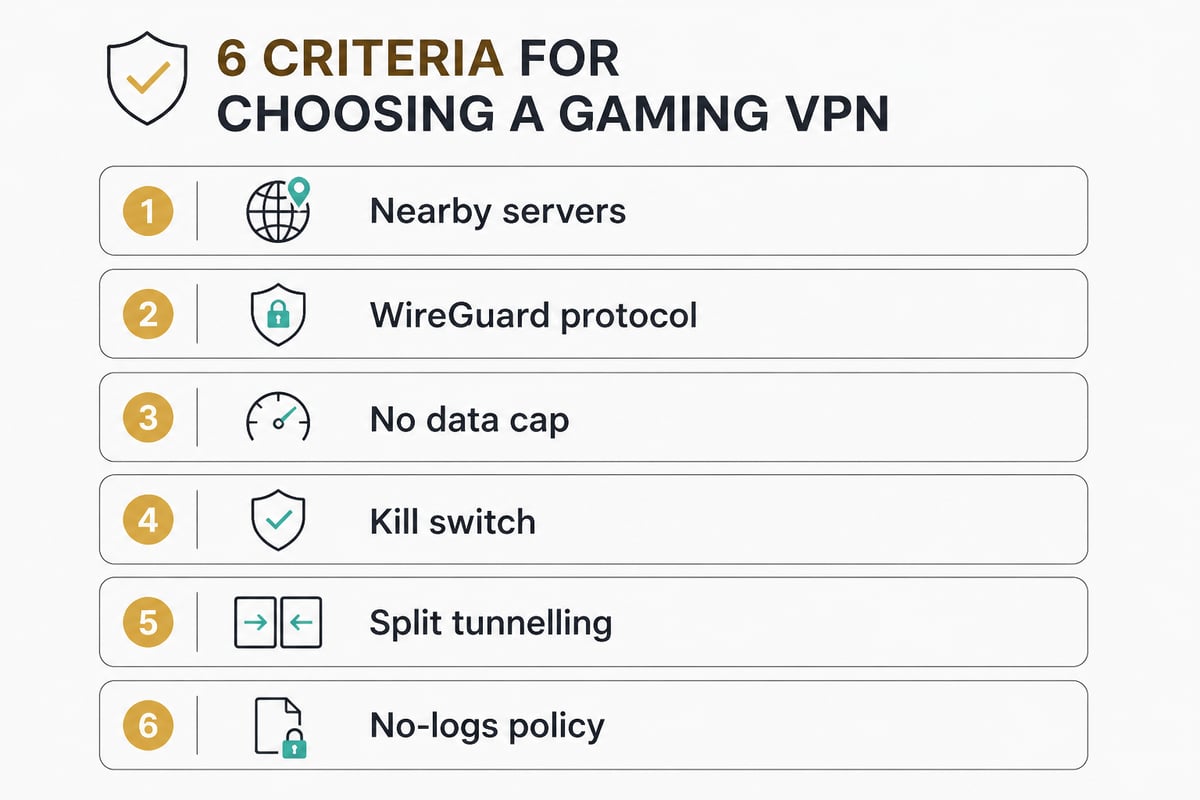
Choosing a VPN for gaming comes down to a handful of measurable criteria, and a free tier usually fails several of them.
- Server locations: Servers near major game hubs keep added latency small.
- Protocol support: Look for WireGuard or similar lightweight options.
- No data caps: Large game downloads and patches can exhaust a limited allowance quickly.
- Kill switch: It stops traffic if the tunnel drops, so your real IP never leaks mid-match.
- Split tunnelling: It lets the game use the VPN while other apps do not.
- Logging policy: Confirm that connection data is not stored.
If you are weighing free against paid, our comparison of paid versus free VPNs explains the trade-offs in data limits, speed and privacy.
6. Windscribe
Windscribe is a VPN that PC Gamer reported as the fastest VPN for gaming in its testing, and it appears among the top-reviewed gaming VPN options. Specific plan prices and server counts are not listed in the research for this article, so check the provider's site for current figures. Because speed rankings reflect one tester's connection, confirm the result with your own ping test.
- Key spec: Reported as the fastest VPN for gaming in PC Gamer's testing.
- Suits: Players who put speed and low ping first.
- Verdict: A strong pick when raw responsiveness is the main requirement.
7. PrivadoVPN
PrivadoVPN is a VPN included among tested free options for gaming, and its free accounts can choose a server location. That choice matters because a server near the game keeps latency lower than a randomly assigned one. Matching the location to the game's region, rather than your own, is the simplest way to keep added delay small.
- Key spec: Free accounts can select a server location.
- Suits: Free-plan users who want to pick a server near their game.
- Verdict: A reasonable entry point if you accept the limits of a free tier.
8. Hide.me
Hide.me is another VPN included among tested free options for gaming. Its free plan offers unlimited data and server choice, which removes two of the most common frustrations with free services. Large game installs and monthly patches can run to many gigabytes, so the absence of a cap is a practical advantage.
- Key spec: Free plan with unlimited data and server choice.
- Suits: Free-plan users who need unlimited data and the ability to select a server.
- Verdict: Among free options, the combination of no data cap and server selection is useful for downloads and patches.
9. Hotspot Shield
Hotspot Shield is a VPN included among tested free options for gaming. Its free plan connects users to the US, so you cannot pick other regions without upgrading. For a player located in or near the US, that fixed location may still suit games hosted on American servers.
- Key spec: Free plan connects users to the US.
- Suits: Casual mobile gamers who mainly want a protected connection.
- Verdict: Simple to use, but the single-region limit makes it a weaker fit for players who need server choice.
10. ZioFree VPN 12 Months
ZioFree VPN 12 Months is a one-year subscription with unlimited bandwidth and access to all servers, priced at $3.60 per month. It uses AES-256 encryption for all traffic, an automatic kill switch, and split tunnelling so only selected apps go through the VPN. Servers run on RAM only, so data is never written to disk and is wiped on reboot, and the no-logs policy means no browsing activity, traffic data, DNS queries, connection timestamps or IP addresses are collected. Access to every server also lets you test several locations to find the lowest ping for each game.
- Suits: Privacy-conscious players who want a long-term, uncapped plan for regular gaming sessions.
- Verdict: The lower monthly cost makes it the better value for ongoing use. Details are on the ZioFree site.
11. ZioFree VPN Monthly
ZioFree VPN Monthly offers the same unlimited bandwidth, all-server access, AES-256 encryption, kill switch and split tunnelling, at $5.83 per month. Choosing a month-to-month plan lets you test the effect on your own ping before committing for a year. If the added latency is too high for your favorite game, you can stop after one billing cycle instead of being tied to a longer term.
- Suits: Players who want to trial a VPN against their own connection without a long commitment.
- Verdict: A flexible way to confirm the VPN suits your games before you commit. Details are on the ZioFree site.
Comparison Table
| VPN | Plan type in research | Notable feature | Best use |
|---|---|---|---|
| Windscribe | Not shown | Reported fastest for gaming by PC Gamer | Speed and low ping |
| PrivadoVPN | Free account | Server location choice | Picking a server near the game |
| Hide.me | Free plan | Unlimited data, server choice | Large downloads on a free tier |
| Hotspot Shield | Free plan | Connects to the US | Casual mobile play |
| ZioFree VPN 12 Months | Paid, about $3.60/month | Unlimited bandwidth, all servers, kill switch, split tunnelling | Long-term regular gaming |
| ZioFree VPN Monthly | Paid, about $5.83/month | Same features, monthly billing | Testing before committing |
Prices are as listed on the ZioFree site. Free tiers are tested options reported in reviews, but they often carry limits on regions or speed, so weigh them against the needs listed earlier. For a broader look at no-cost tools, see this piece on VPNs for gamers who want free options.
FAQ
Are free VPNs illegal?
Free VPNs are legal in most countries, and using one is not an offense in itself. What varies is the quality: some free services limit data, restrict regions or monetize user activity, so read the privacy policy before relying on one.
Can I gamble if I use a VPN?
Gambling laws differ by location, and many gambling platforms prohibit VPN use or block known VPN addresses. Using a VPN to access a service where it is not permitted can violate both the platform's terms and local law, so check the rules that apply to you first.
Does a VPN work on a console?
Consoles rarely support VPN apps directly, so players usually set the VPN up on a router or share a connection from a computer. Our guide to a VPN router for PS5 walks through the router approach.
Your next step is to run a ping test on your favorite game with and without a VPN, so you know the real cost before you commit to anything. If the numbers are acceptable and you value protection from DDoS attempts, tracking and shared-network risks, the ZioFree VPN 12 Months plan pairs unlimited bandwidth and a strict no-logs policy with a kill switch and split tunnelling. ZioFree offers high-speed access, strong encryption and a global server network, and you can Get Started Now to protect your connection before your next match.