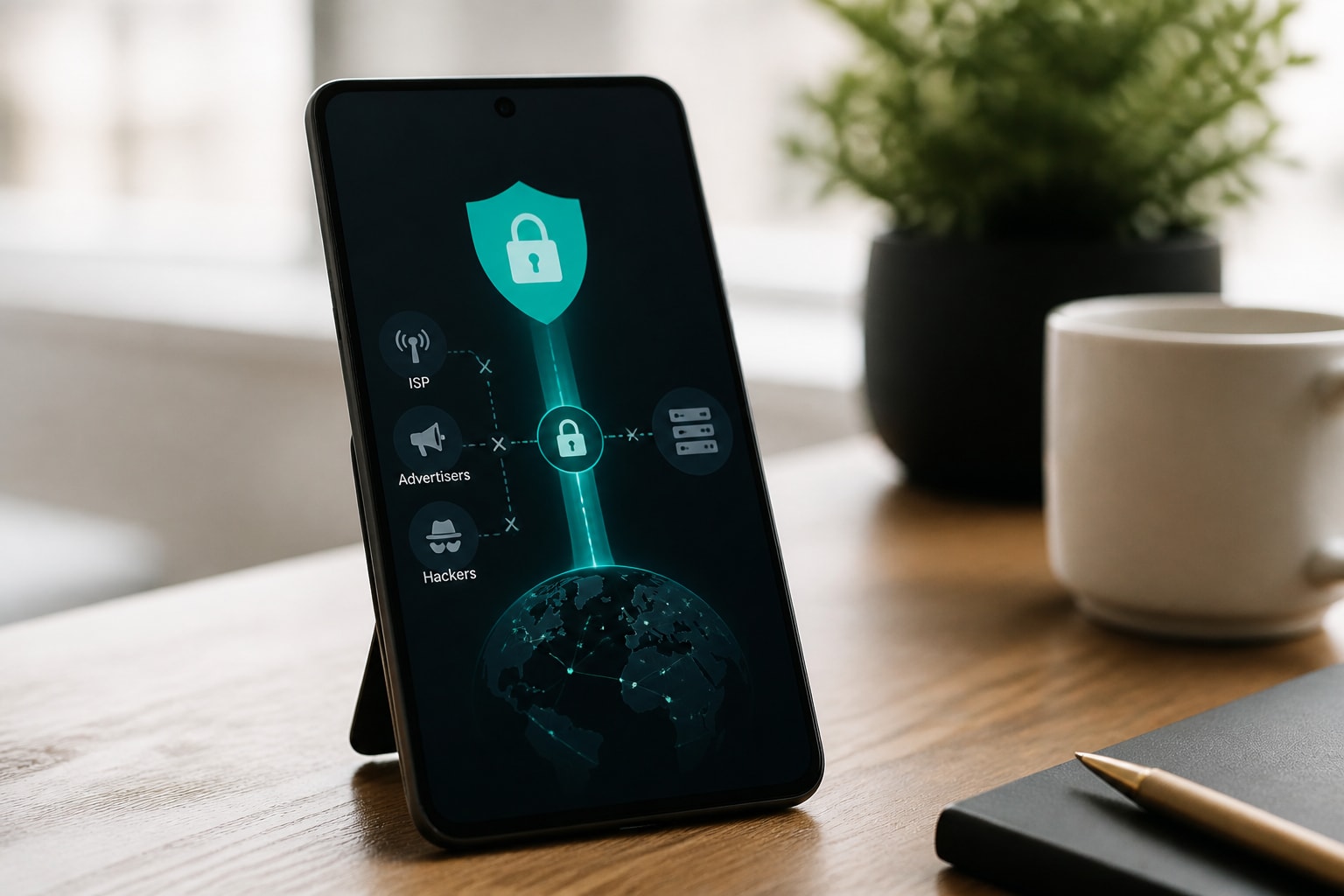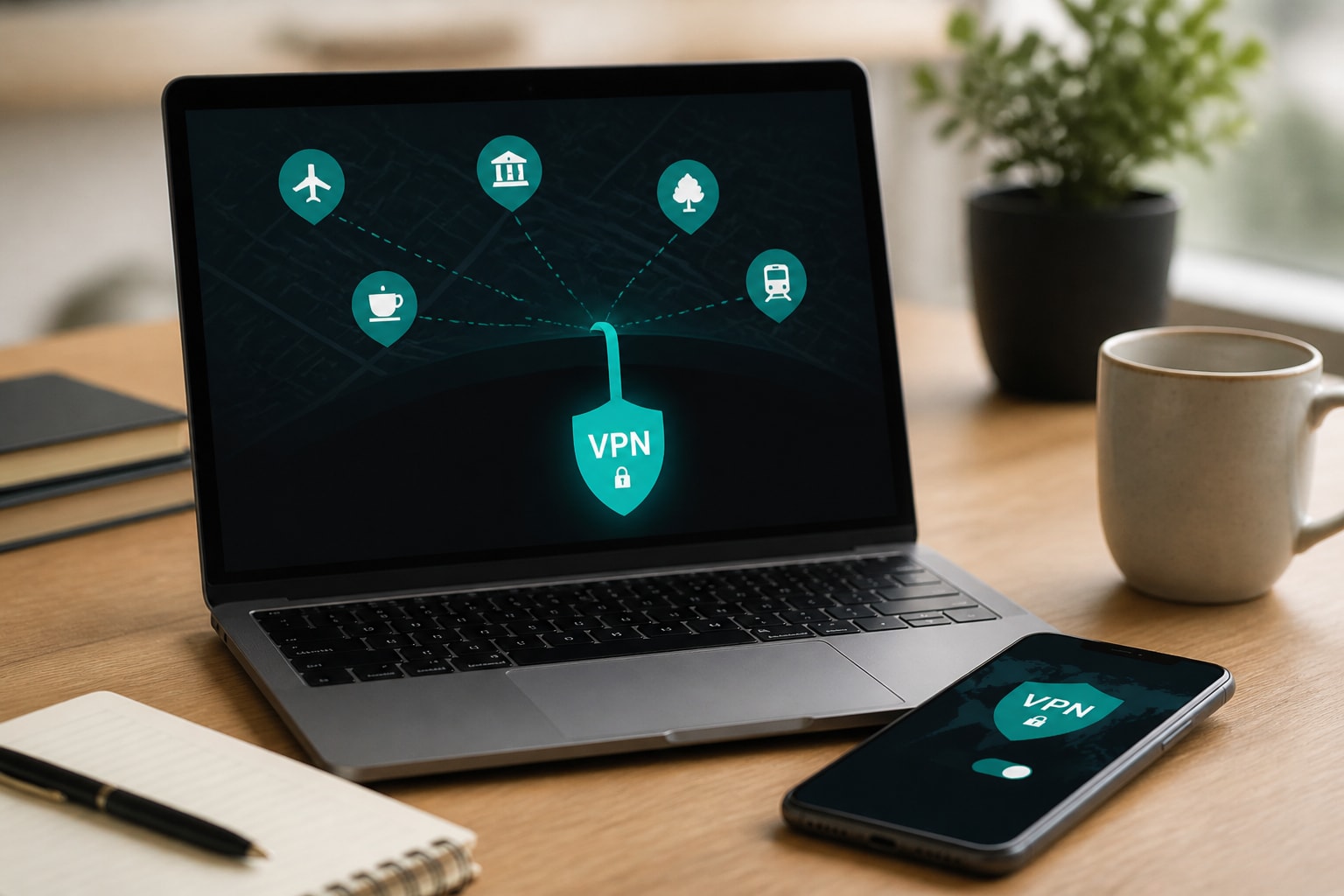




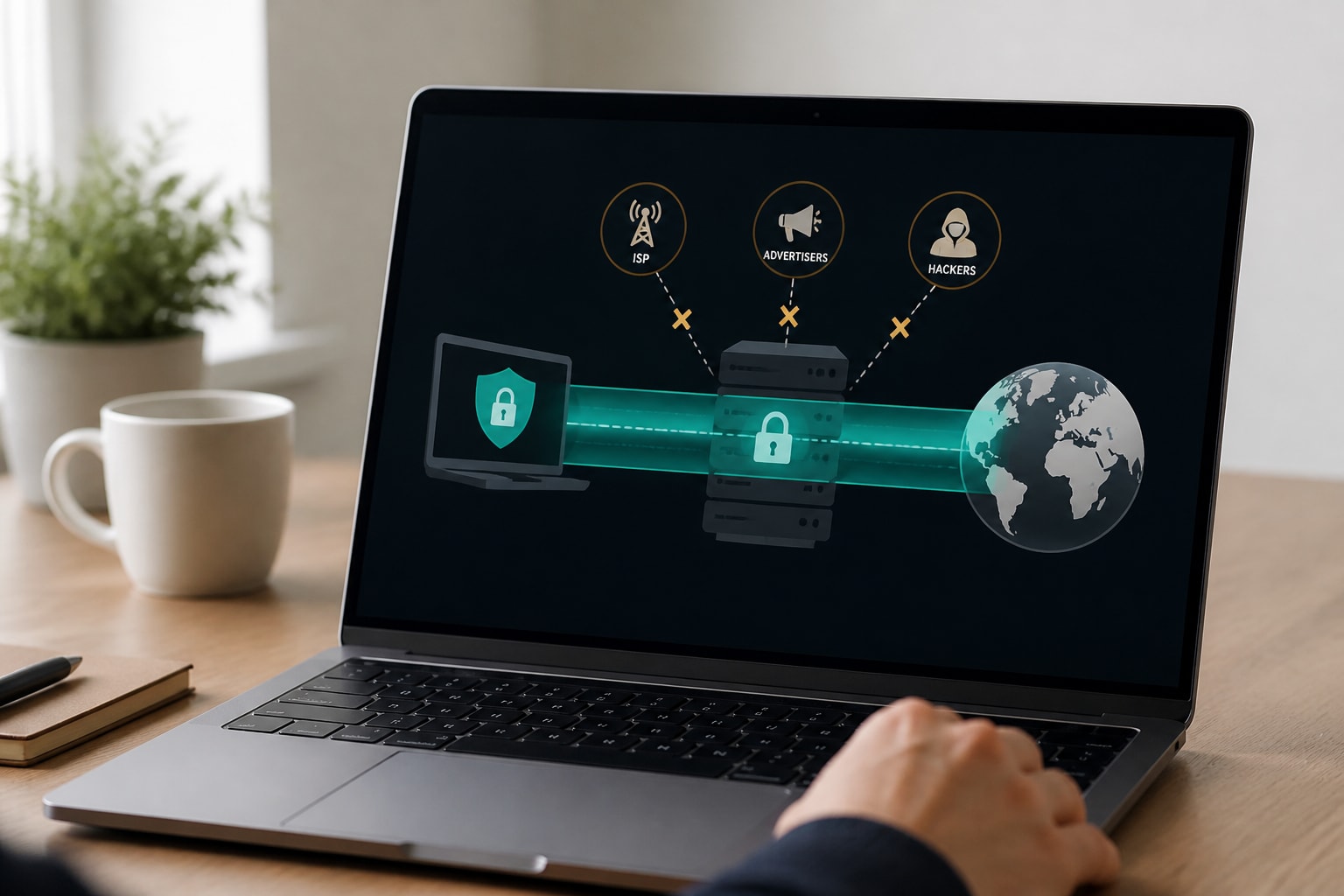
A virtual private network or VPN is a service that creates an encrypted connection between your device and a remote server, so the traffic you send and receive cannot be read by anyone in between. It also replaces your real IP address with the address of that server, which makes it much harder for internet providers, advertisers and attackers to link your browsing to you.
For privacy-conscious users, that combination is the point. Your internet service provider normally sees every site you visit, advertisers follow you across the web by IP address and device fingerprints, and anyone sharing your network can attempt to intercept unprotected traffic. A VPN puts an encrypted layer between you and all of them.
What Is a Virtual Private Network or VPN?
A VPN is software and server infrastructure that wraps your internet traffic in encryption and routes it through a server operated by the VPN provider. The "virtual" part means the private connection exists over the public internet rather than on dedicated physical cables. The "private" part means the contents of that connection are unreadable to outsiders.
Without a VPN, your device talks directly to websites through your ISP. Every request carries your public IP address, and unencrypted traffic can be observed by the network operator. With a VPN, your ISP sees only an encrypted stream going to one VPN server. The websites you visit see the VPN server's address instead of yours.
The technology was first used as a business tool. Companies used it to let remote employees reach internal systems as if they were inside the office network. Consumer VPN services adapted the same principles for personal privacy.
How a VPN Works Step by Step
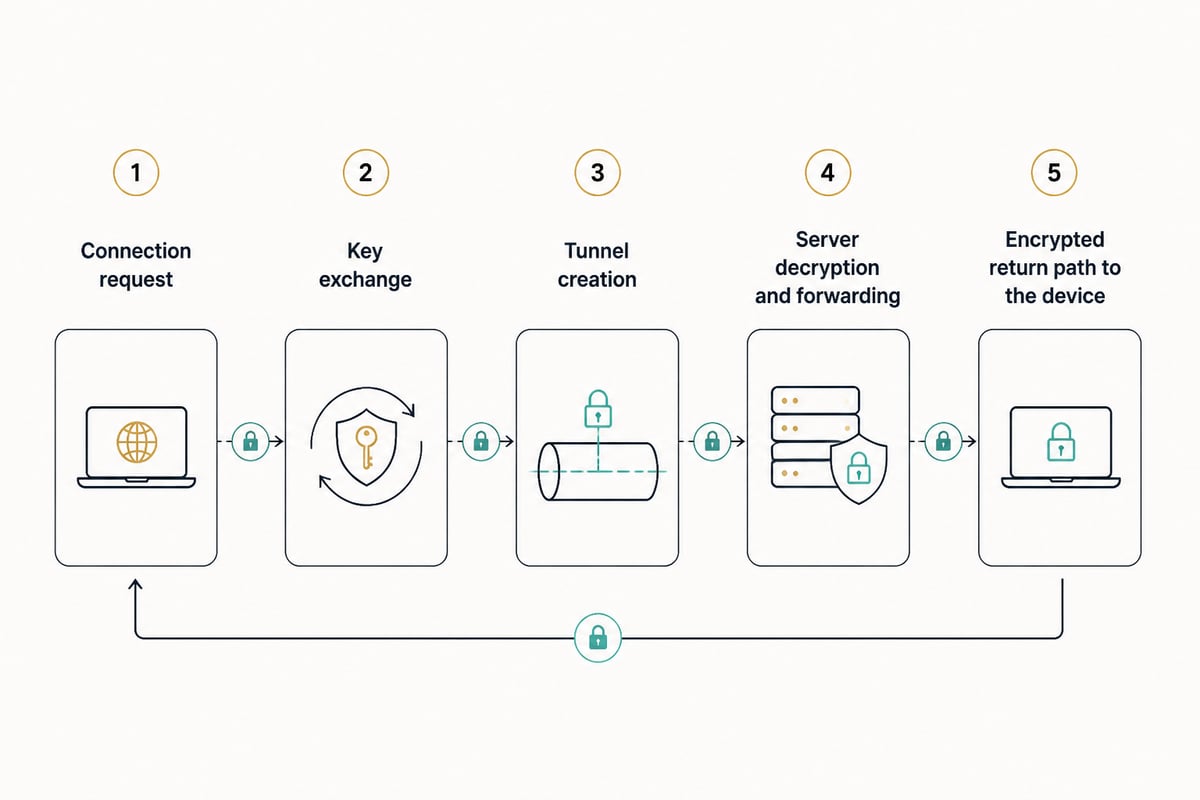
A VPN works by establishing an encrypted tunnel to a server, then forwarding all of your internet traffic through that tunnel. The process is largely automatic once you connect.
- Connection request. Your VPN app contacts a server you select and the two sides authenticate each other.
- Key exchange. They agree on temporary encryption keys using a handshake protocol.
- Tunnel creation. Your device encapsulates outgoing data packets inside encrypted packets addressed to the VPN server.
- Decryption and forwarding. The server decrypts the traffic and sends your request to the destination website using the server's own IP address.
- Return path. The website's response goes back to the server, which encrypts it and sends it through the tunnel to your device.
Encryption and Protocols
The encryption cipher scrambles the data, and the protocol defines how the tunnel is built and maintained. Common protocols include OpenVPN, WireGuard and IKEv2/IPsec. NIST describes IPsec as a widely used network-layer security control for protecting communications over IP networks, and its guidance covers both IPsec and the Internet Key Exchange (IKE) that sets up the keys.
Strong consumer services use AES-256, a widely used cipher. ZioFree encrypts all VPN traffic with AES-256. For a closer technical walkthrough, see ZioFree's explanation of how a VPN network works.
What Your IP Address Has to Do With It
Your IP address is the identifier that tells websites where to send data and, indirectly, who and where you are. Advertisers and analytics firms use it as one signal to build profiles. When a VPN substitutes its own address, thousands of users can share the same one, so the address no longer points to a single household.
What Are the Three Main Types of VPNs?
The three main types of VPNs are remote access VPNs, site-to-site VPNs and personal consumer VPN services. Each solves a different connection problem.
| Type | What it connects | Typical user |
|---|---|---|
| Remote access VPN | One device to a private network | Employees reaching office systems |
| Site-to-site VPN | Two or more entire networks | Companies linking branch offices |
| Consumer VPN service | One device to a provider's server fleet | Individuals protecting browsing privacy |
A remote access VPN lets a single laptop or phone join a private network securely, which is why it became standard for remote work. A site-to-site VPN joins whole networks together, usually through routers or firewalls, so offices in different cities behave as one network. For more on the first model, see this overview of VPN remote access.
A consumer VPN service is what privacy-focused individuals use. You install an app, connect to a server in a country of your choice, and all your traffic is protected. This is the category ZioFree belongs to.
What Are the Advantages of a Virtual Private Network?
The main advantages of a virtual private network are encrypted traffic, a masked IP address, protection on shared networks and freedom from ISP-level tracking. Each addresses a specific exposure.
- Privacy from your ISP. Your provider can see that you are connected to a VPN server but not which sites you visit or what you send.
- Reduced advertiser tracking. A shared VPN address removes one of the simplest signals used to follow you across sites.
- Protection on public networks. Encryption prevents other people on the same Wi-Fi from reading your traffic.
- Safer remote connections. Encrypted tunnels protect logins and sensitive sessions from interception.
- Location flexibility. Choosing a server in another country changes the location websites associate with you.
Adoption reflects these benefits. A 2025 Forbes Advisor UK poll found that about half of respondents used a VPN on at least some devices, and about a quarter used one on all of their devices. Among VPN users in the same poll, laptops were the most common device for installation, followed by smartphones and desktop computers.
VPN Uses in Real Situations
A VPN is most useful in situations where your traffic crosses a network you do not control or where you want to limit who can observe your activity. The following scenarios cover the most common ones.
Public Wi-Fi
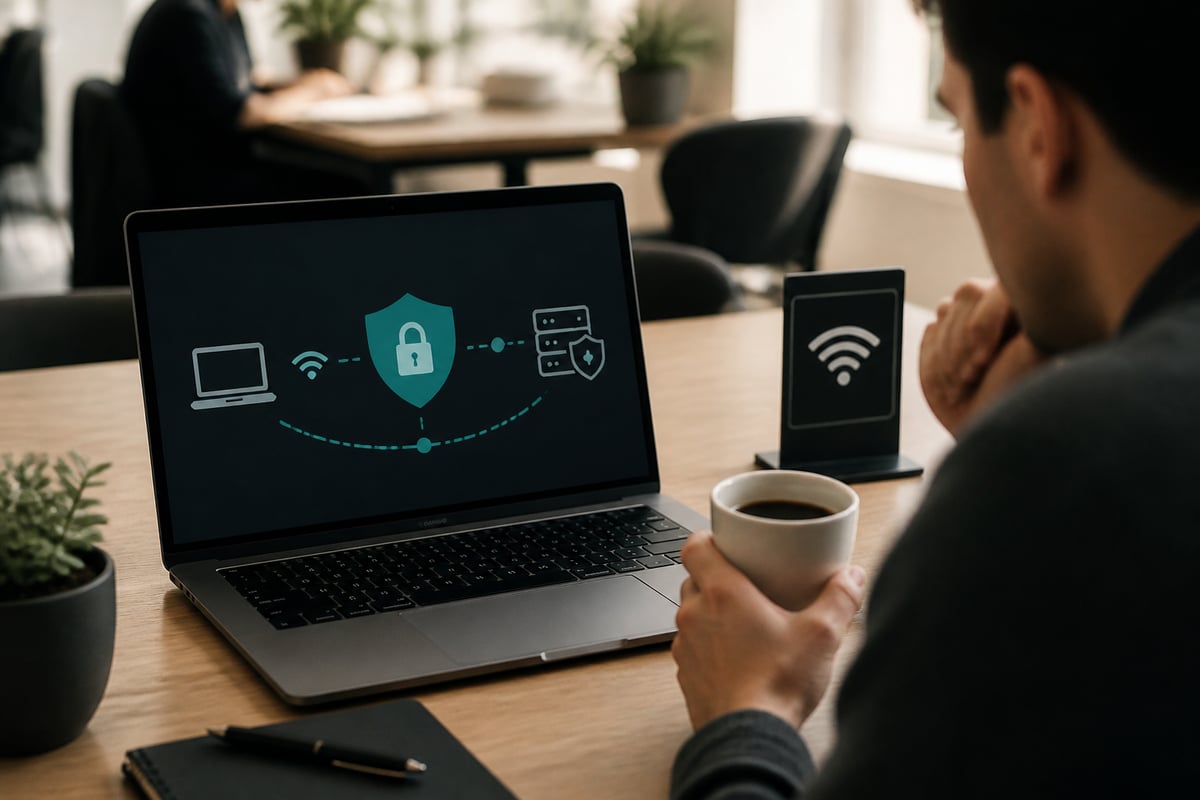
Cafe, airport and hotel networks are shared, often poorly configured, and sometimes imitated by attackers. A VPN encrypts your traffic before it leaves your device, so someone on the same network sees only unreadable data. The Federal Trade Commission notes that a VPN can protect data in transit on public Wi-Fi, but advises consumers to research the app, review its permissions and check whether it shares information with third parties. ZioFree covers this scenario in more detail in its guide on whether VPNs protect you on public Wi-Fi.
Everyday Browsing at Home
Many users run a VPN permanently so their ISP cannot log or monetize their browsing history. This is a quiet use, but for people who want to stop tracking at the network level, it is the most common one.
Travel and Restricted Networks
Travelers often connect to networks in countries where certain sites are filtered or monitored. A VPN lets you reach your usual services through an encrypted route. Readers planning this kind of trip can read about using a VPN inside China.
Protecting Against Targeted Interception
Attackers sometimes try to intercept traffic on a network, redirect connections or collect metadata about what a target is doing. A VPN with strong encryption and a strict no-logs policy raises the cost of those attempts considerably, because intercepted data is unreadable and there is no stored activity record to demand or steal. ZioFree describes its service as built to protect users from hacking attempts, with strong encryption and advanced security protocols behind that aim.
What a VPN Does Not Do
A VPN protects the connection between your device and the VPN server, and it does not make you anonymous or immune to every threat. Knowing the limits helps you set realistic expectations.
- It does not stop malware. A malicious download is still malicious through an encrypted tunnel.
- It does not defeat account-based tracking. If you log in to a service, that service knows who you are regardless of your IP address.
- It does not remove browser fingerprinting. Sites can still identify you through browser and device characteristics.
- It moves trust to the provider. The VPN company can technically see your traffic metadata, so its policies and architecture matter.
That last point is why the provider's logging practices deserve scrutiny. For a fuller discussion of how far anonymity goes, see ZioFree's piece on VPNs and anonymity.
Features That Matter in a VPN Service
The features that matter most are a verified no-logs policy, strong encryption, a kill switch and server infrastructure designed to leave no stored data. These determine whether a VPN actually delivers privacy or only claims to.
No-Logs Policy
A no-logs policy states that the provider does not record your activity. ZioFree's policy covers browsing activity, traffic data, DNS queries, connection timestamps and IP addresses, none of which are collected. If a provider has nothing stored, it has nothing to hand over or lose in a breach.
RAM-Only Servers
Servers that run entirely from memory are designed not to write data to disk, and data is wiped when the server reboots. ZioFree uses RAM-only servers, which supports its no-logs commitment at the hardware level rather than relying on policy alone.
Kill Switch
A kill switch blocks internet access if the VPN connection drops, so your real IP address and unencrypted traffic never leak during an interruption. ZioFree includes an automatic kill switch.
Split Tunnelling
Split tunnelling lets you send only chosen apps through the VPN while others connect normally. It is useful when you want protected browsing but a direct connection for something like a local banking app or a latency-sensitive game.
Bandwidth and Server Access
Throttled speeds and data caps undermine daily use of a VPN. ZioFree offers unlimited bandwidth on its plans, with access to all servers.
Free services are a separate matter. They have to fund themselves somehow, which often means advertising, data collection or limits on use. ZioFree is a paid service and is not suited to anyone looking for a free VPN; the trade-offs are laid out in this comparison of paid VPN versus free.
Choosing and Setting Up a VPN
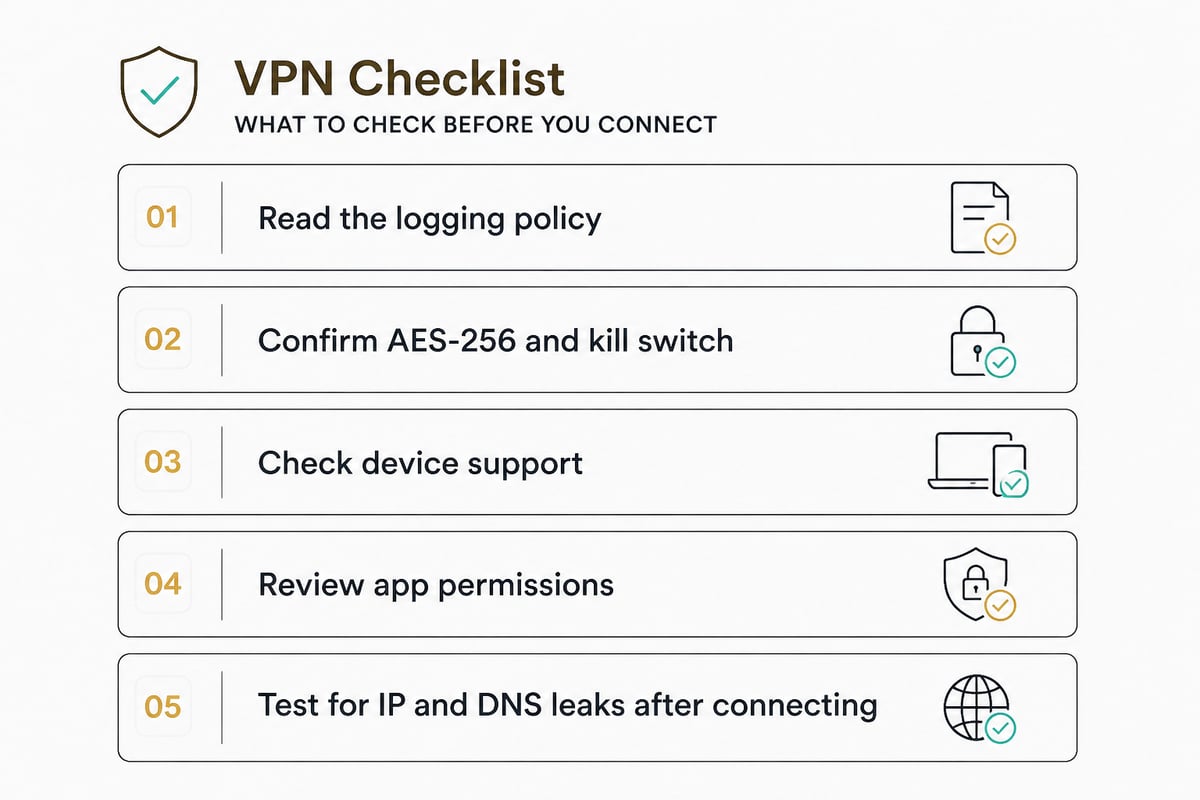
Choosing a VPN comes down to checking the provider's privacy practices, confirming support for your devices and testing that the protection works after setup. A short checklist keeps the decision grounded.
- Read the logging policy and look for specifics about what is and is not collected.
- Confirm encryption strength and the presence of a kill switch.
- Check device support before subscribing. ZioFree's macOS app is still in development, so Mac users should wait before choosing it.
- Review app permissions as the FTC advises, and see whether the provider shares data with third parties.
- Test after connecting by checking that your visible IP address has changed and that DNS requests do not leak.
If you want a full-featured option with unlimited bandwidth and all servers included, ZioFree VPN Monthly is a subscription that covers it.
Related Terms
Several terms appear alongside VPNs, and each has a distinct meaning.
- Proxy: a server that forwards your requests and hides your IP address but usually does not encrypt the traffic.
- Tor: a volunteer-run network that routes traffic through multiple relays for stronger anonymity at lower speed.
- IPsec, OpenVPN and WireGuard: tunneling protocols that define how a VPN connection is built.
- DNS leak: a failure in which domain lookups bypass the tunnel and reveal your browsing to your ISP.
- Kill switch: a safeguard that cuts connectivity when the tunnel drops.
- No-logs policy: a provider's commitment not to record user activity.
- Zero trust network access: a business security model that grants access per application rather than per network, often compared with traditional VPNs.
FAQ
Can I use a VPS as a VPN?
Yes, you can install VPN software on a virtual private server and route your traffic through it. The server gives you an encrypted tunnel and a new IP address, but it is a single address tied to your account, so it offers little of the shared-address privacy of a commercial service. You also take on the maintenance, security updates and configuration yourself.
Is a VPN legal to use?
VPNs are legal in most countries, including the United States. A small number of countries restrict or regulate their use, so check local rules before traveling. Illegal activity remains illegal whether or not a VPN is involved.
Will a VPN slow down my connection?
Encryption and routing add some overhead, so a small reduction in speed is normal. The effect depends on the protocol, the distance to the server and server load. Choosing a nearby server and a modern protocol keeps the difference minor.
Start by checking your current exposure: connect to a public network without protection and compare your visible IP address with and without a VPN, then decide how much of your traffic you want shielded. If you want a service with AES-256 encryption, a strict no-logs policy and RAM-only servers, the ZioFree VPN Monthly plan is a straightforward place to begin, and you can Get Started Now to protect your browsing from ISPs, advertisers and hackers.