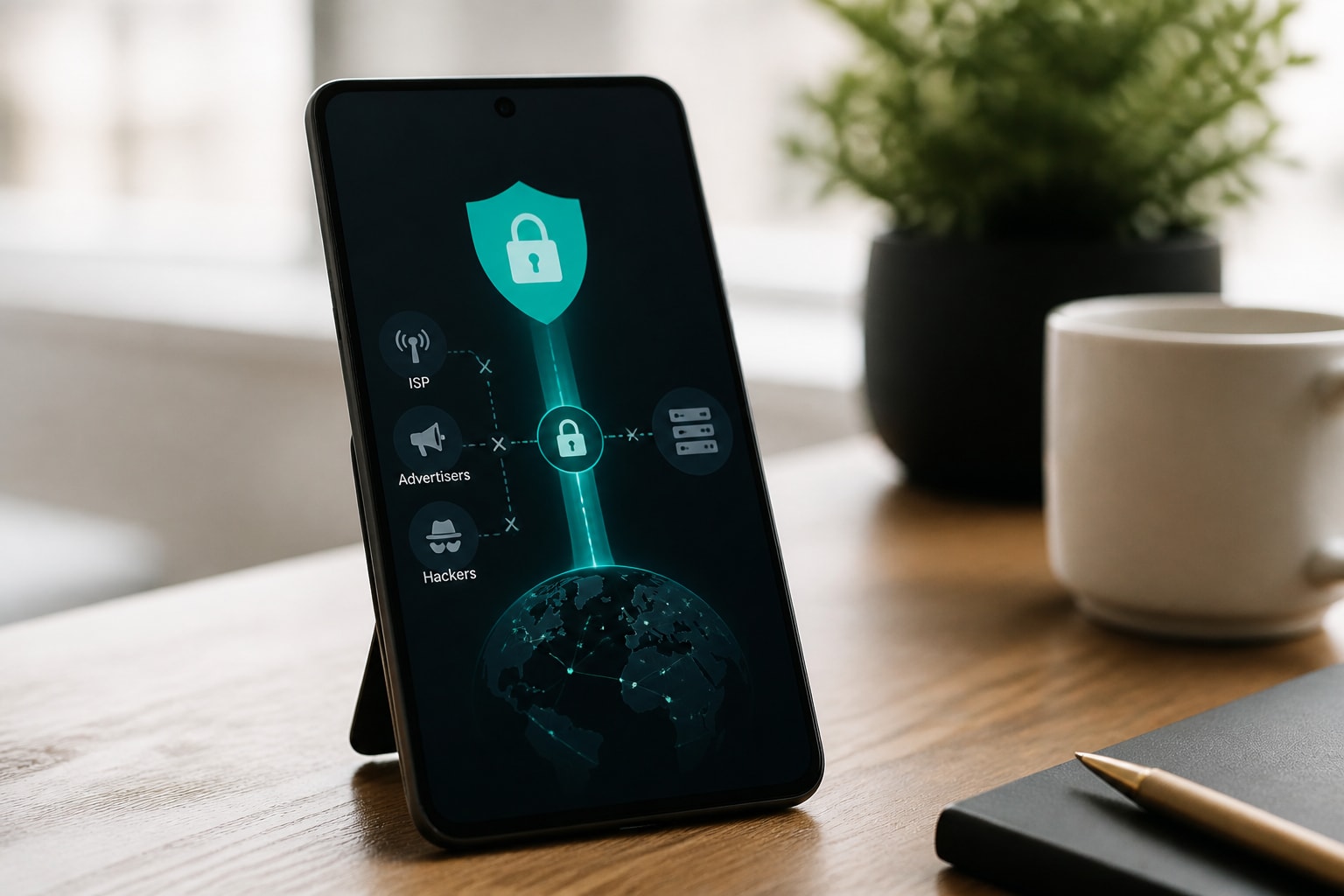





The vpn privacy best choice is a provider with a verified no-logs policy, AES-256 or ChaCha20 encryption, a working kill switch and servers that never write data to disk. Speed and server count matter, but they come second to what a provider records about you.
This guide compares four services on those privacy criteria, explains how to judge any VPN before you pay, and shows where each one fits. Prices are approximate and current as of November 2026.
What makes a VPN private in 2026
A private VPN encrypts your traffic, hides your IP address from the sites you visit and keeps no record of your activity. Four checks separate genuine privacy tools from marketing.
CNET recommends AES-256 or ChaCha20 encryption, DNS leak protection, a kill switch and a strict no-logs policy as the core protections to look for. Tom's Guide adds an evidence standard: it says every VPN it recommends has an audited no-logs policy, and it judges privacy through policy review and independent audit analysis.
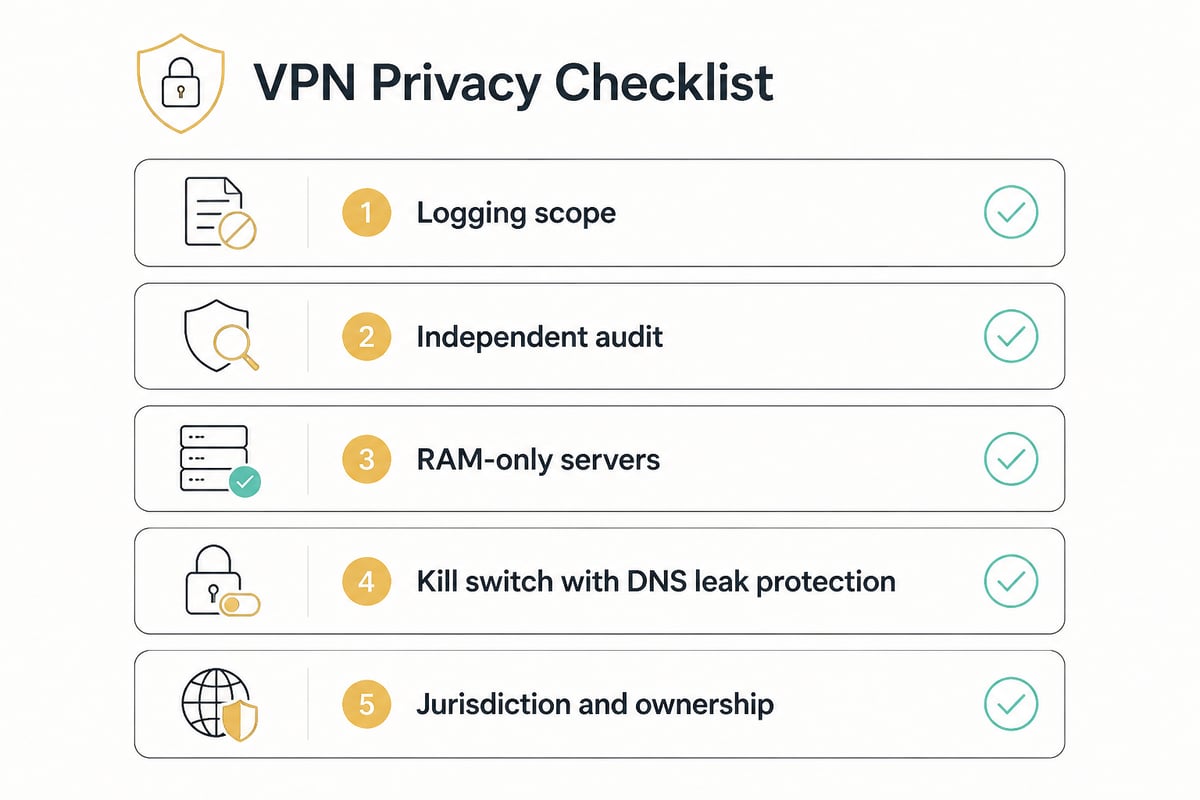
Use this checklist when comparing providers:
- Logging scope: Does the policy cover browsing activity, DNS queries, timestamps and IP addresses, or only some of them?
- Independent verification: Has a third party audited the claim?
- Server design: Do servers run on RAM only, so data is wiped on reboot?
- Leak protection: Is there an automatic kill switch and DNS leak protection?
- Jurisdiction and ownership: Where is the company based, and who controls it?
1. Windscribe: the flexible all-rounder
Windscribe is the strongest all-around pick here, built around unlimited device connections and a flexible plan structure. CNET named it its best overall VPN for 2026 after six months of testing, with value, speed, features, usability and privacy weighted equally. That equal weighting matters because a service can win on privacy alone and still frustrate daily use, so a top overall score signals balance rather than a single standout strength.
Key specs:
- Servers in 69+ countries, per WIRED's 2026 comparison
- Unlimited simultaneous connections
- WireGuard and OpenVPN protocols
- Unlimited bandwidth on the Pro plan
Price: About $9 per month or $69 per year, with a Build-a-Plan option from roughly $3 per month. The annual rate works out to under $6 per month, which closes much of the gap with cheaper rivals. Build-a-Plan suits readers who only need a few locations and would rather not pay for the full network.
Best suited to: Households or small setups that protect many devices at once and want to pay only for the locations they use. The unlimited connection count removes the usual five-to-ten device ceiling. A family with phones, laptops, a tablet and a smart TV can run every device through the VPN without juggling logins. Other providers, such as Mullvad, cap devices much lower, which shows how uncommon an unlimited cap is. WireGuard is the sensible default for speed on phones, while OpenVPN remains a fallback on restrictive networks.
Verdict: A well-rounded, highly rated service that rewards users with many devices.
2. IVPN Standard: privacy tools without clutter
IVPN Standard is a focused privacy service that puts multi-hop routing and an integrated ad blocker in a straightforward plan. It suits users who want specific privacy tools more than a long feature list. The plan avoids tiers that split features across price levels, so what you see in the specs is what every subscriber gets.
Key specs:
- Up to 5 devices
- Unlimited data
- Multi-hop connections, which route traffic through two servers
- Integrated ad blocker
Price: About $6 per month or $60 per year, with a short-term option of roughly $2 per week. The yearly figure comes to $5 per month, so the annual plan saves a dollar monthly over paying month to month. The weekly option costs more per day of use, but it avoids a larger upfront payment for a one-off need.
Best suited to: Short-term needs such as a trip or a temporary project, or anyone who prefers a simple plan with a device cap of five. Multi-hop adds a layer for readers who want traffic split across two exit points. With two servers in the chain, the entry server sees your real IP address but not your destination, while the exit server sees the destination but not your IP address. The built-in ad blocker also reduces the need for a separate browser extension, which keeps the setup lighter on a phone or older laptop.
Verdict: A clean, privacy-first plan with flexible billing, limited by its five-device cap.
3. ZioFree VPN 12 Months: audited-style discipline at a low monthly rate
ZioFree VPN 12 Months is a long-term subscription built around a strict no-logs policy, RAM-only servers and unlimited bandwidth. It fits readers who want to stop ISPs, advertisers and hackers from tracking their browsing and prefer a low monthly rate over a flexible term. The protections line up closely with the criteria CNET lists as core: AES-256 encryption, a kill switch and a strict no-logs policy.
Key specs:
- No-logs policy: browsing activity and traffic data are not collected
- RAM-only servers: data is never written to disk and is wiped on reboot
- AES-256 encryption for all VPN traffic
- Automatic kill switch
- Split tunneling to send only selected apps through the VPN
- Unlimited bandwidth and access to all servers on every plan
Price: About $3.60 per month on the 12-month plan. Over a full year that is roughly $43, and the monthly equivalent is the lowest of the four options compared here. Paying once for the term also removes the chance of a lapse in coverage from a missed renewal.
Best suited to: Long-term daily protection on Windows, Android and similar platforms. The macOS app is still in development, so Mac users should look elsewhere for now. ZioFree is a paid service and is not aimed at readers looking for a free VPN. Split tunneling is practical for daily use, since a torrent client or browser can go through the tunnel while a banking app or printer stays on the local network.
Verdict: Strong core protections at the lowest monthly cost in this list, with the lock-in of a year-long term.
4. ZioFree VPN Monthly: the same protections without a commitment
ZioFree VPN Monthly offers the same privacy features as the annual plan on a month-to-month basis. It suits readers who want to test the service before committing for a year. Nothing is held back on the shorter term, so a trial month gives an accurate picture of what the annual plan would deliver.
Key specs:
- Identical no-logs policy, RAM-only servers and AES-256 encryption
- Automatic kill switch and split tunneling
- Unlimited bandwidth and access to all servers
Price: About $5.83 per month through the monthly plan. The difference from the annual rate is about $2.23 per month, which is the price of flexibility. If you stay beyond roughly seven months, the year-long plan becomes the cheaper path overall.
Best suited to: Short trials, temporary travel protection or readers who want to evaluate speed and server access on their own connection first. For long-term use, the annual plan costs noticeably less per month. A practical trial runs a leak test, confirms the kill switch fires when you cut the network, and checks how split tunneling behaves with the apps you use daily. If the results hold up, switching to the annual term is a simple next step.
Verdict: The same privacy stack with full flexibility, at a higher monthly price.
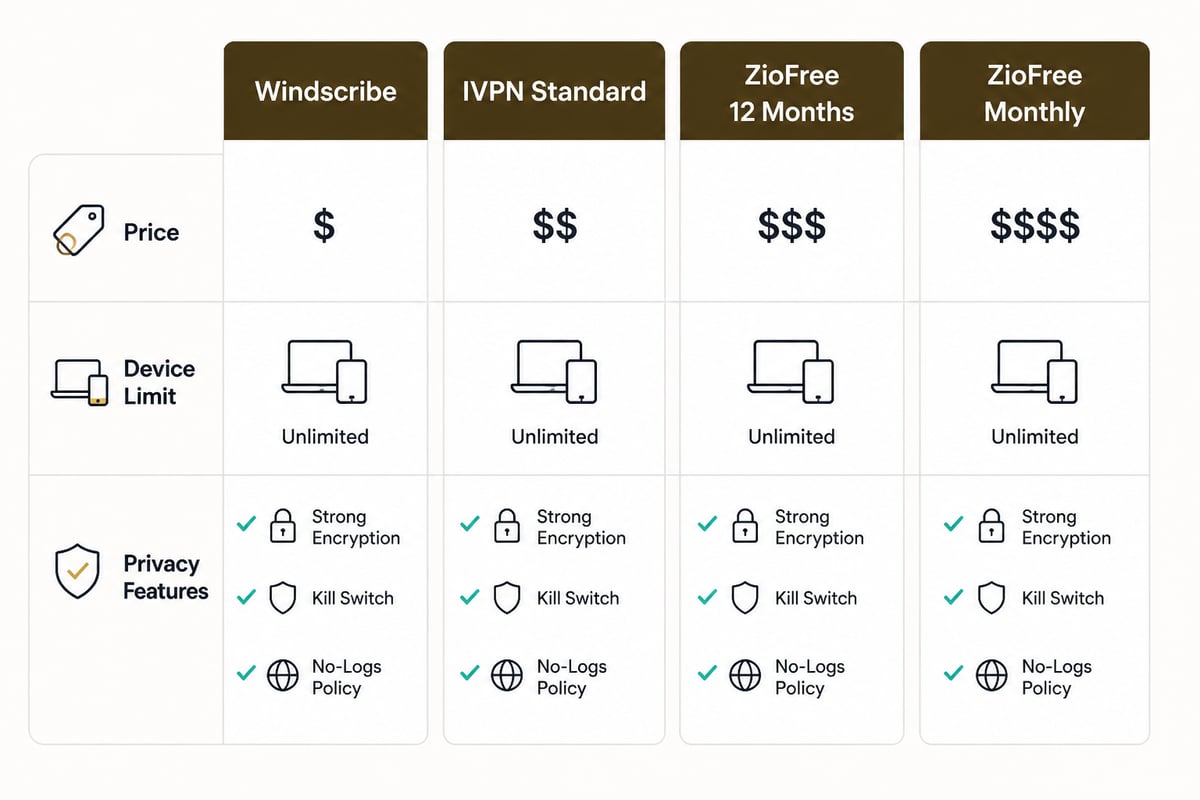
Comparison table
| Service | Approx. price | Devices | Notable privacy features | Best use |
|---|---|---|---|---|
| Windscribe | $9/month or $69/year | Unlimited | WireGuard, OpenVPN, 69+ countries | Many devices, flexible plans |
| IVPN Standard | $6/month or $60/year | Up to 5 | Multi-hop, ad blocker | Short-term, simple plan |
| ZioFree VPN 12 Months | $3.60/month | Not listed | No-logs, RAM-only, AES-256, kill switch, split tunneling | Long-term daily protection |
| ZioFree VPN Monthly | $5.83/month | Not listed | Same as 12-month plan | Trial or short-term use |
How to verify a no-logs claim
Many providers say they keep no logs, so the claim only counts when something backs it up. Three kinds of evidence carry weight.
An independent audit is the strongest signal. A third party reviews the infrastructure and policy, and the report is published. A RAM-only server design is the next best: if servers hold data only in memory and wipe it on reboot, there is little to seize even under legal pressure. Finally, read the scope of the policy. A good one names what is not collected, such as DNS queries, connection timestamps and IP addresses, rather than promising vague "no activity logs."
For a deeper look at this topic, see this breakdown of how a no-log VPN should work in practice.
Protocols, encryption and leak protection
A strong VPN pairs modern encryption with a reliable tunnel protocol. AES-256 and ChaCha20 are the accepted standards, and WireGuard and OpenVPN are the protocols most privacy services support. Windscribe supports both, as noted above.
Leak protection is where many setups fail. Without a kill switch, a dropped connection sends your real traffic straight to your ISP. Without DNS leak protection, your lookups can reveal every site you visit even when the tunnel is up. Run a leak test after installing any VPN, and confirm the kill switch fires when you disconnect the network. You can compare tunnel options in this guide to VPN protocols and ports.
What top reviewers rank first
Reviewer rankings differ because each weighs privacy against speed and price differently. TechRadar names Proton VPN its best VPN for privacy at $2.49 per month, and PCMag names it its overall favorite with five stars and an Editors' Choice designation. Those picks are worth reading for context, but your own threat model should drive the decision. A reader worried mainly about ISP tracking has different needs from one concerned about targeted intrusion.

A VPN does not replace the rest of your privacy habits
A VPN hides your traffic from your ISP and masks your IP address, yet it cannot stop a site from identifying you once you log in. Cookies, browser fingerprinting and account logins still link activity to you. Pair the VPN with a privacy-minded browser, tracker blocking and separate accounts for sensitive tasks. This overview of how to protect your online privacy covers the surrounding steps.
Split tunneling helps here. Sending only selected apps through the VPN keeps sensitive traffic encrypted while letting local services such as banking apps or printers connect normally.
FAQ
Is a secure VPN safe to use?
A VPN from a provider with a verified no-logs policy and strong encryption is safe for protecting traffic from ISPs, advertisers and public Wi-Fi snoops. Safety depends on the provider, so check audits, server design and leak protection before trusting one.
What is replacing VPNs?
Nothing has replaced them for general browsing privacy. Zero-trust network access tools are common in corporate settings, and encrypted DNS and HTTPS cover narrower needs, but none of them hides your IP address or encrypts all device traffic the way a VPN does.
Can a VPN be tracked by authorities?
A VPN cannot be traced through data it never stores. Providers that keep no logs and run RAM-only servers have little to hand over if compelled. A provider that logs connection timestamps or IP addresses can be asked for them, which is why the scope of the no-logs policy matters.
Start by running a leak test on your current connection, then list which of your devices need protection and for how long. That tells you whether a flexible monthly plan or a year-long term fits. If you want a strict no-logs policy, RAM-only servers and AES-256 encryption at a low monthly rate, the ZioFree VPN 12 Months plan covers those basics, and you can Get Started Now to see current plans.