



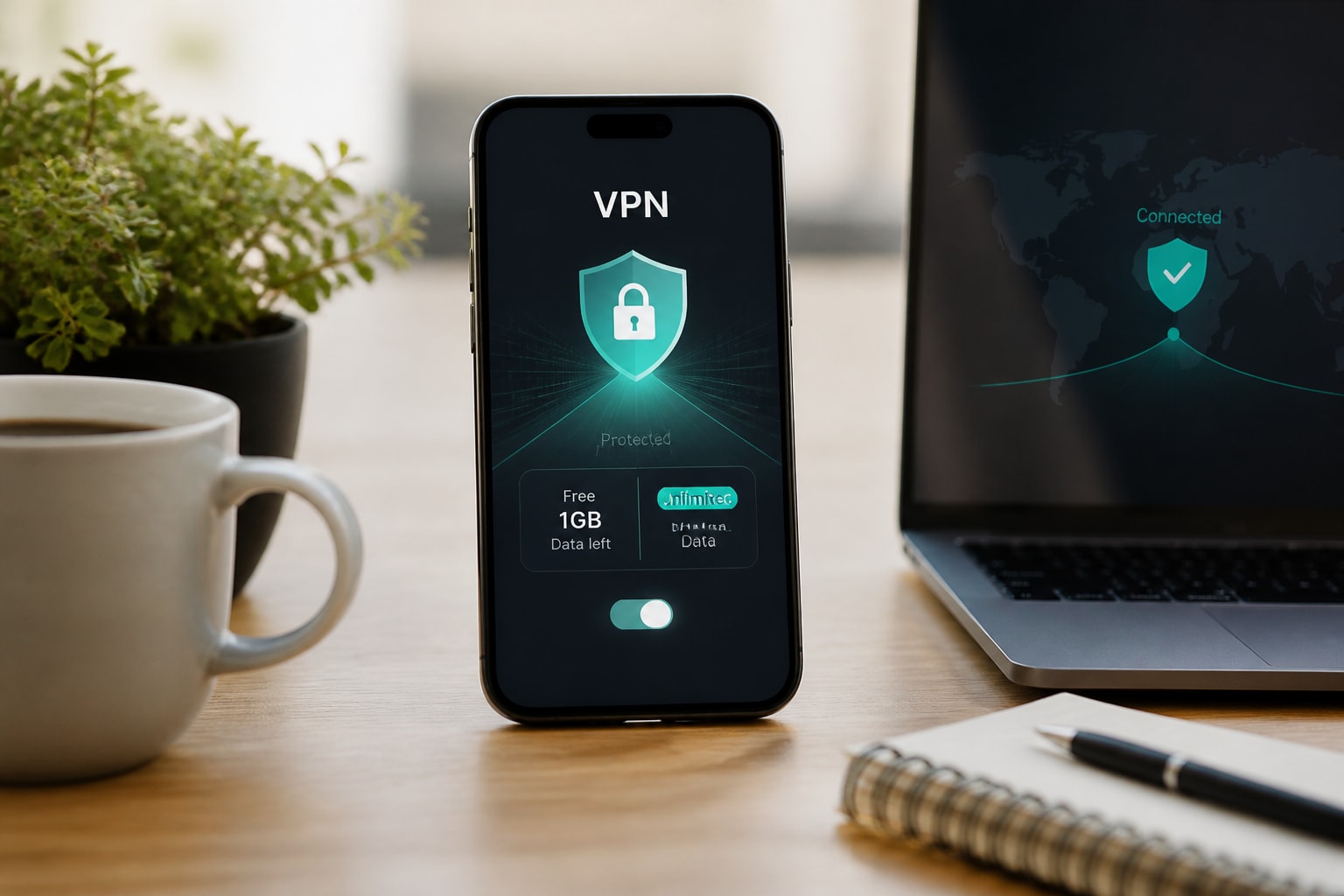
A free VPN for mobile iPhone use does exist, but every legitimate free plan limits your monthly data, so it suits light, occasional protection rather than daily browsing. The four options researched here, Windscribe and TunnelBear, cap free usage at 10 GB and 500 MB per month respectively, and the sections below explain how to choose between them and when to move to a paid plan.
For privacy-conscious readers, the trade-offs matter as much as the price. A VPN sees your traffic before it reaches the wider internet, so the provider's logging practices and business model decide whether you gain privacy or simply move the tracking to a different company.
What a free VPN on iPhone can and cannot do
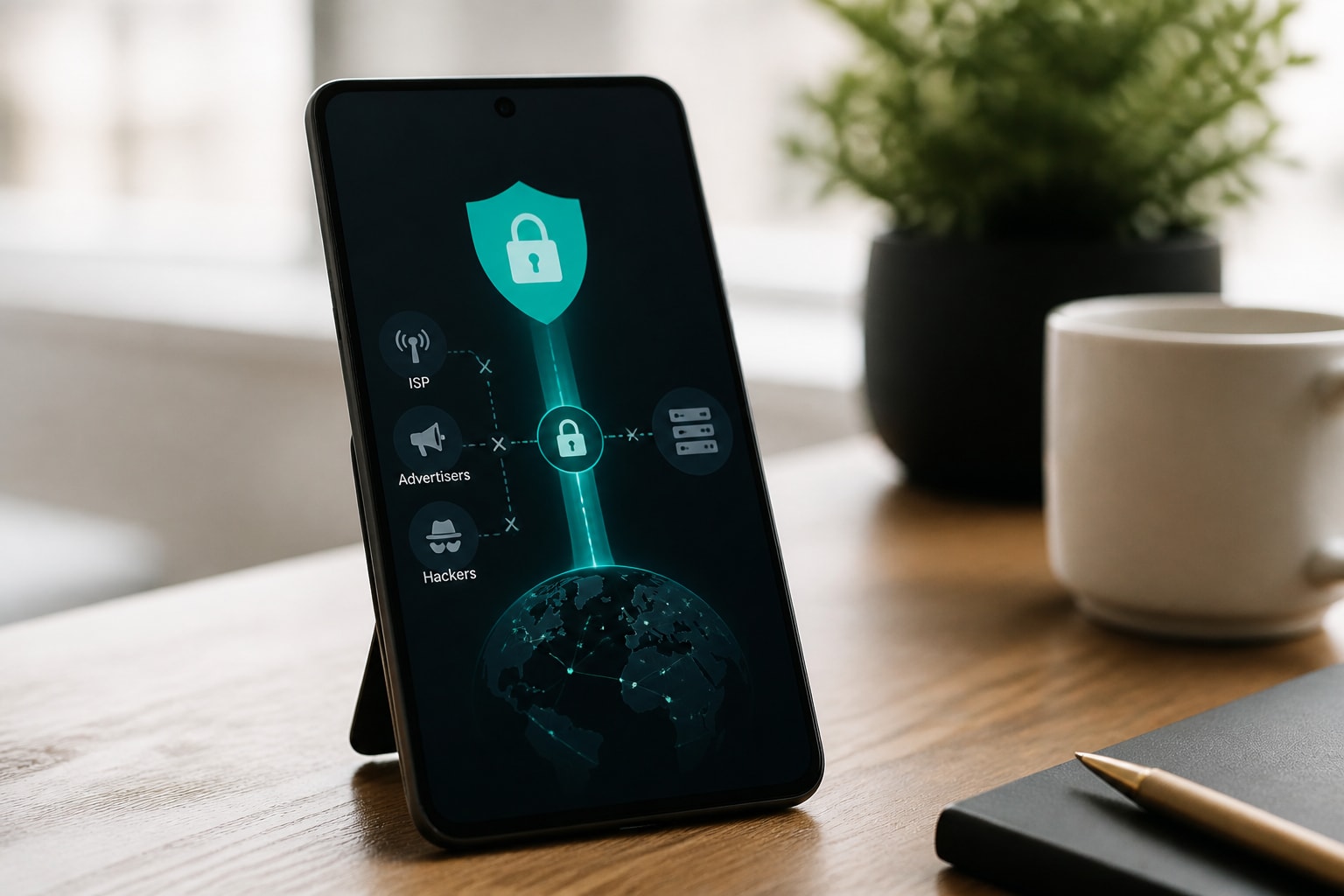
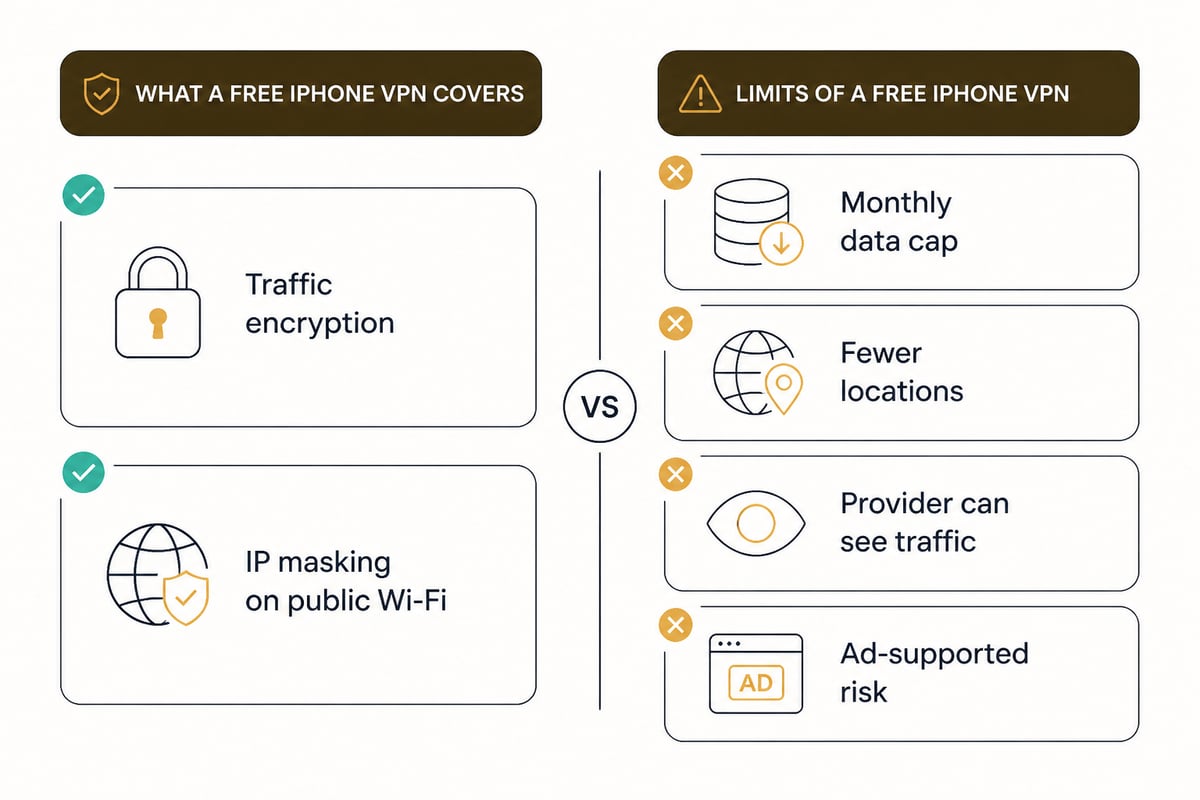
A free iPhone VPN encrypts your traffic and masks your IP address from websites, ISPs and public Wi-Fi operators, but it does so within a monthly data allowance.
That allowance is the central limit. Streaming, large downloads and background app traffic consume data quickly, so a small cap can run out in days. Free tiers also tend to offer fewer server locations and may restrict speeds or features that paid plans unlock.
Privacy is the second limit. Apple notes that when a VPN configuration is active, the provider may be able to see, intercept, and modify online activity, and it advises reviewing the provider's privacy practices before connecting. A VPN you have not vetted can be a worse risk than no VPN at all.
Do iPhones have a built-in VPN?
Yes, iOS includes a built-in VPN client, but it only connects to a server you or a provider supply; it is not a VPN service by itself.
Apple documents support for L2TP, IKEv2 and IPSec connections that you add manually under Settings > General > VPN & Device Management. Apple's platform security documentation also lists IKEv2/IPsec, L2TP/IPsec and SSL-VPN through an App Store client among supported technologies.
In practice, most people skip manual setup and install a provider's app, which configures the same system-level VPN profile automatically. If you want to understand what that profile contains, this explainer on what a VPN configuration is on iPhone walks through it, and the guide to VPN settings for iPhone covers the toggles you will see.
How to judge a free VPN before installing it
Judge a free VPN by how it earns money, what it logs, and which protocols it supports, because those three answers reveal whether your data is the product.
Use this checklist before you install anything:
- Business model. Free tiers funded by paid upgrades are generally safer than free-only apps funded by advertising or data resale.
- Logging policy. Look for a clear statement of what is and is not recorded, ideally independently audited.
- Protocol support. Modern protocols such as WireGuard and IKEv2 are generally preferred over legacy options. As one example of what to look for, the hide.me App Store listing states that its app supports WireGuard and requires iOS 15.0 or later.
- Data cap clarity. A stated monthly allowance is more trustworthy than vague "unlimited" claims on a free app.
- App Store privacy label. Review the "App Privacy" section for data linked to you or used to track you.
Apps that promise unlimited free service with no stated revenue source deserve the most skepticism. If the product is free and unlimited, ask what you are paying with.
1. Windscribe
Windscribe is the stronger free VPN for iPhone if you need a meaningful monthly allowance, offering up to 10 GB of free data per month.
What it is: A VPN app from Windscribe Limited with a free tier and a paid Pro tier.
Key specs:
- Free plan: 10 GB per month with a confirmed email, or 2 GB per month without one
- Free servers in 10 countries
- Unlimited devices
- Pro plan: unlimited data and locations in 69+ countries
Approximate price: $0 for the free plan; Pro is $9 per month or $69 per year.
Suits: Light-to-moderate mobile use on a $0 budget, such as securing browsing on public Wi-Fi, checking email and messaging while traveling, or running a few apps through the tunnel each month. Heavy video streaming will exhaust 10 GB quickly.
Verdict: The best free allowance of the two, provided you confirm your email to unlock the full 10 GB.
2. TunnelBear
TunnelBear is a simple free VPN for iPhone, best treated as a trial or an emergency tool because its free plan includes only 500 MB per month.
What it is: A VPN app from TunnelBear LLC with a free plan and paid upgrades.
Key specs:
- Free plan: 500 MB of data per month
- Free data resets monthly on your account anniversary
- Free and paid plans have the same performance levels
Approximate price: $0 for the free plan.
Suits: Occasional use, such as a quick session on an unfamiliar hotel or café network, or testing how a VPN behaves on your phone before committing to a paid service. At 500 MB, a few minutes of video would consume most of the month.
Verdict: A clean, easy way to try a VPN, but too small for regular protection.
3. ZioFree VPN 12 Months
ZioFree VPN 12 Months is a paid annual plan for iPhone users who have outgrown free data caps and want unlimited bandwidth at a lower monthly rate.
What it is: A 12-month subscription to the ZioFree VPN. ZioFree is not a free service, so it belongs here as the step beyond the free tier, not as an alternative to it.
Key specs:
- Unlimited bandwidth with access to all servers
- Unlimited bandwidth with access to all servers
Approximate price: about $3.60 per month on the 12-month plan.
Suits: Daily protection on an iPhone where a 10 GB cap would not last the month, such as constant background protection on public networks, regular messaging and browsing, and routing sensitive apps through split tunnelling while leaving others direct.
Verdict: The lowest monthly cost of the two ZioFree plans, suited to anyone committed to year-round protection.
4. ZioFree VPN Monthly
ZioFree VPN Monthly is a paid month-to-month plan that gives unlimited bandwidth without a long commitment.
What it is: A monthly subscription to the ZioFree VPN, with the same service as the annual plan.
Key specs:
- Unlimited bandwidth with access to all servers
Approximate price: about $5.83 per month on the monthly plan.
Suits: A short period of heavier use, such as a few weeks of travel or a temporary need for full-time protection, where committing to a year is not practical.
Verdict: The flexible option; choose it for a defined stretch and switch to the annual plan if you keep using it.
Comparison of the options
| Option | Cost (approx.) | Data allowance | Best use |
|---|---|---|---|
| Windscribe Free | $0 | 10 GB/month with email, 2 GB without | Light-to-moderate mobile browsing |
| TunnelBear Free | $0 | 500 MB/month | Occasional use and trials |
| ZioFree VPN 12 Months | About $3.60/month | Unlimited | Daily, year-round protection |
| ZioFree VPN Monthly | About $5.83/month | Unlimited | Short-term, flexible protection |
Is there any 100% free VPN?
No VPN is free of cost in every respect, because running servers costs money, so free services recoup it through data caps, upgrade prompts, advertising or user data.
The safest free model is a capped plan from a company that sells paid upgrades, which is how both Windscribe and TunnelBear operate. The riskiest is an unlimited free app with no visible revenue source. For a deeper look at the trade-offs, the breakdown of paid VPNs versus free ones covers logging, speed and reliability.
How to set up a VPN on your iPhone
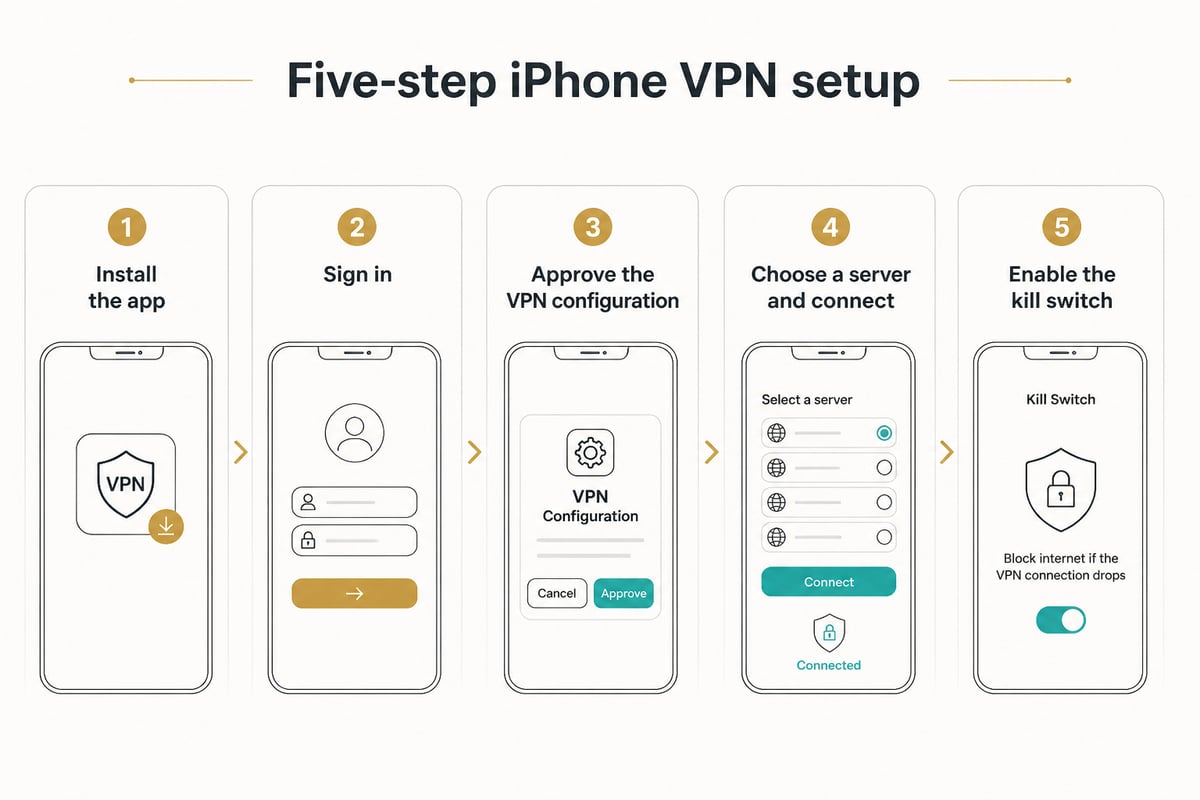
Setting up a VPN on iPhone takes a few minutes: install the app, sign in, allow the VPN profile, and connect to a server.
- Install the app from the App Store and open it.
- Create or sign in to an account. For Windscribe, confirm your email to unlock the larger free allowance.
- Approve the VPN configuration. iOS will ask permission to add a VPN profile; accept it to proceed.
- Choose a server and tap connect. A VPN icon appears in the status bar when the tunnel is active.
- Enable the kill switch or always-on option if the app offers one, so traffic does not leak if the connection drops.
If you later want to stop using a service, this guide on how to remove a VPN from an iPhone explains how to delete the profile cleanly.
Making a free data allowance last
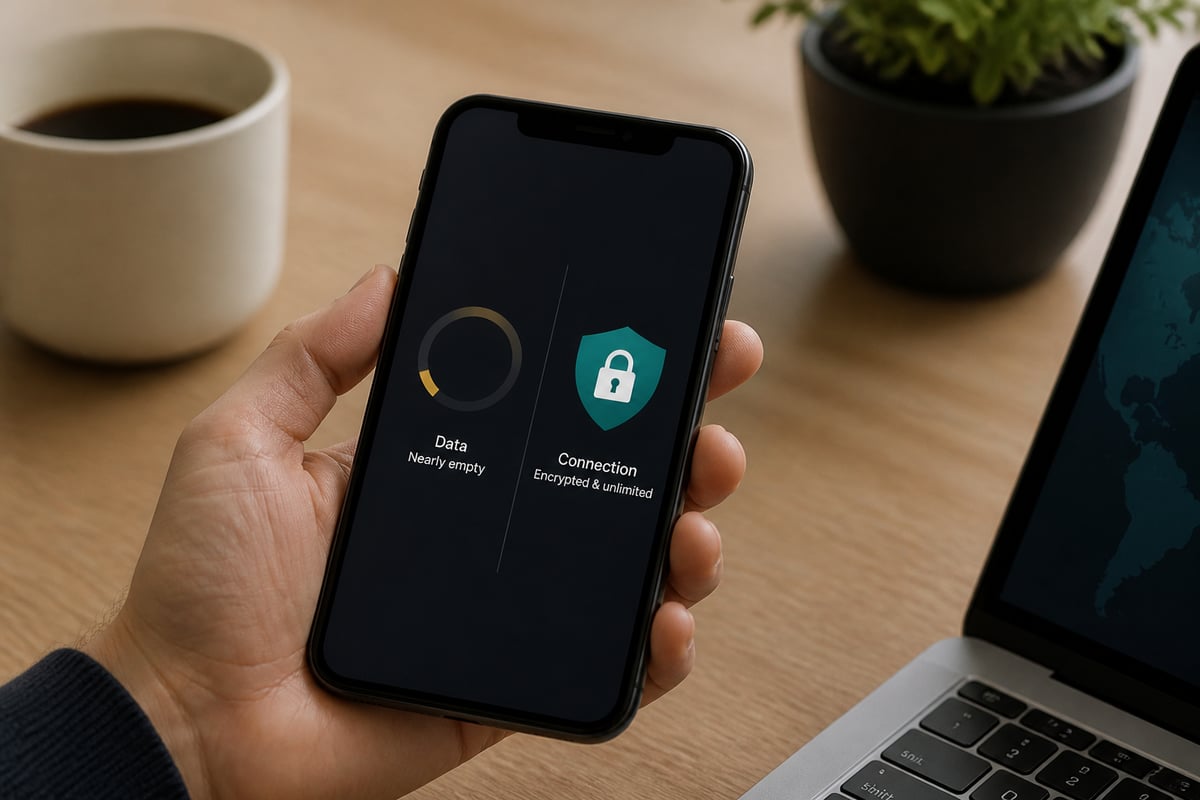
A small monthly cap lasts longer when you send only sensitive traffic through the VPN and keep data-heavy apps off it.
- Turn it on for risky networks only. Public Wi-Fi in airports, hotels and cafés is where encryption matters most; the guide to protection on public Wi-Fi explains why.
- Pause streaming over the tunnel. Video is the fastest way to burn through 500 MB or even 10 GB.
- Disable automatic app updates and photo uploads while connected, since background syncs count against your cap.
- Check usage inside the app early in the month so you can pace yourself.
Heavy users find that this discipline has a ceiling. When you are managing data every week, a paid plan with unlimited bandwidth is simpler, and a guide to cheap VPN options can help you compare costs.
FAQ
Can I use a VPN on iPhone for free?
Yes. Windscribe and TunnelBear both offer free iPhone plans, with monthly data caps of up to 10 GB and 500 MB respectively. Once you reach the cap, the VPN stops working until the allowance resets or you upgrade.
What is the best free VPN for iPhones?
For the largest free allowance among the options covered here, Windscribe is the stronger choice at up to 10 GB per month with a confirmed email. TunnelBear is simpler but offers only 500 MB, making it better for trials than regular use.
Are free VPNs safe for privacy?
Capped plans from companies that sell paid upgrades are generally safer than unlimited free apps with no clear revenue source. Review the provider's logging policy and the App Store privacy label before connecting, since the provider can see your traffic while the VPN is active.
Start by checking how much data you use in a typical month under Settings > Cellular, then compare it with the 10 GB and 500 MB free caps above; if you regularly exceed them, a paid plan is the practical fix. For unlimited bandwidth, consider ZioFree VPN 12 Months and Get Started Now to protect your iPhone without watching a data meter.