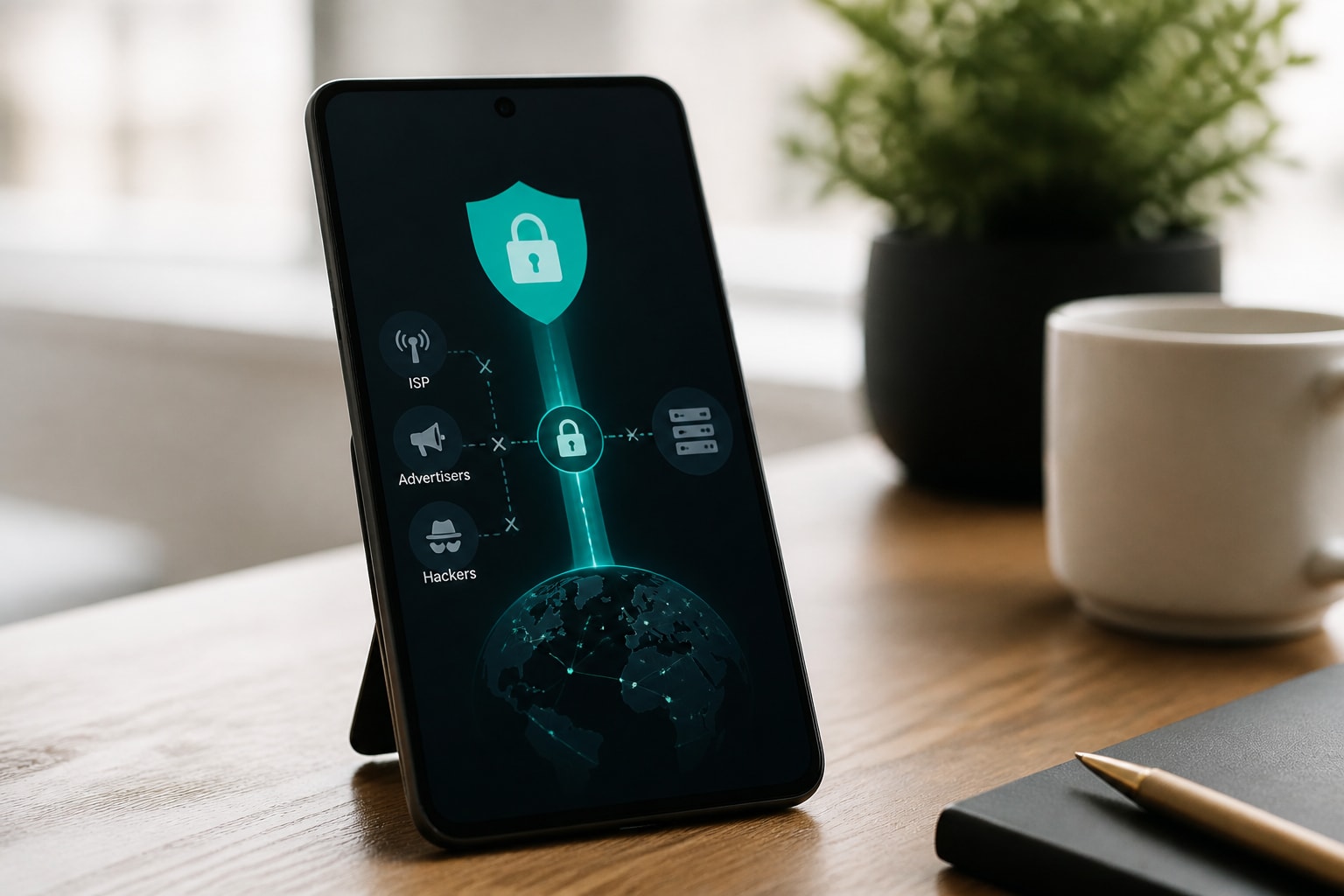



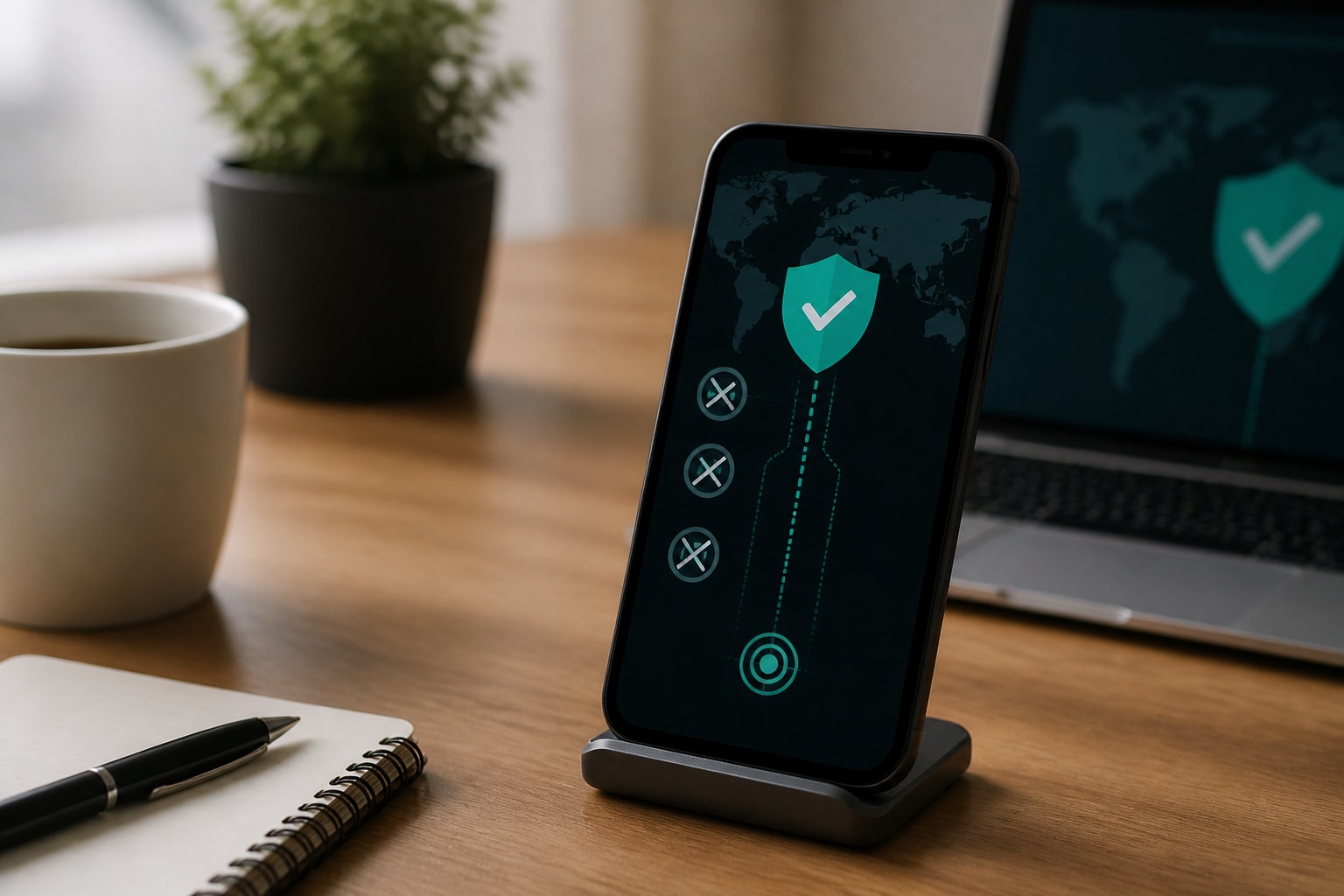
The best phone VPN for iPhone is one with a native iOS app, a verified no-logs policy, strong encryption, a kill switch and no data cap. This list ranks five options on those criteria and explains where Apple's built-in Private Relay stops and a full VPN begins, so you can choose protection that matches how you actually use your phone.
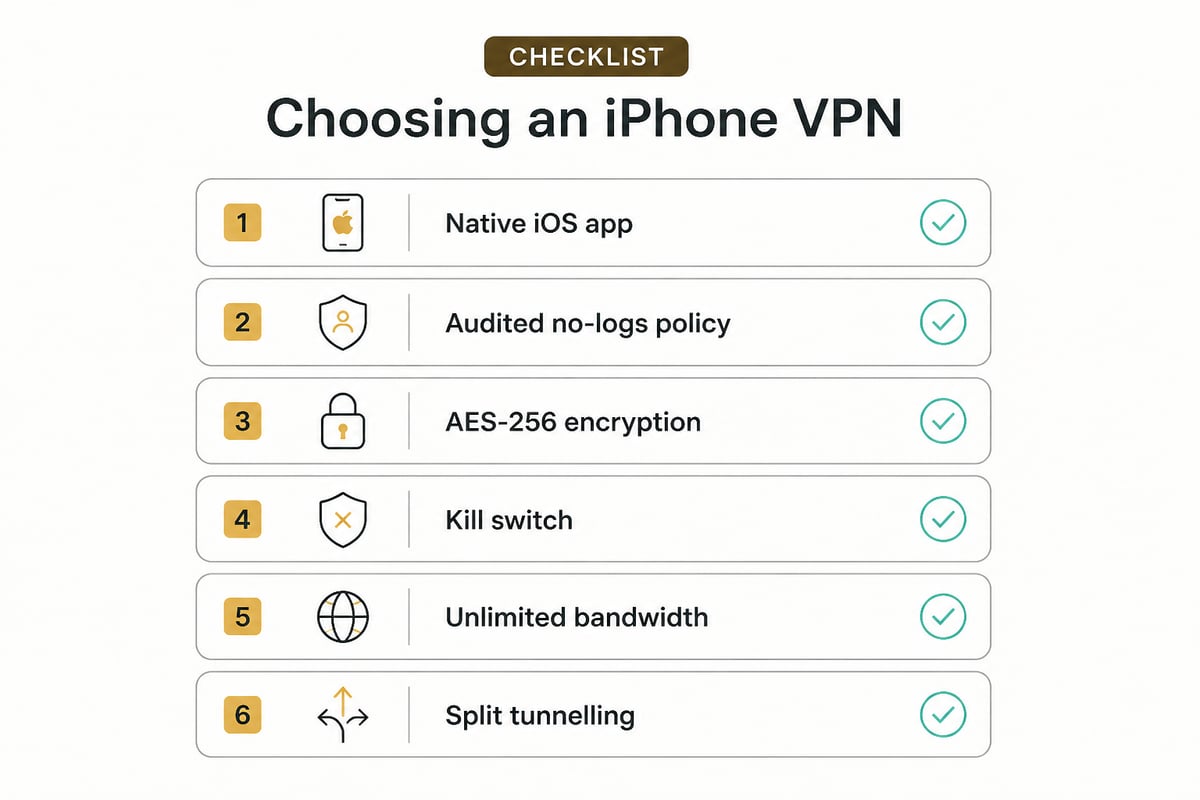
How We Ranked These iPhone VPNs
This ranking is based on published specifications, pricing and vendor documentation reviewed as of November 2026, not on hands-on lab measurements. Each service was judged on the same five points:
- Native iOS app: a dedicated app, not a manual profile setup.
- Privacy policy: what is logged, and whether independent audits exist.
- Encryption and safety features: AES-256 or equivalent, plus a kill switch.
- Limits: bandwidth caps, device limits and server access.
- Value: the monthly cost on the plan most users would pick.
Speed varies by location, carrier and server load, so treat any single speed claim with caution. A short trial on your own network is the only reliable test.
1. NordVPN
NordVPN is a long-established iOS VPN with a polished app and one of the better-documented privacy records. TechRadar lists it from about $3.49 per month and reports that its no-logs policy was audited by Deloitte at the end of 2025. An audit by a major accounting firm gives you an outside check on the provider's claims, which a marketing page alone cannot do. That matters most if you plan to route banking, email and messaging traffic through the app every day.
- Key specs: native iPhone app, audited no-logs policy.
- Approximate price: from $3.49 per month, as of November 2026, per TechRadar.
- Best use: daily protection on public Wi-Fi where an independently audited privacy policy matters to you.
- Verdict: a dependable all-rounder with the strongest audit credentials in this list.
2. Surfshark
Surfshark pairs a low entry price with unlimited simultaneous connections, which suits households with several Apple devices. TechRadar lists it from about $2.49 per month, with an offer that adds three extra months, and notes a 30-day money-back guarantee or a 7-day free trial. A family with two iPhones, an iPad and a laptop can cover every device on one subscription instead of buying separate seats. The refund window and trial also let you test the app on your own cellular and home networks before committing to a longer term.
- Key specs: native iOS app, unlimited simultaneous connections, 30-day money-back guarantee or 7-day trial.
- Approximate price: from $2.49 per month, as of November 2026.
- Best use: covering an iPhone, iPad and other devices on a tight budget.
- Verdict: the cheapest way to protect many devices, though pricing depends on the term you commit to.
3. ZioFree VPN 12 Months
ZioFree VPN 12 Months is a long-term plan built around privacy and no usage caps. It uses strong encryption for traffic and a strict no-logs policy, and it describes its advanced security protocols in general terms. Its published material does not confirm the specific server or logging details. Because nothing is stored, there is little for a server seizure or a breach to expose, and the absence of DNS and timestamp records closes off two common ways activity gets reconstructed. The unlimited bandwidth also means long streaming sessions or large iCloud backups will not run into a quota.
- Key specs: unlimited bandwidth, access to all servers, strict no-logs policy.
- Approximate price: $3.60 per month on the 12-month plan, as of November 2026. See the ZioFree VPN 12 Months page for current terms.
- Best use: privacy-focused users who want to stop their ISP and advertisers from logging browsing, with split tunnelling to route only selected apps through the VPN.
- Verdict: a strong value for a privacy-first setup, with the lowest monthly rate across ZioFree's plans. A macOS app is still in development, so it is an iPhone-first choice today.
4. ZioFree VPN Monthly
ZioFree VPN Monthly offers the same protection as the annual plan on a rolling month-to-month basis. It carries the same no-logs policy, with unlimited bandwidth and every server unlocked. Nothing is held back on the shorter term, so you are not testing a reduced version of the service. Paying month to month also keeps your commitment small if you only need coverage while traveling or working from a hotel network.
- Key specs: same unlimited bandwidth and server access as the 12-month plan, month-to-month billing.
- Approximate price: $5.83 per month, as of November 2026. Details are on the ZioFree VPN Monthly page.
- Best use: a short-term need, such as a trip or a few weeks on untrusted networks, without a long commitment.
- Verdict: the flexible option. It costs more per month than the annual plan, so switch to the longer term if you plan to keep it.
5. IPVanish
IPVanish has an iOS app and stands out for what its higher tier bundles in. The Advanced tier, about $14.99 per month as of November 2026, adds a secure browser, 1 TB of cloud storage, file synchronization, phone support and a 5 GB eSIM. Pricing for the Essential tier is not shown here. The phone support is a practical difference for anyone who prefers talking to a person over submitting a ticket, and the eSIM can supply a data connection while abroad. The value case rests on whether you would otherwise pay separately for cloud storage and a travel data plan.
- Key specs: iOS app; Advanced tier includes secure browser, 1 TB cloud storage, file sync, phone support and a 5 GB eSIM.
- Approximate price: about $14.99 per month for Advanced, as of November 2026.
- Best use: users who want a VPN bundled with storage and extra tools in a single subscription.
- Verdict: the priciest entry here, justified only if you will use the bundled extras.
Best Phone VPN for iPhone: Side-by-Side Comparison
| Service | Native iOS app | Standout feature | Approximate price (Nov 2026) |
|---|---|---|---|
| NordVPN | Yes | Deloitte-audited no-logs policy | From $3.49/month |
| Surfshark | Yes | Unlimited simultaneous connections | From $2.49/month |
| ZioFree VPN 12 Months | iPhone supported | Unlimited bandwidth, all servers | $3.60/month |
| ZioFree VPN Monthly | iPhone supported | Same plan, month-to-month | $5.83/month |
| IPVanish (Advanced) | Yes | 1 TB storage, 5 GB eSIM, secure browser | $14.99/month |
iCloud Private Relay vs a VPN: What Is the Difference?
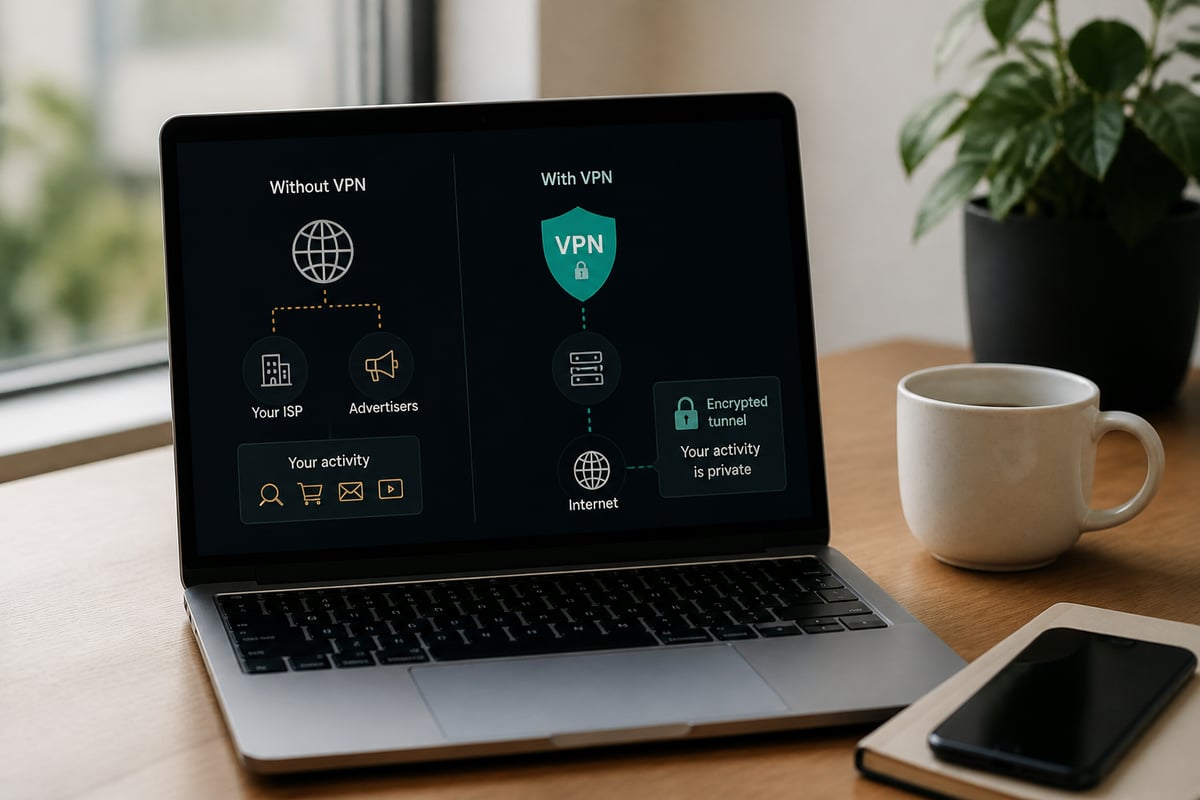
iCloud Private Relay is a limited privacy feature for Safari, while a VPN encrypts traffic from every app on your iPhone. Apple includes Private Relay with an iCloud+ subscription, and it encrypts outgoing traffic and sends it through two separate relays. Apple explains that no single party can see both who you are and which sites you visit.
The limits matter for anyone concerned about trackers and interception:
- Private Relay covers Safari browsing and DNS queries, but Apple's network guidance confirms it is not a general-purpose VPN for all apps and traffic.
- It requires iOS 15 or later and is not available in every country or region.
- It does not offer the kill switch, split tunnelling or server selection found in a full VPN app.
For protection across mail, messaging, social and banking apps, a VPN covers ground that Private Relay does not. You can run the two together, though doing so can add a layer of routing that slows connections.
Which Features Matter Most on an iPhone
The features that matter most on iPhone are a kill switch, strong encryption, a verified no-logs policy and unlimited bandwidth. Mobile devices constantly switch between Wi-Fi and cellular, which makes a few specific safeguards more important than they are on a desktop.
- Kill switch: blocks traffic if the VPN drops, so a weak cafe network cannot expose your real IP address.
- Strong encryption: protects data in transit from being read by networks in between.
- No-logs policy: limits what a provider keeps, which reduces what could ever be retrieved.
- Split tunnelling: sends selected apps through the VPN while others connect directly, useful for local banking apps.
- No bandwidth cap: streaming, video calls and backups stay uninterrupted.
If your concern is a specific app or a rule-by-rule setup, the guide to VPN settings for iPhone walks through the configuration screens in detail.
What Is the Best VPN for iPhone According to Reddit?
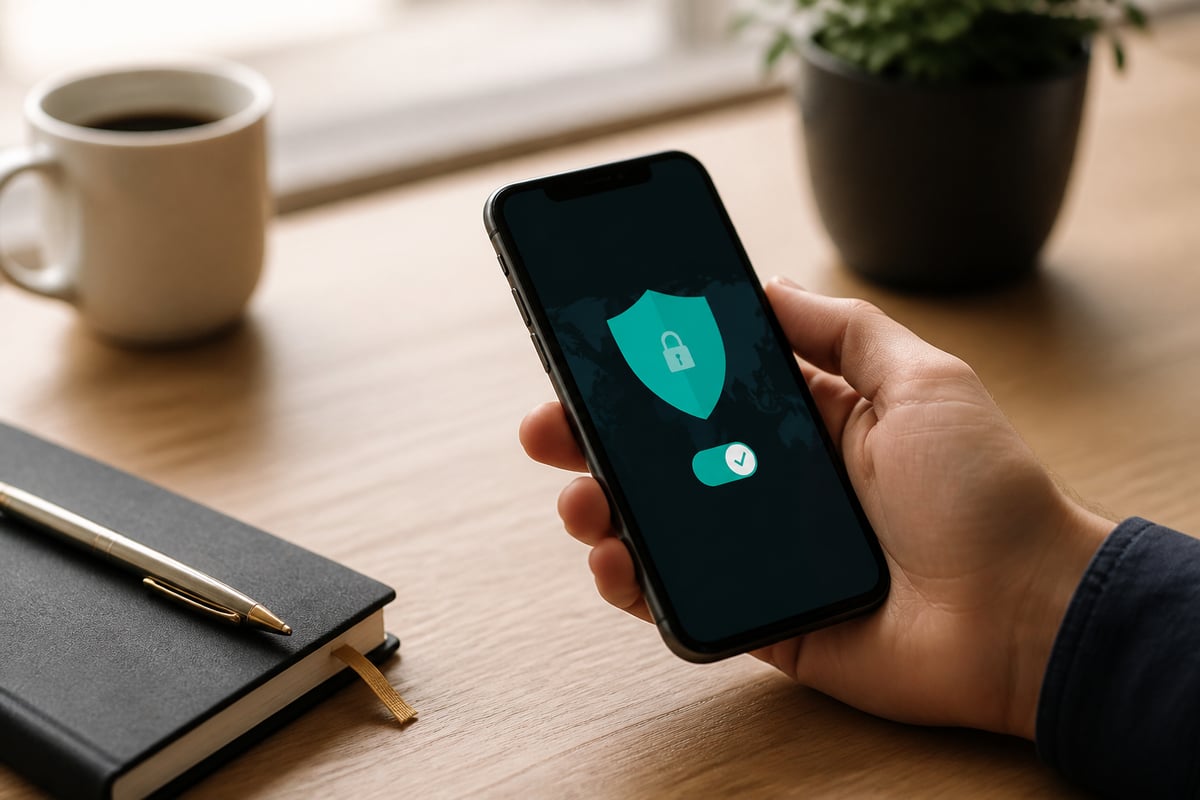
Reddit threads on the best VPN for iPhone tend to favor services with open audits, simple apps and fair pricing, but they also contain sponsored and self-promotional posts. Treat community recommendations as a starting list, then verify each claim against the provider's own documentation.
A practical filter helps. Look for named, dated audit reports, a clear statement of what is logged and what is not, and refund terms you can read before paying. Be skeptical of any recommendation that cannot point to a verifiable source. Reading a service's no-logs wording closely is more useful than counting upvotes; this overview of no-log VPN policies explains what to look for.
How to Set Up a VPN on Your iPhone
Setting up a VPN on iPhone takes only a few minutes when you use a provider's native app. Follow these steps:
- Install the VPN app from the App Store and create your account.
- Open the app and allow the VPN configuration when iOS asks for permission.
- Choose a server location, or let the app pick one automatically.
- Switch on the kill switch and, if offered, split tunnelling in the settings.
- Confirm the VPN icon appears in the status bar before browsing.
If you ever need to remove the profile, the steps to delete a VPN from an iPhone are straightforward. For a background on how iOS handles profiles, see this explanation of iPhone VPN configuration.
A Point on Free VPNs and Data Allowances
Free VPN apps usually fund themselves through data caps, advertising or data collection, which conflicts with a privacy-first goal. Free plans with fixed data allowances run out quickly with streaming or backups and often come with logging you cannot inspect. If your aim is to keep ISPs and advertisers from profiling you, a paid service with a clear no-logs policy is the safer route. The trade-offs are covered in more depth in this look at free VPN apps for iPhone.
FAQ
Which is the best VPN app for iPhone?
The best VPN app for iPhone is one with a native iOS app, an audited or clearly stated no-logs policy, strong encryption and a kill switch. NordVPN suits users who want audit credentials, Surfshark suits many-device budgets, and ZioFree suits privacy-first users who want a strict no-logs policy and no bandwidth cap.
What is the top 5 best VPN?
The top five depends on priorities, but this list ranks NordVPN, Surfshark, ZioFree VPN 12 Months, ZioFree VPN Monthly and IPVanish. Rankings shift with pricing and policy changes, so confirm current terms on each provider's site before you subscribe.
Do I still need a VPN if I use iCloud Private Relay?
Yes, if you want protection beyond Safari. Private Relay covers Safari browsing and DNS queries only, while a VPN protects traffic from all apps and adds features like a kill switch and server choice.
Start by checking which of your daily apps run outside Safari, since those are the ones Private Relay leaves exposed, and then trial a VPN on your own network. If you want a privacy-first option with a strict no-logs policy and unlimited bandwidth, the ZioFree VPN 12 Months plan is the lowest-cost way to stay protected on your iPhone. ZioFree pairs a strict no-logs policy with a global server network, so you can protect your connection and get started now.