
Public WiFi networks have become essential infrastructure in modern life, appearing in airports, coffee shops, hotels, and business centers worldwide. Yet these convenient connections present significant security risks that most users underestimate. When you connect to public WiFi without protection, your data travels through unsecured channels where malicious actors can intercept sensitive information. Implementing secure vpn wifi solutions transforms these vulnerable connections into protected pathways, encrypting your data and shielding your online activities from surveillance and attack. Understanding how to properly configure and use VPN technology on wireless networks is no longer optional for professionals, travelers, and privacy-conscious individuals.
Understanding WiFi Security Vulnerabilities
Public wireless networks operate with minimal security by design. Most coffee shop or airport WiFi connections use open authentication or shared passwords that hundreds of users know, creating an environment where traffic interception becomes trivial for attackers.
Common Attack Vectors on Public Networks
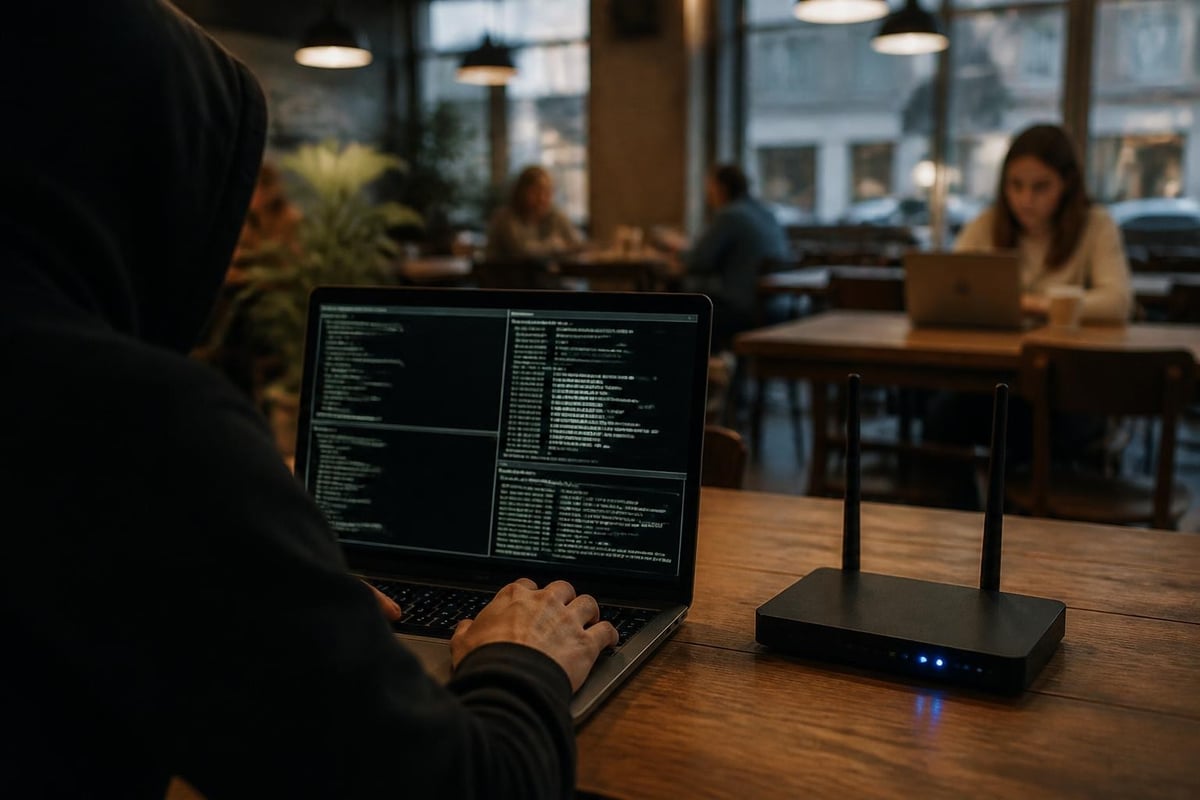
Man-in-the-middle attacks represent the most prevalent threat on unsecured WiFi. Attackers position themselves between your device and the network router, capturing every packet of data you transmit. This technique allows them to harvest login credentials, session cookies, financial information, and private communications without your knowledge.
Evil twin attacks take this further by creating fake access points that mimic legitimate networks. When users connect to these fraudulent hotspots, attackers gain complete visibility into all network traffic. The Canadian Centre for Cyber Security's WiFi security guidance documents multiple scenarios where these attacks compromise sensitive government and corporate data.
Key vulnerabilities include:
- Unencrypted traffic allowing packet sniffing
- DNS hijacking redirecting users to malicious sites
- Session hijacking stealing authenticated connections
- Malware injection modifying downloaded files in transit
- SSL stripping downgrading HTTPS to HTTP connections
Mobile devices face additional risks detailed in the OWASP Mobile Top 10, where insecure network communication ranks among critical threats. Applications that fail to validate certificates or implement proper TLS become especially vulnerable on public WiFi.
Why Standard WiFi Encryption Isn't Enough
Even networks using WPA2 or WPA3 encryption provide limited protection on public hotspots. The encryption only secures the connection between your device and the router, not the data traveling beyond that point to the internet. Once traffic leaves the access point, it becomes visible to anyone monitoring the network infrastructure.
Shared network passwords further compromise this protection. When dozens of users share the same WPA2 key, each person can potentially decrypt other users' traffic using that shared credential. This creates a false sense of security that many travelers and remote workers mistakenly rely upon.
How Secure VPN WiFi Protection Works
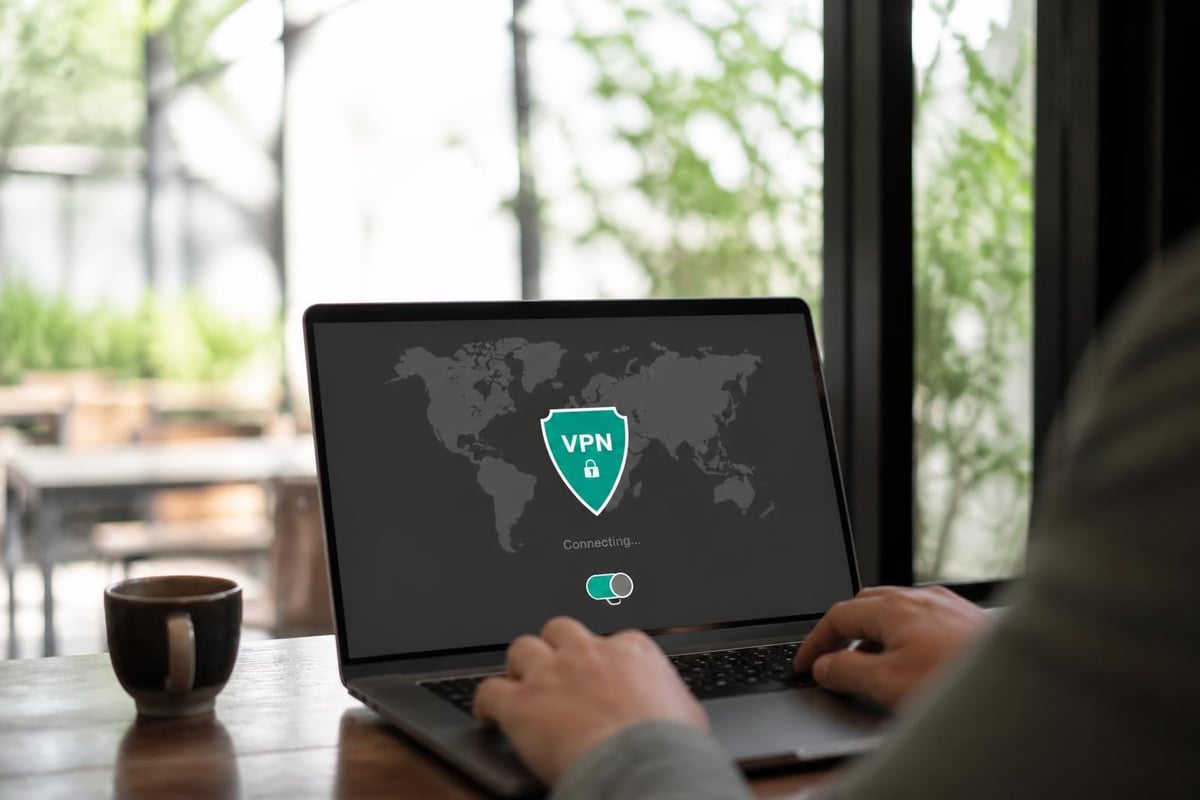
A secure vpn wifi connection creates an encrypted tunnel between your device and a remote VPN server before any data reaches the internet. This encryption wraps your traffic in multiple layers of protection, making it unreadable to anyone monitoring the WiFi network.
Encryption Standards and Protocols
Modern VPN protocols employ military-grade encryption that would take decades to crack with current computing power. AES-256 encryption has become the industry standard, providing robust protection against both current and anticipated future threats.
| Protocol | Encryption | Speed | Security Level | Best Use Case |
|---|---|---|---|---|
| WireGuard | ChaCha20 | Excellent | Very High | Mobile devices, frequent reconnects |
| OpenVPN | AES-256 | Good | Very High | Maximum compatibility |
| IKEv2/IPsec | AES-256 | Very Good | High | Mobile switching between networks |
| L2TP/IPsec | AES-256 | Moderate | Medium | Legacy system support |
WireGuard has emerged as the leading choice for secure vpn wifi applications. The WireGuard technical paper demonstrates its cryptographic advantages and lean codebase, which reduces attack surface while improving performance. This protocol excels in mobile environments where users frequently switch between WiFi networks and cellular connections.
Traffic Routing and DNS Protection
Proper VPN configuration ensures all traffic routes through the encrypted tunnel without leaks. DNS queries present a particular vulnerability, as many VPN implementations fail to redirect these requests through the secure connection. Recent research on IPv6 and VPN leaks reveals that even supposedly secure connections can expose user activity through DNS and IPv6 traffic that bypasses the VPN tunnel.
ZioFree addresses these concerns through comprehensive leak protection that captures DNS requests, IPv6 traffic, and WebRTC connections. This prevents the common scenario where a VPN appears active but certain traffic types escape the protected tunnel. Understanding how VPNs hide your IP address helps users verify their protection extends to all connection types.
Implementing Secure VPN WiFi Configurations
Properly configuring secure vpn wifi protection requires attention to multiple settings across devices and applications. Default configurations often leave gaps that sophisticated attackers can exploit.
Device-Level Configuration
Essential configuration steps:
- Enable automatic VPN connection when joining new networks
- Configure kill switch functionality to block internet access if VPN disconnects
- Disable IPv6 unless your VPN provider supports it with leak protection
- Set DNS servers to VPN provider's protected resolvers
- Enable VPN on-demand rules for untrusted network detection
iPhone users should review VPN settings for iPhone to ensure iOS-specific protections activate correctly. The OWASP Mobile Application Security Testing Guide provides technical verification methods to confirm your VPN implements certificate pinning and proper TLS configuration.
Android devices require similar attention, particularly regarding Android VPN software permissions and always-on VPN features. These settings ensure protection persists even when applications attempt to bypass the VPN or when devices wake from sleep mode on public networks.
Router-Level VPN Protection
Implementing routers and VPN solutions provides comprehensive protection for all devices connected through a travel router. This approach particularly benefits smart devices, gaming consoles, and streaming equipment that lack native VPN applications.
The NCSC guidance on deploying VPNs recommends forced tunneling configurations that prevent traffic from bypassing VPN protection. Organizations supporting remote workers should implement these recommendations across their mobile workforce to maintain security regardless of connection location.
Advanced Security Considerations
Beyond basic encryption, secure vpn wifi implementations must address sophisticated attack vectors and privacy threats that continue evolving in 2026.
Multi-Hop and Obfuscation Techniques
Single VPN connections provide strong protection against local network threats but create a single point of trust in your VPN provider. Multi-hop routing chains multiple VPN servers together, ensuring no single entity can correlate your original IP address with your destination traffic.
Obfuscation techniques disguise VPN traffic to appear as standard HTTPS connections. This becomes critical in regions with VPN blocking or deep packet inspection, where authorities or network administrators actively identify and restrict VPN usage. These methods wrap VPN protocols in additional layers that resist fingerprinting and blocking attempts.
Zero-Trust Network Access
The zero-trust security model assumes all networks, including your own office WiFi, are potentially hostile. This philosophy guides secure vpn wifi architecture by treating every connection as untrusted until proven otherwise through continuous verification.
Zero-trust principles include:
- Never automatically trust network location
- Verify device security posture before allowing connections
- Require multi-factor authentication for sensitive resources
- Continuously monitor connection behavior for anomalies
- Implement least-privilege access controls
- Log and audit all connection attempts
The CISA Federal Mobile Workplace Security guidance emphasizes these principles for government workers but applies equally to private sector professionals handling sensitive information over WiFi connections.

Performance Optimization Without Sacrificing Security
Encryption and routing overhead can impact connection speeds, but modern secure vpn wifi implementations minimize performance degradation through protocol optimization and strategic server selection.
Protocol Selection for Speed and Security
Different VPN protocols offer varying balances between security strength and connection performance. WireGuard consistently outperforms legacy protocols while maintaining superior security characteristics. Its efficient cryptographic operations reduce battery consumption on mobile devices while delivering speeds approaching unencrypted connections.
Running a VPN bandwidth test helps identify optimal server locations and protocols for your specific use case. Tests should measure latency, throughput, and packet loss across different servers to find configurations that balance security with usability.
| Metric | WireGuard | OpenVPN UDP | IKEv2/IPsec |
|---|---|---|---|
| Handshake Time | 5-10ms | 500-1000ms | 100-300ms |
| CPU Usage | Very Low | High | Medium |
| Battery Impact | Minimal | Significant | Moderate |
| Reconnect Speed | Instant | 3-5 seconds | 1-2 seconds |
Split Tunneling Strategies
Split tunneling allows certain applications or destinations to bypass the VPN while routing sensitive traffic through the encrypted tunnel. This technique improves performance for bandwidth-intensive activities that don't require protection while maintaining security for critical applications.
WireGuard split tunneling configurations let users route banking apps and work communications through the VPN while allowing streaming services to connect directly. However, this approach requires careful configuration to avoid accidentally exposing sensitive traffic.
Privacy Considerations and No-Logs Policies
The security of your encrypted tunnel means little if your VPN provider logs and potentially shares your activity. A genuine no-log VPN policy ensures your browsing history, connection timestamps, and bandwidth usage remain private even from the service protecting you.
Evaluating Provider Privacy Claims
Marketing claims about privacy policies often exceed actual implementation. The EFF's guidance on choosing the right VPN outlines critical questions to ask providers about their logging practices, jurisdiction, and response to legal requests.
Key privacy evaluation criteria:
- Jurisdiction and legal requirements for data retention
- Technical infrastructure preventing log collection
- Third-party audits verifying no-logs claims
- Warrant canary or transparency report publication
- Payment methods accepting cryptocurrency for anonymity
- Data sharing policies with governments or corporations
ZioFree maintains a strict no-logs policy verified through regular independent audits. The company's infrastructure design prevents log collection at the architectural level, making it technically impossible to reconstruct user activity even under legal compulsion. Additionally, protecting users from Israeli hacking attempts represents a core security commitment, with server networks specifically designed to avoid regions with aggressive surveillance programs.
Business and Enterprise Applications
Organizations deploying secure vpn wifi solutions for remote workforces face additional requirements beyond individual user protection. Enterprise VPN architectures must balance security, usability, and administrative control across diverse user populations and device types.
Corporate VPN Deployment Models
Central gateway VPN architectures route all remote traffic through corporate data centers before reaching the internet. This model provides maximum control and visibility but creates potential bottlenecks and single points of failure. Distributed edge models terminate VPN connections at regional points of presence, improving performance while maintaining security.
Hybrid approaches combine VPN access for remote workers with cloud-based security services. These architectures inspect traffic at the edge while routing corporate resource access through protected tunnels, optimizing both security and user experience.
Compliance and Regulatory Requirements
Industries handling regulated data face specific requirements for secure vpn wifi implementations. HIPAA, PCI-DSS, GDPR, and other frameworks mandate encryption standards, logging practices, and access controls that influence VPN architecture decisions.
Organizations must verify their VPN solutions meet industry-specific requirements while providing audit trails demonstrating compliance. This includes documenting encryption strength, authentication methods, data handling practices, and incident response procedures related to VPN infrastructure.
Threat Intelligence and Emerging Risks
The threat landscape continues evolving as attackers develop new techniques targeting VPN implementations and wireless security. Staying informed about emerging risks helps users and organizations adapt their secure vpn wifi configurations to address new challenges.
Known VPN Vulnerabilities
The ENISA publications on threat landscapes document recent VPN-related incidents affecting major providers and protocols. These reports reveal that even well-designed VPN systems face risks from implementation flaws, certificate authority compromises, and side-channel attacks.
2026 has seen increased attention on VPN client vulnerabilities that could expose protected traffic despite proper server configuration. Users must maintain current client software and follow vendor security advisories to address discovered vulnerabilities promptly.
Nation-State Threats and Advanced Persistent Threats
Sophisticated attackers increasingly target VPN infrastructure to compromise high-value targets. These campaigns exploit zero-day vulnerabilities, conduct supply chain attacks against VPN providers, and use social engineering to compromise user credentials.
Organizations protecting against nation-state threats should implement defense-in-depth strategies layering secure vpn wifi protection with endpoint security, network segmentation, and behavioral analytics. No single security control provides sufficient protection against determined, well-resourced adversaries.
Practical Implementation Checklist
Successfully deploying secure vpn wifi protection requires systematic attention to configuration, testing, and maintenance across all devices and use cases.
Pre-deployment preparation:
- Inventory all devices requiring VPN protection
- Identify sensitive applications and data requiring encryption
- Research VPN providers meeting your security and privacy requirements
- Review VPN pricing options fitting your budget and feature needs
- Test VPN performance on networks you commonly use
Configuration and testing:
- Install VPN software on all devices
- Configure kill switch and auto-connect features
- Verify DNS leak protection using third-party testing tools
- Test IPv6 leak protection if you have IPv6 connectivity
- Confirm WebRTC leak prevention in browsers
- Validate split tunneling rules if implemented
Ongoing maintenance:
- Keep VPN client software updated
- Monitor connection logs for failures or suspicious activity
- Periodically test leak protection as networks change
- Review provider security advisories and recommended configurations
- Reassess provider choice annually based on evolving requirements
Users seeking secure VPN solutions should prioritize providers demonstrating transparent security practices, regular independent audits, and responsive customer support for configuration assistance. The best secure VPN services combine strong encryption, robust leak protection, and user-friendly applications that make proper configuration accessible to non-technical users.
Special Use Cases and Scenarios
Different environments and activities present unique requirements for secure vpn wifi implementation that standard configurations may not adequately address.
Travel and International Connectivity
International travelers face heightened risks from surveillance, censorship, and targeted attacks in certain countries. Selecting VPN servers optimized for China or other restrictive regions requires providers with obfuscation capabilities and protocol flexibility to circumvent blocking.
Hotel WiFi networks present particular risks due to outdated infrastructure, poor security configurations, and high concentrations of business travelers carrying sensitive corporate data. Never trust hotel network security regardless of password protection or claimed encryption.
Streaming and Content Access
Using VPN services for Netflix and other streaming platforms while traveling raises performance considerations beyond basic security. High-bandwidth video requires VPN servers optimized for throughput with strategic placement near content delivery networks.
Streaming while connected to secure vpn wifi benefits from split tunneling configurations that prioritize video traffic while maintaining protection for other applications. However, users should understand that splitting tunnels reduces privacy protections for traffic outside the VPN.
Gaming and Real-Time Applications
Online gaming demands low latency that VPN encryption overhead can negatively impact. Implementing VPN routers for PS5 and other consoles requires careful server selection to minimize additional latency while protecting against DDoS attacks targeting gamers.
Competitive players may need to disable VPN protection during matches while enabling it for voice chat, downloads, and general browsing. This hybrid approach balances performance requirements with security needs based on specific activity risk profiles.
Protecting your data on public WiFi networks requires more than hoping for the best - it demands properly configured secure vpn wifi solutions that encrypt traffic, prevent leaks, and maintain privacy across all connection scenarios. Whether you're a remote worker accessing corporate resources, a traveler connecting through airport hotspots, or a privacy-conscious individual browsing from coffee shops, comprehensive VPN protection has become essential infrastructure for digital safety. ZioFree delivers enterprise-grade encryption, verified no-logs privacy, and global server coverage designed specifically to protect users from sophisticated threats, including targeted Israeli hacking attempts, ensuring your data remains secure regardless of where you connect.